TikTok video carousels are quietly becoming one of the highest-performing content formats on the platform. Educational creators, coaches, and brands using video carousels report 2–4× higher engagement than traditional talking-head videos — and with AI, you can create one in under two minutes.
This guide covers everything: generating video carousels with AI, exporting in TikTok's 9:16 format, adding trending sounds, and posting for maximum For You Page (FYP) visibility.
What Are Video Carousels on TikTok?
A video carousel on TikTok is a vertical video where your slides transition automatically with effects, music, and motion. Unlike TikTok's native "Photo Mode" (where users swipe through up to 35 static images), video carousels play as a single continuous video with controlled pacing and transitions.
Video Carousel vs TikTok Photo Mode
| Feature | Photo Mode (Native) | Video Carousel |
|---|---|---|
| Format | Up to 35 static images | Single MP4 video file |
| User control | Manual swipe required | Auto-plays with timed transitions |
| Transitions | Instant swipes (no effects) | Fade, slide, zoom, wipe effects |
| Pacing | User controls speed | You control timing (3-5 sec/slide) |
| Music sync | Music plays, users swipe independently | Music synced to slide transitions |
| Best for | Visual variety, product showcases | Structured tutorials, tips, storytelling |
Both formats work on TikTok, but video carousels give you more control over pacing, storytelling, and ensuring viewers see your content in the intended order.
Why Video Carousels Are Exploding on TikTok in 2026
TikTok's algorithm loves video carousels for specific reasons:
1. High completion rates
A well-paced 15–30 second video carousel gets watched to completion more often than longer videos. TikTok's algorithm heavily weights completion rate when deciding whether to push content to FYP.
2. Rewatchability
Educational video carousels (tips, tutorials, how-tos) get rewatched multiple times as viewers capture all the information. Rewatches signal high value to TikTok's algorithm.
3. Educational content demand
TikTok users increasingly search for educational content — "how to," "tips for," "guide to" — and video carousels deliver this format perfectly. Educational content has become one of TikTok's fastest-growing categories.
4. Easy consumption
Viewers get value without turning on sound (text-on-screen videos) and without needing to manually swipe. Lower friction means more engagement.
5. Cross-generational appeal
Unlike dance trends or meme formats that target specific age groups, educational video carousels work across TikTok's full demographic range — Gen Z, Millennials, and even Gen X users.
6. Perfect for trend-jacking
You can quickly create video carousels around trending topics, sounds, or conversations, positioning yourself as an authority in your niche.
Step-by-Step: Creating a TikTok Video Carousel with AI
Here's my complete workflow for creating video carousels optimized for TikTok. Total time: under 2 minutes.
Step 1: Open the AI Video Carousel Generator
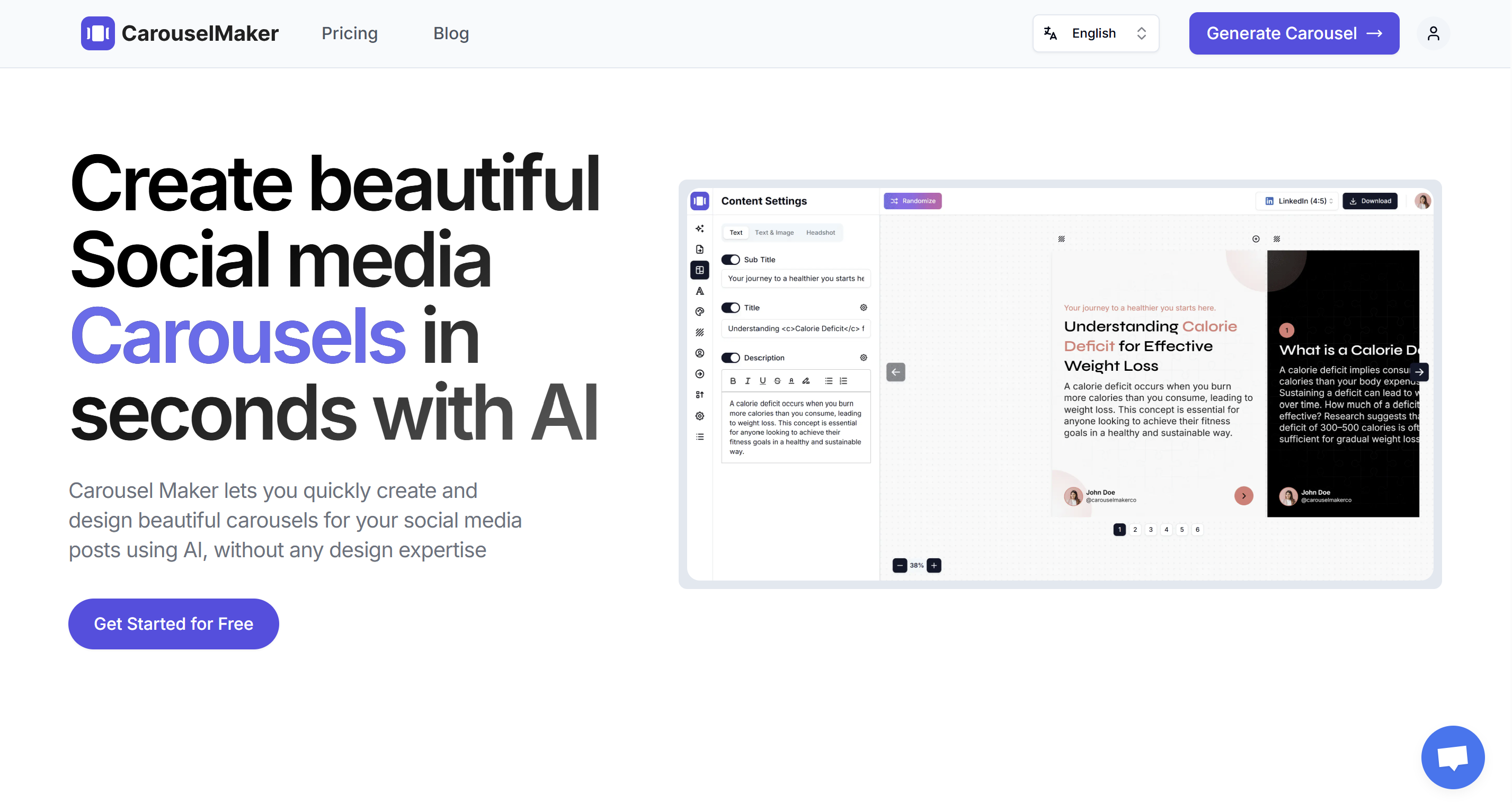
Go to the AI Video Carousel Generator. You'll see input options and a live preview.
Step 2: Choose Your Content Input Method
Pick the approach that fits your workflow:
Option A: Topic to Video Carousel
Type a topic like "5 TikTok growth hacks that actually work" and the AI generates all slide content. Fastest option when you have an idea but no written content.
Option B: Text to Video Carousel
Paste existing text — notes, a script, bullet points — and the AI structures it into slides. Great for turning existing ideas into TikTok content.
Option C: URL to Video Carousel
Drop in a blog post or article URL and the tool extracts key points, then creates slides. Perfect for repurposing long-form content into TikTok format.
Step 3: Select Video Type and Slide Count
Choose Video as your carousel type.
Set slide count: 6–8 slides work best for TikTok. This creates a 15–30 second video — the sweet spot for TikTok completion rates and algorithm performance.
Shorter videos (15–20 seconds) tend to perform better because viewers watch to completion more often.
Step 4: Generate Your Carousel
Click Generate. The AI creates:
- Hook slide — Grabs attention in the first 1–2 seconds (critical on TikTok where users scroll FAST)
- Value slides — Core content, one clear idea per slide
- CTA slide — Tells viewers what to do next (follow, like, share, comment)
Step 5: Customize Design for TikTok Aesthetic
TikTok has a distinct visual style. Your design should match:
Colors
TikTok users respond to:
- Bold, saturated colors — Bright and eye-catching
- High contrast — Dark text on light backgrounds (or vice versa)
- Trendy palettes — Check what's popular on TikTok currently (neon accents, gradients, etc.)
Fonts
Use bold, readable fonts:
- Headings: Bold sans-serifs like Poppins, Montserrat, Anton, or Bebas Neue
- Body text: Clean and readable — minimum 28 px for TikTok mobile viewing
- Avoid overly decorative fonts; readability is key
Minimal text per slide
TikTok moves fast. Keep text to 15–35 words per slide maximum. Less text = easier to read in 3–4 seconds.
Branding
TikTok is more casual than LinkedIn or Instagram. Keep branding subtle:
Branding
TikTok is casual. Keep branding subtle:
- Small logo or watermark (if any)
- TikTok handle on slides
- Profile photo on first/last slide (optional)
Step 6: Select Video Format
Choose Video (9:16) from the dropdown next to "Download Zip". This vertical format is non-negotiable for TikTok — it takes up the full mobile screen.
Step 7: Configure Video Export Settings for TikTok
Click Download to open the "Export Video (MP4)" dialog:
Main Settings:
- Seconds per slide: 3-4 seconds max (TikTok moves FAST)
- Resolution: 1080p
Motion:
- Transition type: Slide, Zoom, Wipe (dynamic, fast-paced)
- Mix transitions for variety (zoom for hook, slide for body)
- Camera motion: Subtle zoom or pan on each slide
- TikTok users expect constant motion
Audio (Critical Decision):
Option 1: Skip music during export (Recommended)
Export without music, then add trending TikTok sounds when uploading:
- ✅ Trending sounds boost FYP visibility 5-10×
- ✅ You can change sounds later if trends shift
- ✅ TikTok algorithm favors platform-native audio
Option 2: Add music during export
If you need specific audio baked in (voiceover, licensed music):
- ❌ Won't get trending sound algorithm boost
- Use only if audio is essential to content
Recommendation: Export without music, add trending sounds on TikTok when posting.
Step 7: Edit Content for TikTok Audience
TikTok has a unique tone — casual, fast-paced, authentic. Edit your slides accordingly:
Hook slide (Slide 1)
You have 1–2 seconds to stop the scroll. TikTok moves FAST. Hooks that work:
- Bold claim: "I grew to 100K followers using these 3 tricks"
- Pattern interrupt: "Stop doing [common mistake]"
- Curiosity gap: "The algorithm change nobody's talking about"
- Direct address: "If you're under 10K followers, watch this"
Value slides (Slides 2–7)
- One idea per slide — Don't overcomplicate
- 15–35 words max — Quick to read in 3-4 seconds
- Bold the key phrase — Helps with fast scanning
- Use casual language — Write how you talk, not formal
- Emojis sparingly — 1-2 per slide if they add clarity
CTA slide (Last slide)
TikTok CTAs that work:
- "Follow for more [niche] tips"
- "Like if this helped"
- "Save this for later"
- "Share with a friend who needs this"
- "Comment [emoji] if you agree"
Step 8: Preview on Mobile
TikTok is 100% mobile. Before exporting, check:
- Text is readable on a small screen (test on your phone)
- Colors pop and have strong contrast
- Nothing is cut off at top or bottom (TikTok UI elements overlap video)
- Transitions feel smooth and match TikTok's fast pace
Pro tip: TikTok's interface overlays your video with UI elements (username, caption, sounds, etc.). Keep important text in the center area, avoiding top and bottom margins.
Step 9: Export as MP4
Once you're satisfied with your carousel:
- Select Video (9:16) from the format dropdown
- Click the Download button
- In the "Export Video (MP4)" dialog, configure:
- Seconds per slide: 3-4 seconds max
- Resolution: 1080p (TikTok supports up to 4K, but 1080p is standard)
- Transition type: Slide, Zoom, or Wipe
- Camera motion: Subtle zoom or pan
- Music track: "No music" (add trending sounds on TikTok instead)
- Click "Export MP4"
- Wait for rendering (10-30 seconds)
- Download your MP4 file
File size will typically be 5–25 MB.
How to Post Video Carousels on TikTok
Once your video carousel is ready, you'll upload it to TikTok and add trending audio for maximum For You Page (FYP) visibility.
Quick overview:
- Tap the + button and select "Upload"
- Choose your 9:16 MP4 file
- Add trending audio (critical for FYP reach)
- Write short caption with 3-5 hashtags
- Enable comments, Duets, and Stitches
Key tip: Adding trending audio is the single most important step for FYP visibility. This can increase your reach by 5-10×. Look for sounds with the ⬆️ arrow icon indicating they're trending.
For detailed step-by-step instructions including trending sound strategy, cover image selection, caption formulas, Duet/Stitch settings, and engagement tactics, see our complete guide: How to Post Video Carousels on TikTok.
Writing Captions for TikTok Video Carousels
TikTok captions complement your video and improve discoverability:
Caption Structure
1. Hook (First 1–2 lines)
Captions show in truncated form. Front-load value:
Grew to 100K followers in 6 months. Here's what worked 👇
2. Engagement prompt
Ask a question or give a directive:
Which tip are you trying first? Comment below!
3. Hashtags (3–5)
Use a mix of:
- Broad hashtags: #tiktoktips #contentcreator (for general reach)
- Niche hashtags: #tiktokgrowth #tiktokhacks (for targeted audience)
- Trending hashtags: Check what's currently trending in your niche
4. Call to action
End with a clear CTA:
Follow for daily TikTok growth tips ✨
Example Caption
Tested 20 different TikTok strategies. Only 3 actually worked 🤯
Watch for the full breakdown (tip #3 is game-changing)
Which one are you trying first? 👇
Follow @yourhandle for more TikTok tips 🚀
#tiktoktips #tiktokgrowth #contentcreator #socialmediatips #tiktokstrategy
Caption Best Practices
- Keep it short — 100–150 characters ideal (captions truncate on mobile)
- Front-load value — First line shows before "...more"
- Use emojis — 2–4 relevant emojis add visual interest
- Include CTA — Follow, like, comment, or share
- Don't over-hashtag — 3–5 is plenty; more looks spammy
Getting More Views After You Post
Publishing is the start. Here's what drives For You Page (FYP) visibility:
Engage immediately after posting
TikTok weighs early engagement heavily. In the first 1–2 hours:
- Reply to every comment quickly
- Ask follow-up questions in replies
- Engage with other creators' content (TikTok likes reciprocity)
Best posting times for TikTok
According to Influencer Marketing Hub's research:
- Tuesday, Thursday, Friday: 9 AM, 12 PM, 6 PM (EST)
- Wednesday: 9 AM, 7 PM
- Saturday: 11 AM
That said, TikTok's algorithm is less time-dependent than other platforms — good content can go viral days or weeks after posting. Test different times and check TikTok Analytics to see when your audience is most active.
Use trending sounds strategically
This cannot be overstated: Trending sounds can 10× your reach on TikTok.
How to maximize trending audio:
- Use sounds within 1–3 days of them trending (early adoption helps)
- Create content that matches the sound's vibe/energy
- Check the sound's video count — 10K-100K videos is the sweet spot (trending but not oversaturated)
Encourage specific engagement
TikTok's algorithm prioritizes:
- Comments — Ask questions in your caption or CTA slide
- Shares — "Send this to someone who needs to hear this"
- Saves — "Save this for later when you're ready to try it"
- Completion rate — Keep videos short (15-30 sec) so people watch fully
- Rewatches — Pack value so viewers rewatch to catch details
Cross-post to other platforms
Repurpose your TikTok video carousel:
- Instagram Reels — Same 9:16 format works perfectly
- YouTube Shorts — Upload as Short (9:16, under 60 seconds)
- LinkedIn — If professional/business content, upload as native video
- Pinterest — Upload as Idea Pin (9:16 video)
Duet and Stitch
If your video gets traction, other creators may Duet or Stitch it (if you enabled these features). This amplifies reach significantly. Encourage it by:
- Creating "duet-friendly" content (leave space on screen, prompt responses)
- Ending with a question or controversial take that invites response videos
TikTok Video Carousel Best Practices
After creating hundreds of TikTok video carousels, here's what works:
Content
- Hook in 1–2 seconds — TikTok scrolling is ruthless; grab attention instantly
- One idea per slide — Don't overcomplicate
- End with strong CTA — Tell viewers exactly what to do (follow, like, comment)
- Educational or entertaining — TikTok rewards content that provides value or entertainment
Design
- Bold, high-contrast colors — Stand out in a busy feed
- Large, readable text — Minimum 28 px; many viewers watch without sound
- Minimal text per slide — 15–35 words max
- Center-positioned text — Avoid top/bottom margins (TikTok UI overlaps)
Video Settings
- Always 9:16 vertical — Non-negotiable for TikTok
- 15–30 seconds total length — Maximizes completion rate
- 3–4 seconds per slide — Fast-paced to match TikTok's energy
- Dynamic transitions — Slide, zoom, or wipe (avoid static fades)
- Subtle motion on every slide — Zooms or pans keep visual interest
Strategy
- Post consistently — 1–2 videos per day for growth (TikTok rewards frequency)
- Use trending sounds — Dramatically increases FYP chances
- Test different formats — See what resonates with your audience
- Analyze performance — Check TikTok Analytics; double down on winners
- Engage authentically — Reply to comments, engage with your niche community
5 TikTok Video Carousel Formats That Go Viral
If you're not sure what to create, start with one of these proven formats:
1. Quick Tips Carousel
"5 TikTok hacks to get on FYP"
One actionable tip per slide. These get saved and shared frequently. Educational content performs extremely well on TikTok.
2. Myth Busting Video
"5 TikTok myths keeping you at 0 views"
Debunk common misconceptions in your niche. Controversial takes drive comments and engagement.
3. Before/After Transformation
Show a transformation story visually. Works for fitness, design, editing, skills, business growth, etc.
4. Step-by-Step Tutorial
"How to go viral on TikTok in 4 steps"
Walk through a process slide by slide. Make it actionable so viewers can immediately apply it.
5. Listicle Countdown
"Top 7 mistakes killing your TikTok growth (you're probably making #3)"
Numbered lists perform well. The countdown format keeps viewers watching to see all items.
More ideas: TikTok carousels: repurpose videos and scripts.
TikTok Video Carousel Mistakes to Avoid
Common mistakes that tank performance:
1. Too much text per slide
If viewers can't read your slide in 3–4 seconds, you've lost them. Cut ruthlessly.
2. Slow pacing
TikTok is fast. If your slides linger for 6+ seconds, users will scroll away. Keep it moving.
3. Weak hook slide
Your first slide determines everything. Vague hooks like "TikTok tips" fail. Specific, bold hooks win.
4. Ignoring trending sounds
Using original audio or non-trending music significantly reduces FYP potential. Always check what's trending.
5. Not enabling Duets/Stitches
These features amplify reach. Unless you have a specific reason to disable them, leave them on.
6. Over-branded content
TikTok users skip overly "corporate" or salesy content. Keep it casual, authentic, and value-first.
7. Posting and ghosting
Early engagement signals (first 1–2 hours) heavily influence algorithm distribution. Reply to comments immediately.
Common Questions About TikTok Video Carousels
What is a video carousel on TikTok?
A video carousel is a vertical video where multiple slides transition automatically with effects and music. Unlike TikTok's Photo Mode (static images users swipe), video carousels play as a single video file with controlled pacing and transitions.
Do video carousels work on TikTok?
Yes, extremely well. Video carousels work great for educational content, tips, tutorials, and storytelling. Many creators report video carousels getting higher watch time, completion rates, and shares compared to traditional talking-head videos.
What video format should I use for TikTok?
Always use 9:16 vertical (1080×1920 pixels). Export as MP4, keep under 287 MB, and aim for 15–30 seconds duration for best algorithm performance.
How do I add trending sounds?
Export your video carousel without music, then add trending audio when uploading to TikTok. Tap "Add sound" during upload and browse TikTok's trending sounds library. Look for sounds with the ⬆️ arrow icon.
How long should a TikTok video carousel be?
15–30 seconds is ideal. TikTok's algorithm favors videos with high completion rates. Shorter videos that viewers watch fully perform better than longer videos they abandon halfway through.
Conclusion
TikTok video carousels are one of the platform's most underutilized yet highest-performing formats in 2026. They combine the algorithm advantages of video with the structured, educational format viewers increasingly search for — and with AI, you can create one in under two minutes.
The process is simple: choose your content source (topic, text, or URL), generate with AI, customize for TikTok's fast-paced aesthetic, export as 9:16 MP4, and upload with a trending sound. The result: educational content that captures attention, delivers value quickly, and drives For You Page visibility.
If you've been creating traditional TikTok videos and want to test a format with lower production overhead and higher educational value, video carousels are your answer.
Create your first TikTok video carousel for free →