
How to Post a Carousel on Threads (Step-by-Step)
Learn how to post a carousel on Threads in a few simple steps — from creating your slides to publishing your post.
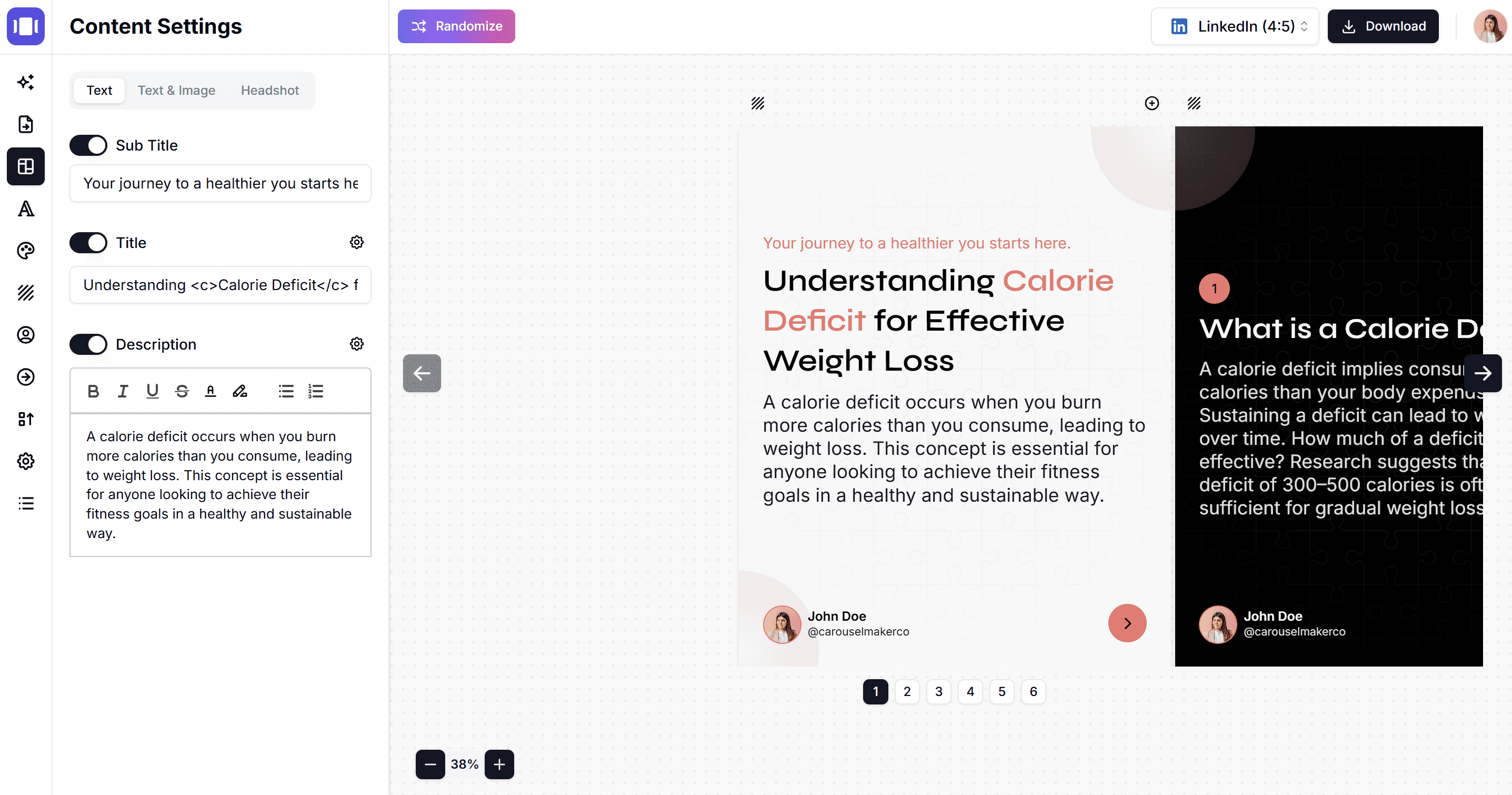
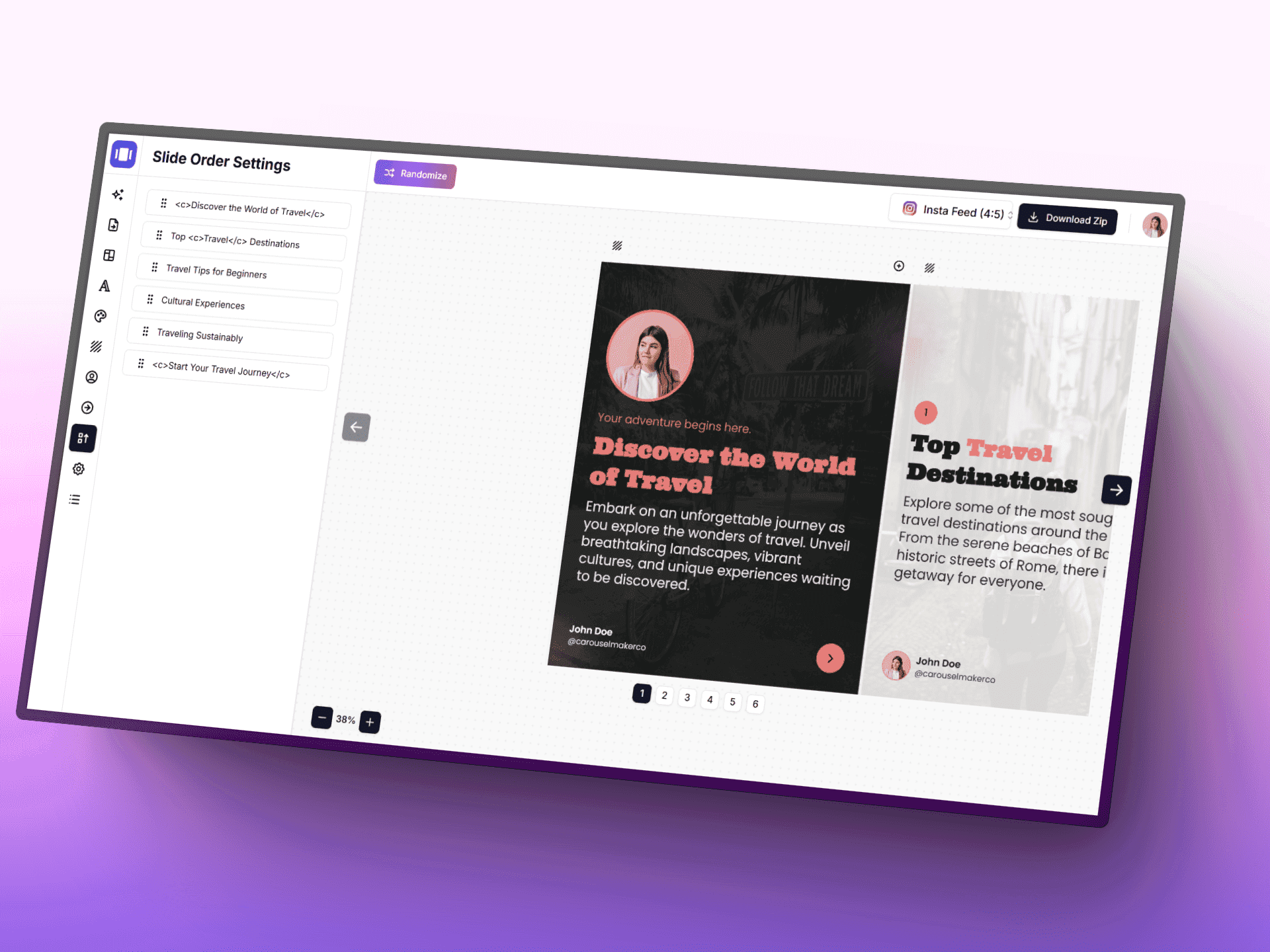
Carousel Maker lets you quickly create and design beautiful carousels for your social media posts using AI, without any design expertise

Everything you need to create content that gets noticed — carousels, infographics, and LinkedIn posts, all powered by AI.
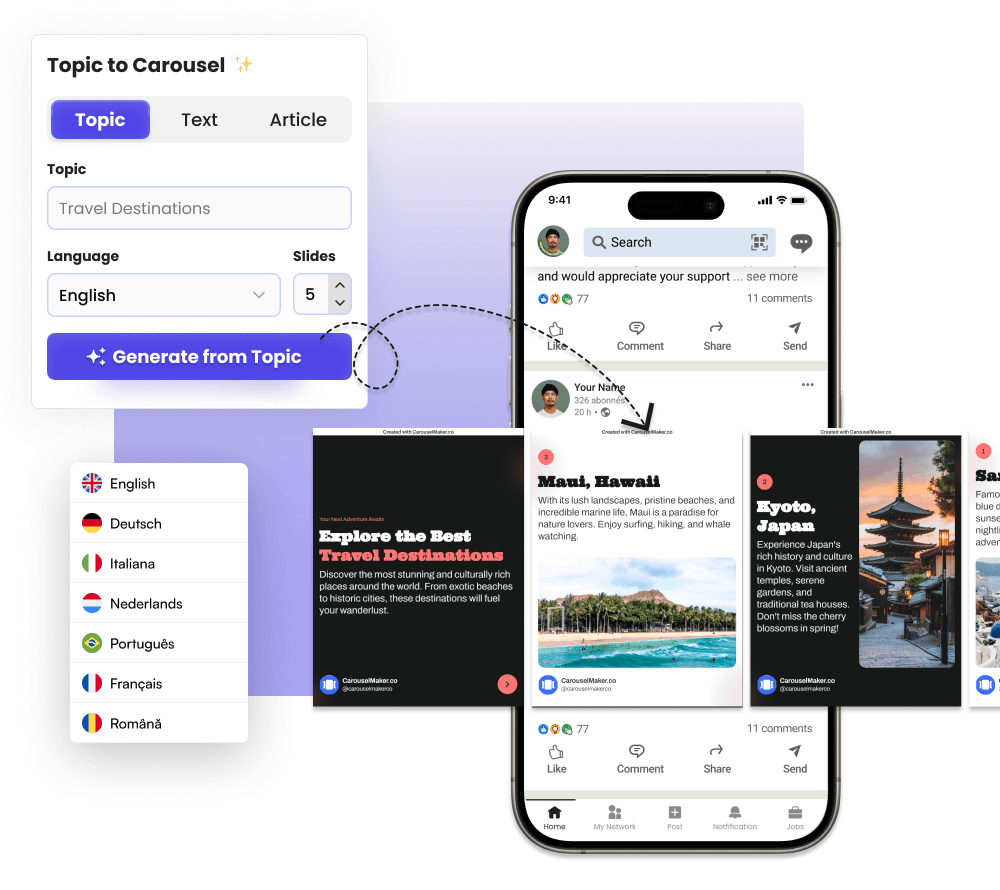
Transform any topic, blog post, or idea into beautiful multi-slide carousels for LinkedIn, Instagram, TikTok, and more. AI writes the copy, you control the design.
Turn complex data, lists, or ideas into eye-catching infographics in seconds. Pick a template, enter your topic, and let AI do the heavy lifting.
Write scroll-stopping LinkedIn posts with a single click. Choose your tone, post type, and length — the AI crafts compelling content that drives engagement.
New export features
Features

AI-Powered Carousel Generator
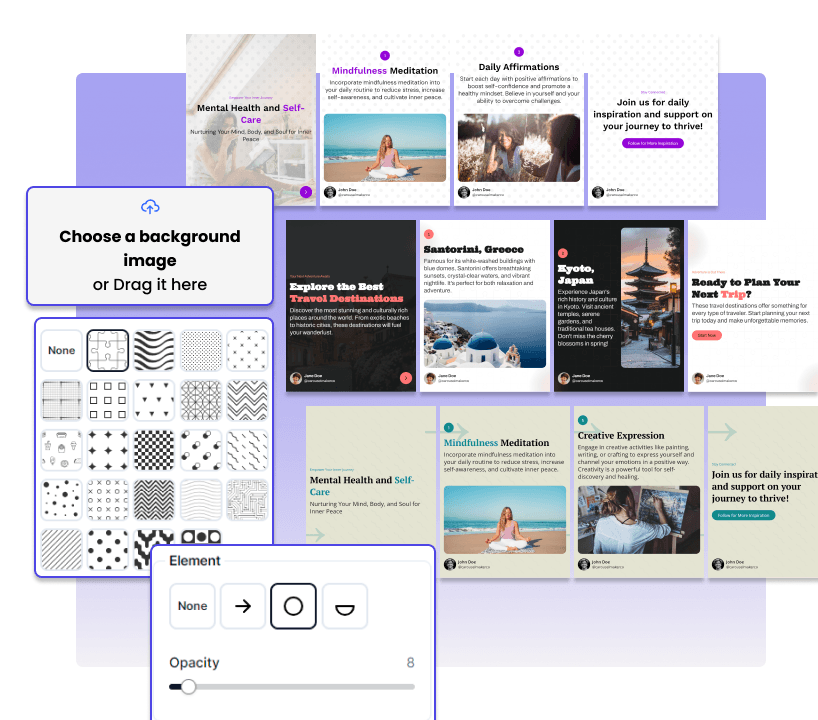
Flexible Templates and Designs


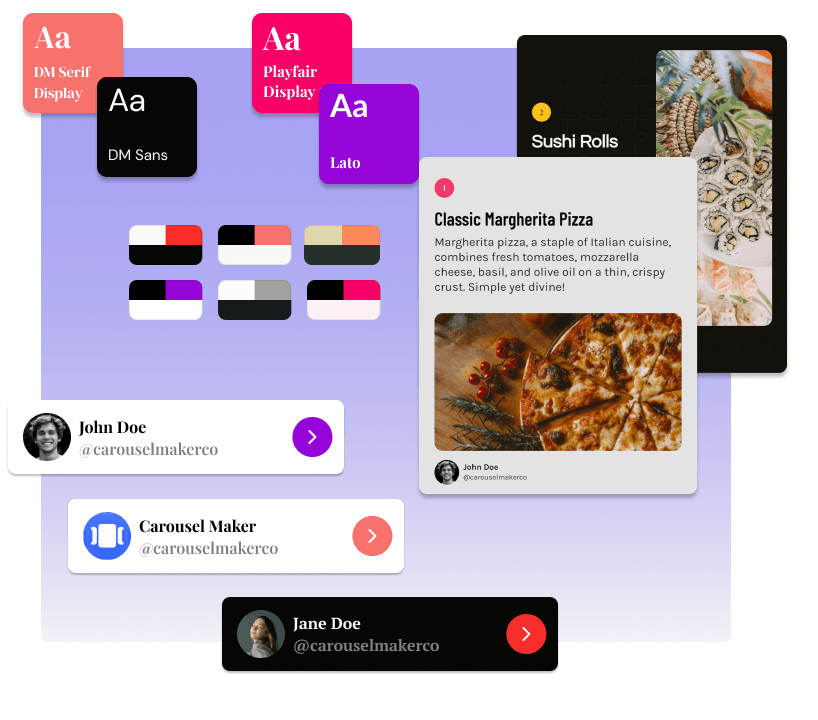
Seamless Branding Integration
User-Friendly Settings


Learn how to post a carousel on Threads in a few simple steps — from creating your slides to publishing your post.

Carousel Maker now supports MP4 video exports with transitions, camera motion, and music, plus PowerPoint (PPTX) export in 16:9.

A practical guide to creating and maintaining consistent visual branding across Instagram, TikTok, and LinkedIn carousels. Covers color palettes, typography, layouts, templates, and workflows for keep