


Ship beautiful visual content without the design grind.
Ten powerful capabilities, one streamlined editor. Designed for creators who post daily.
AI Infographic Generation
Type a topic, paste text, or drop a URL. AI writes the copy in ~20s.
83 Premium Templates
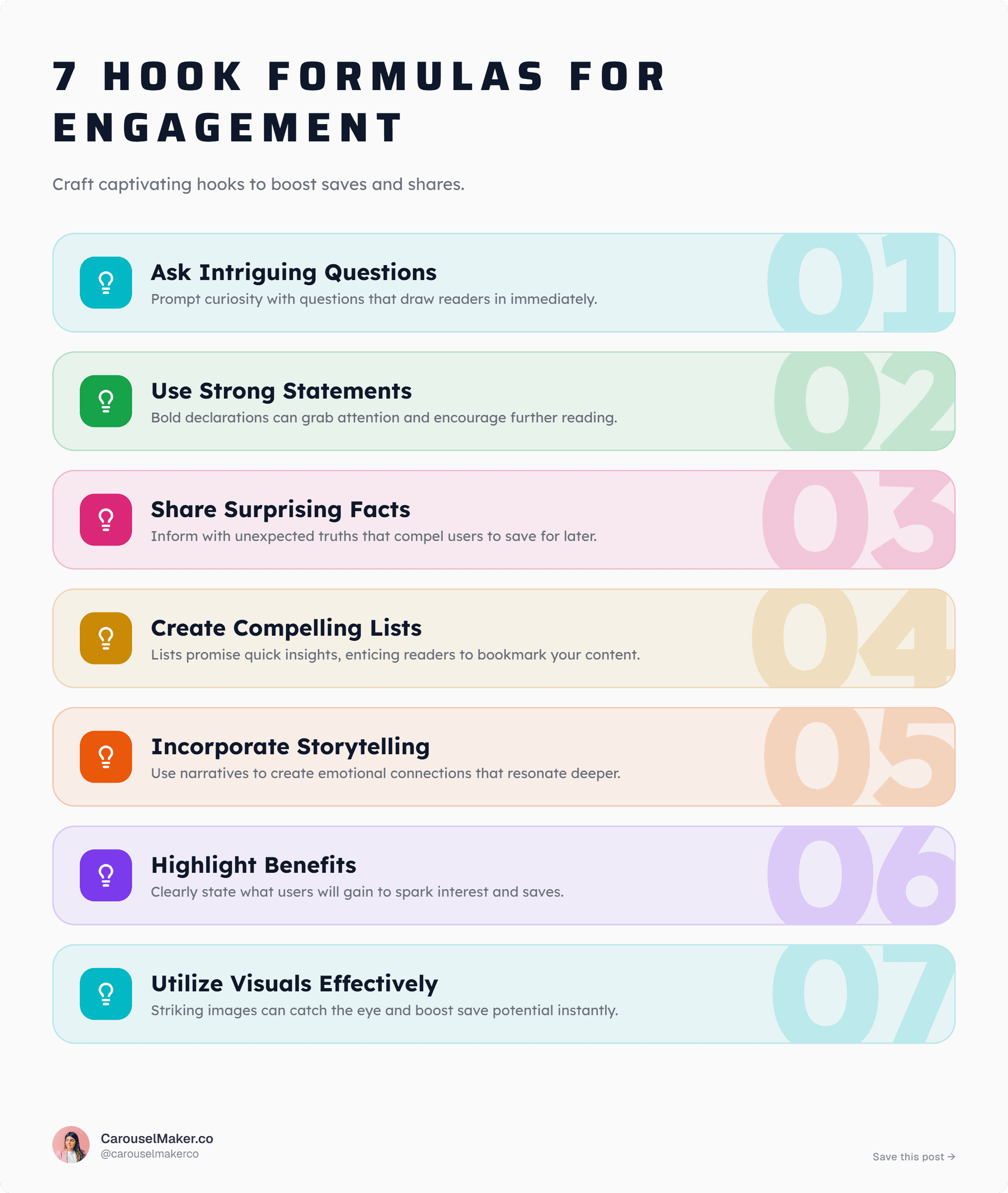
Curated layouts for lists, stats, comparisons, timelines and more.
Timelines & Roadmaps
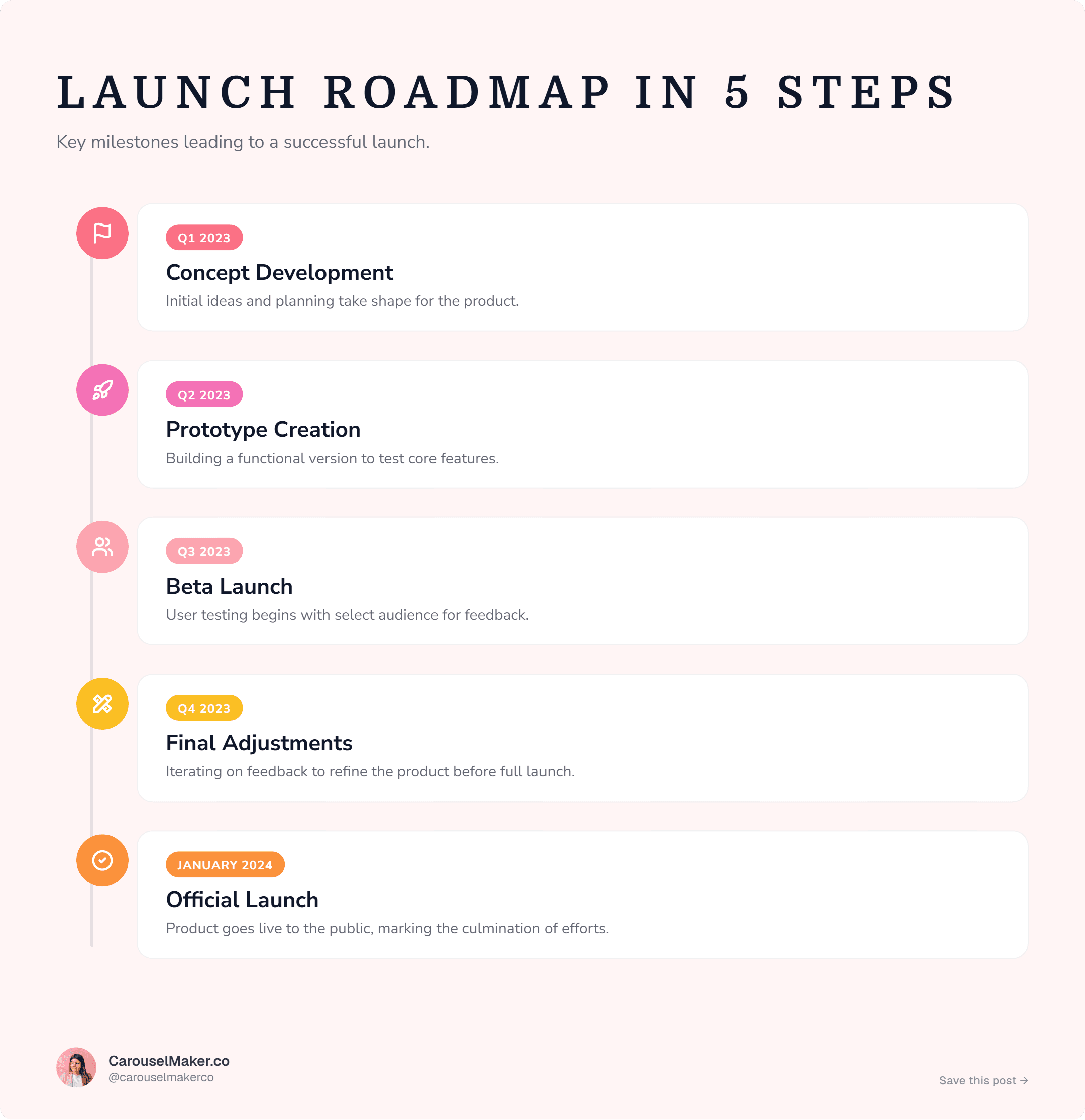
7 timeline styles — milestones, journeys, classic, zigzag, steppers.
Comparisons & Do/Don't
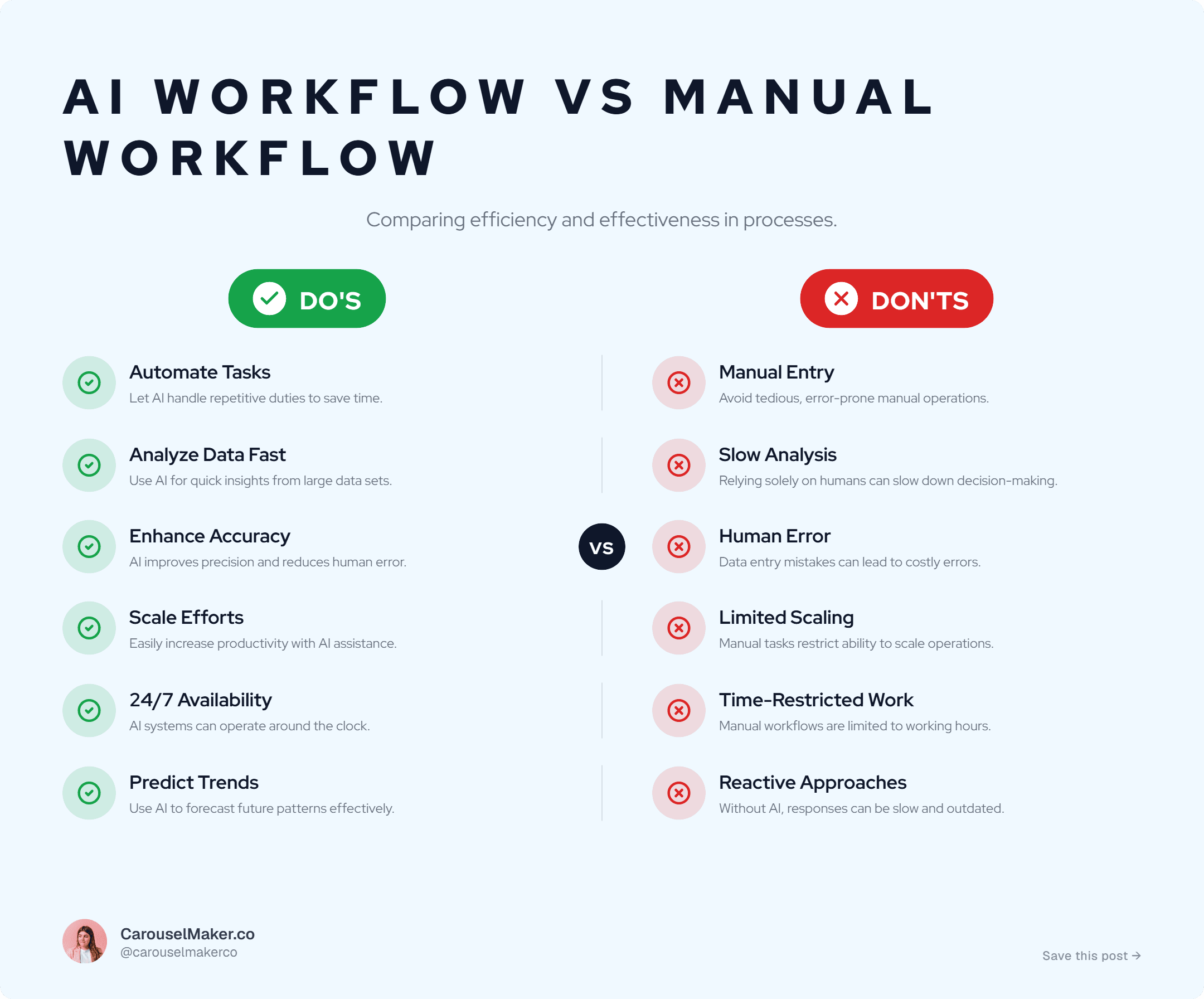
10 side-by-side templates: old vs new, free vs paid, do vs don't.
Stats Visuals
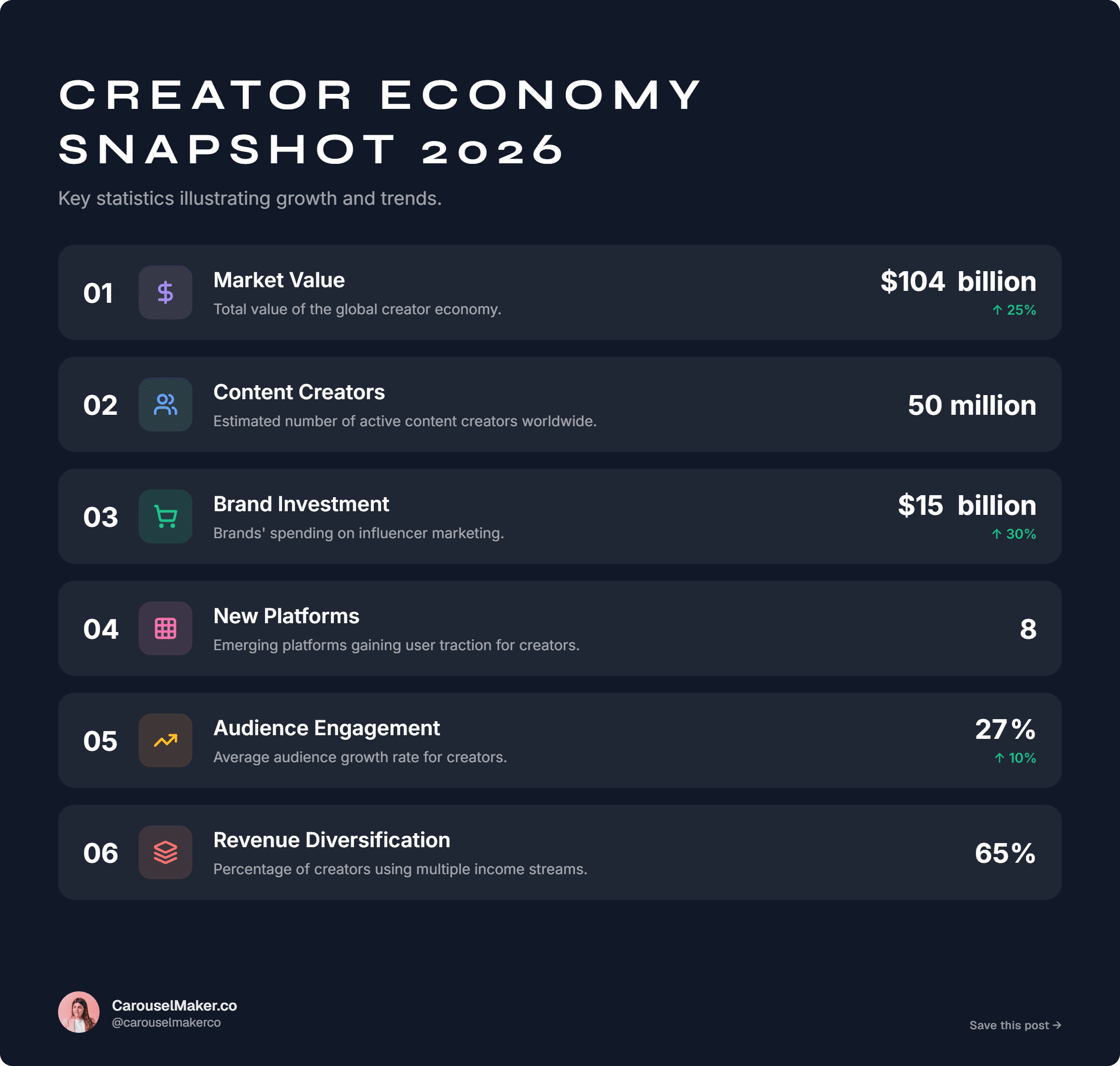
Donut, percent bars, circle stats, before/after — 13 stat layouts.
Custom Palettes & Fonts
Preset palettes plus your own colors and any Google Font pair.
PNG & PDF Export
High-res PNG (free, watermarked) · vector PDF (Pro, no watermark).
Edit Everything
Tweak every line of copy, icons, colors and item order in real time.
Personal Branding
Add your photo, name, handle and tagline — appears on every export.
From idea to viral infographic in three simple steps.
No design skills, no templates to wrestle, no Canva learning curve. Just type and ship.
Enter your topic
Type a prompt, drop a URL, or paste raw text. AI understands your intent and pulls out the core ideas.
AI builds your design
AI writes the copy, picks a layout, chooses icons and applies a polished palette — in under 20 seconds.
Customize & export
Tweak any line, swap palette, brand it up. Then export to PNG or PDF — ready for LinkedIn, IG or your deck.
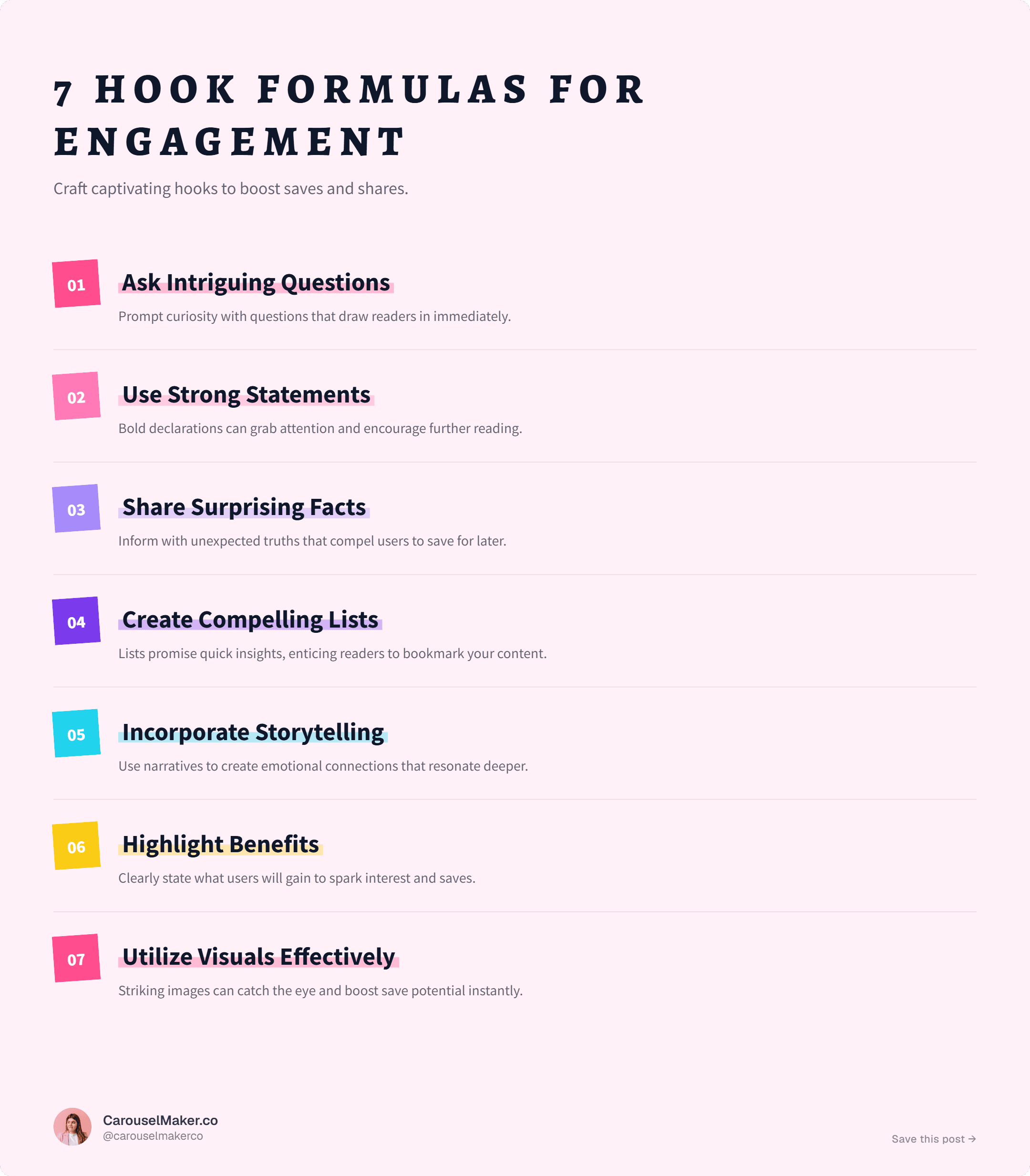
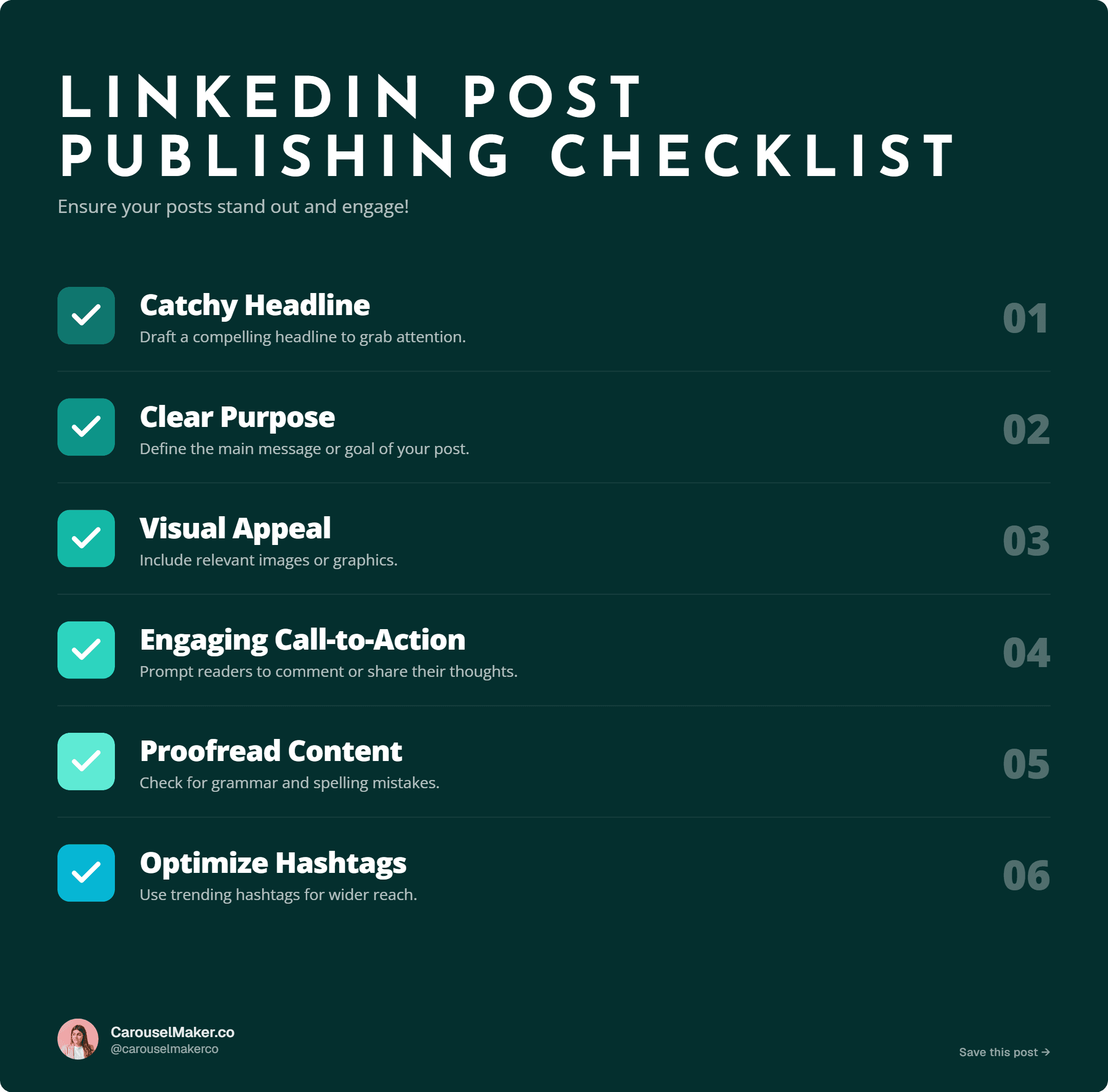
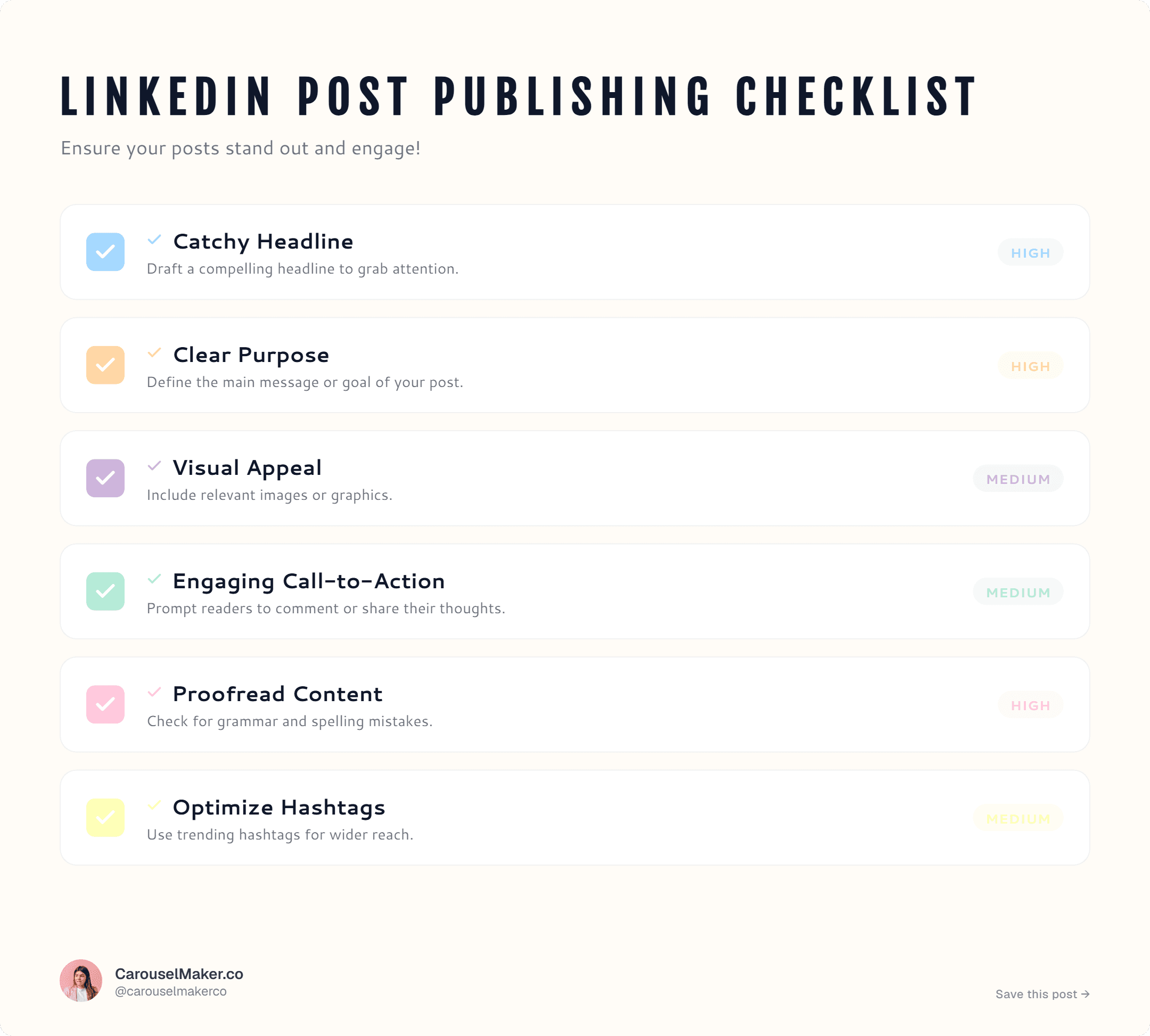
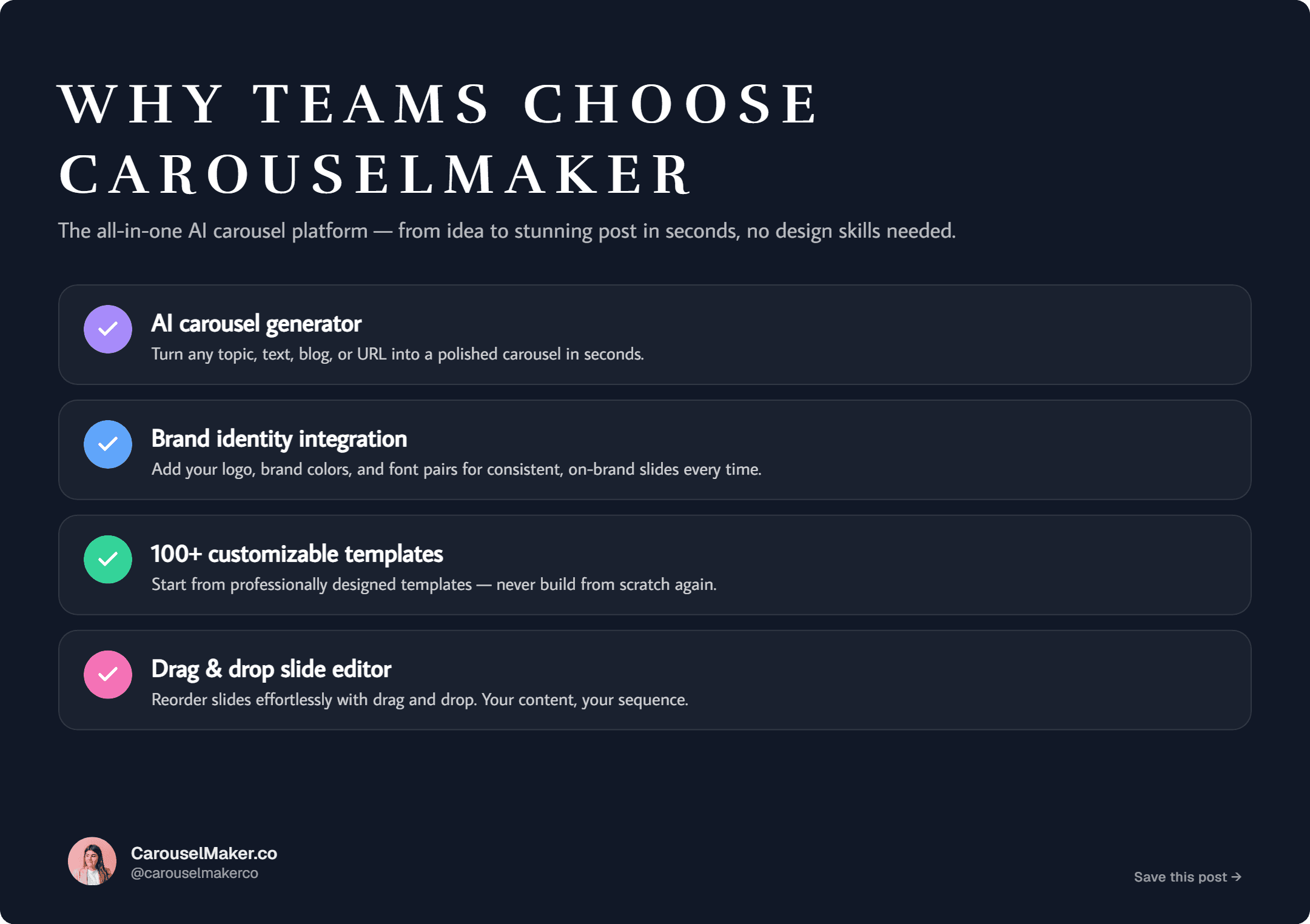
Curated templates for every kind of post.
Lists, stats, comparisons, problem/solution, timelines, checklists, tips, processes, quotes and FAQs — 10 categories to match any idea.
Loved by every kind of content creator.
From solo creators to global agencies, teams use CarouselMaker to ship faster.
Content Creators
Ship daily visuals that actually grow your following.
Marketers
Turn campaigns into scroll-stopping social content fast.
Agencies
Deliver 10x more designs to clients without hiring designers.
Coaches
Convert your frameworks into shareable lead magnets.
Educators
Make lessons visual — students actually remember them.
Startups
Build a content engine before you hire your first designer.
Social Media Managers
Run multiple brand accounts. Never repeat a template.
Solopreneurs
Look like a 10-person brand from your laptop on Tuesday.
Why traditional design tools fall short.
Canva and Figma weren't built for daily creators. We were.
Built for people who post daily.
“I used to spend an hour in Canva per infographic. Now I type a topic and post in 2 minutes. My engagement quarter doubled.”
“The AI actually writes useable copy — not the usual ChatGPT word salad. I ship 14 posts/month and it pays for itself in a week.”
“Premium-looking palettes that pop on LinkedIn. Three of my last five posts went past 1k likes and the comments mention the visuals.”
“We replaced two freelance designers with this. The agency margin is wild now and our clients literally cannot tell.”
“I'm a coach, not a designer. This lets me ship the same caliber visuals as people with a full design team. Game-changer.”
“The carousel generator is unreal. I dropped a YouTube transcript in and got a 10-slide LinkedIn carousel that pulled 90k impressions.”
Start free. Upgrade when you ship daily.
No credit card required. Cancel anytime.
Everything you need to try it out.
- 1 AI generation / day
- 11 free templates
- 3 PNG downloads / day
- Edit text, icons & layout
- Watermarked exports
Billed as $90 once a year
For creators who ship every day.
- 3 Pro tools included — Infographic, Carousel & LinkedIn Post Generator
- Unlimited AI generations
- All premium templates
- Unlimited PNG + PDF exports
- Remove watermark
- Custom Google Fonts & brand colors
- Priority email support
Everything you're wondering, answered.
How does AI infographic generation work?
You type a topic, paste raw text, or drop an article URL. AI extracts the key points, writes punchy copy for each, and renders it inside your chosen template — in around 20 seconds.
What can I export?
Free users get high-res PNG (3 downloads per day, watermarked). Pro unlocks unlimited PNG + vector PDF with the watermark removed.
Can I customize the designs?
Every text line, icon, color, palette and font is editable. Swap palette in one click, reorder items, or apply your own brand colors and any Google Font pair.
Is it beginner friendly?
Yes. No design skills required. The AI writes the content and the template handles the layout. Most people ship their first infographic in under 2 minutes.
How many templates are there?
10 categories — lists, stats, comparisons, problem/solution, quotes, timelines, checklists, tips, processes and FAQs. Free templates are available immediately; more unlock with Pro.
Can I add my own branding?
Yes — every infographic supports a profile photo, name, handle and tagline. Pro users can also pick custom Google Fonts and any brand color palette.
Can I cancel anytime?
Yes. Monthly is cancelable from your dashboard in one click. Yearly is fully refundable within 30 days, no questions asked.
Can I use the infographics commercially?
Yes. Anything you create with CarouselMaker is yours — paid ads, client work, courses, lead magnets, anywhere.
Start creating viral infographics today.
Generate stunning visual content in minutes with AI. Start free — no credit card.