

Feed Composition Studio
Instagram Feed Planner & Grid Preview
Drop in upcoming posts, see them on a realistic profile mockup, add captions and dates, and export a ready-to-post pack. Saved on your device — nothing is uploaded.
Saved on this device
0
Posts
12.4K
Followers
318
Following
Your Name
Planning a feed that tells a story ✨
Edit profile
Share profile
New
Travel
Work
Tips
Export
Profile
Select a post to edit it, or set up the profile mockup below.
Color palette
Add photos to see the palette of your grid.
Grid Readiness
0/12
Filled Slots
0
Planned
0
Scheduled
0
Reels
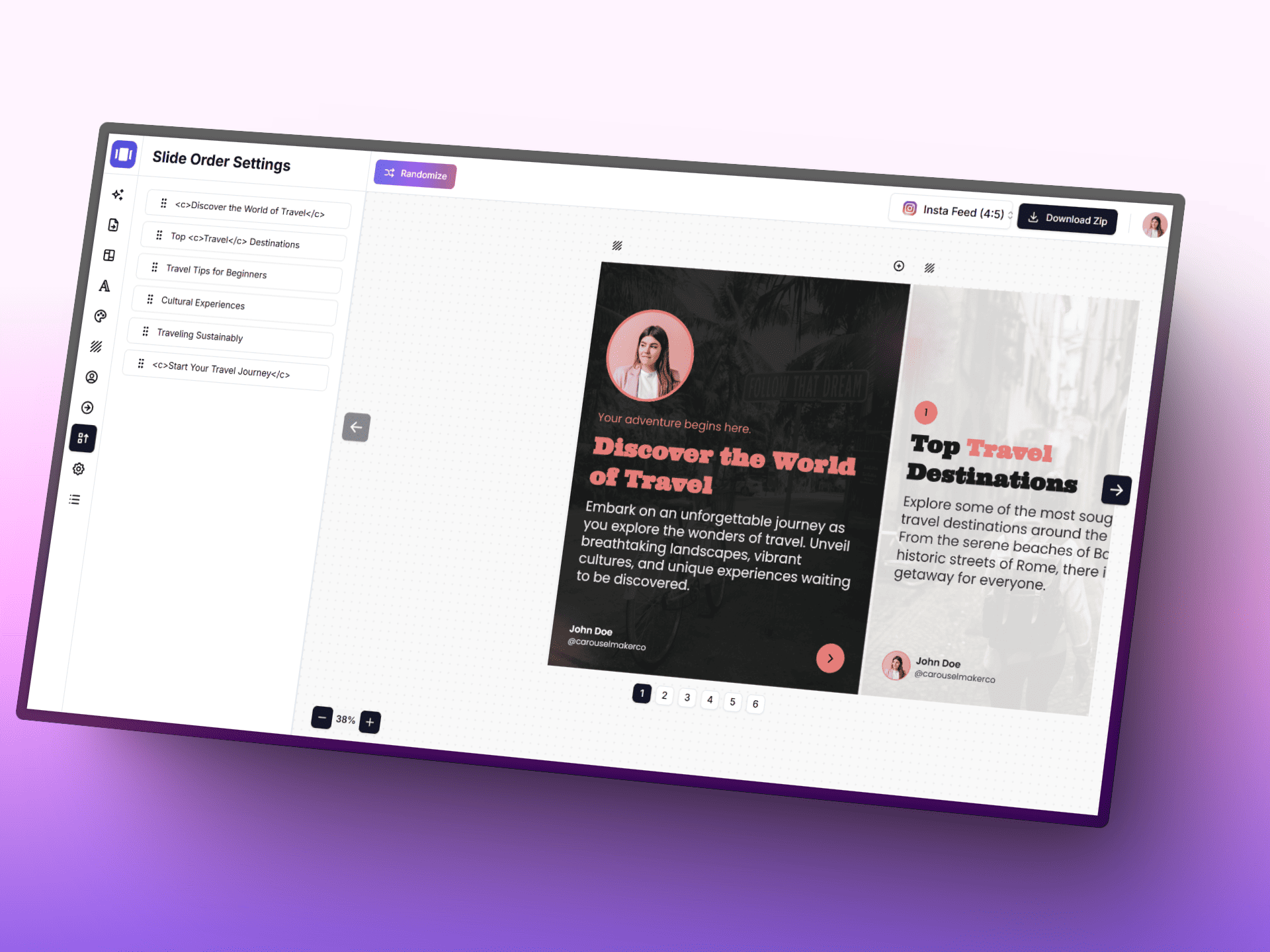
Create Carousels with AI
Turn ideas into polished carousel posts faster with AI, a focused editor, and ready-to-use templates.
Posting schedule
Posts with a planned date, in orderAdd a planned date to posts to build your schedule.
Planning Compass
- • Lead each row with a visual anchor that stops the scroll.
- • Keep one repeating motif to make your profile instantly recognizable.
- • Mix close-up and wide shots to avoid a flat visual rhythm.
Smart Workflow
- • 1. Fill a 3x3 core first, then expand to seasonal campaigns.
- • 2. Alternate content intent: educate, inspire, convert.
- • 3. Re-check thumbnails at phone width before publishing.
Grid tips
- • Instagram shows the profile grid at 3:4 — keep faces and text away from the top and bottom edges of 4:5 posts.
- • Use a guide (checkerboard, rows, columns) to decide where quote or text posts go, then fill the rest with photos.
- • Mark live posts so you can see exactly how the next row will land on top of what is already published.
Next Step
Turn your planned grid into published content
Continue with creator tools built for Instagram workflows, from carousel design to captions and visual storytelling assets.
Choose a tool to continue
Frequently Asked Questions
All you need to know about the Instagram Feed Planner & Grid Preview