

Add your message
Set name, headline, profile image, and post text for your target audience.
Design polished LinkedIn visuals in minutes with customizable text, profile details, colors, layout, and background controls.
2.0
1.2

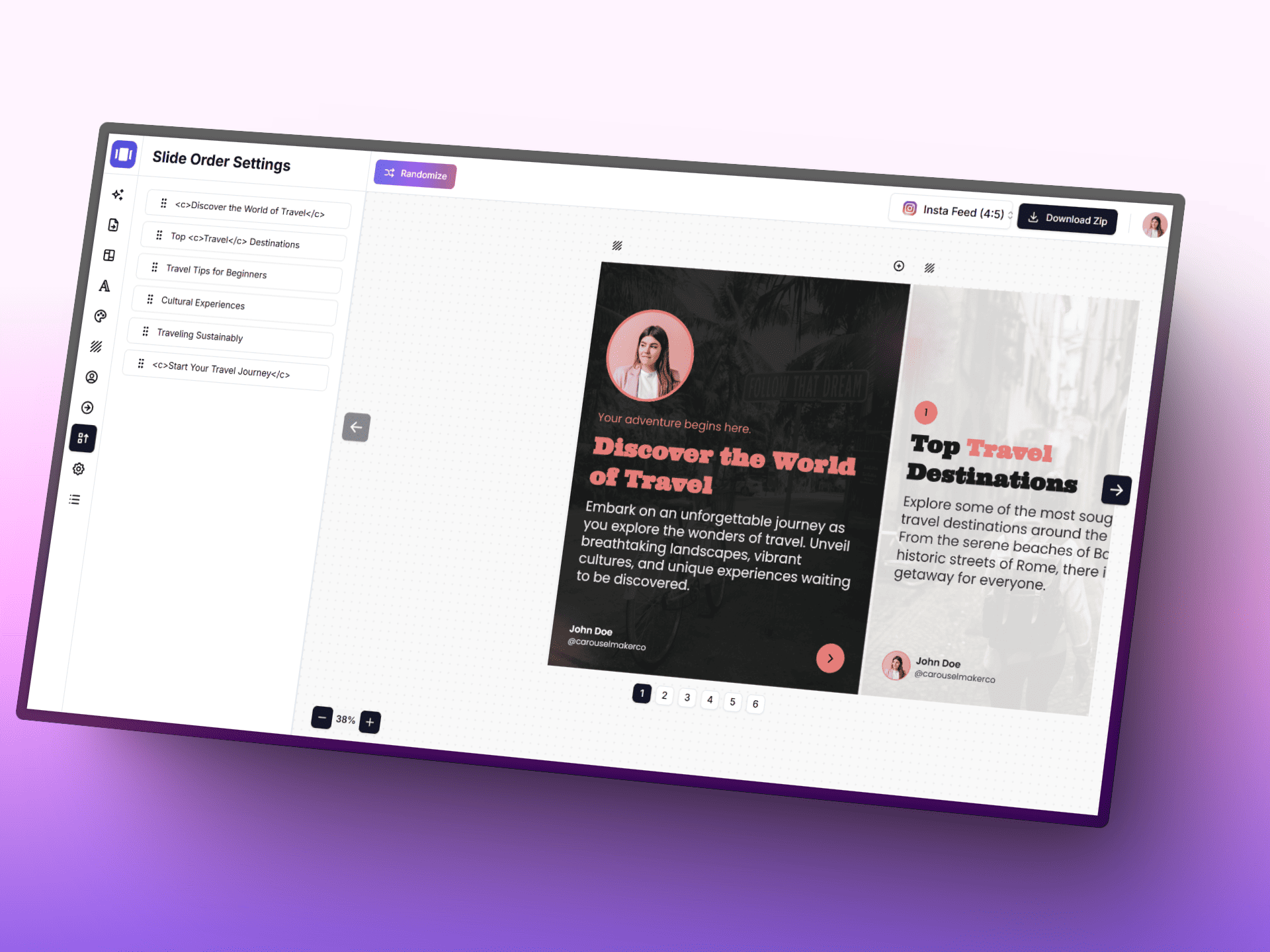
Turn ideas into polished carousel posts faster with AI, a focused editor, and ready-to-use templates.
Personalize your post image in three steps: add your content, style it to match your brand, then export instantly.
Set name, headline, profile image, and post text for your target audience.
Tune fonts, alignment, colors, layout, and background image settings.
Export your final image as PNG and use it directly in your LinkedIn post.
You already have the image. Turn it into a complete carousel post with AI-assisted writing, reusable templates, and a focused editor.
Free to start. No credit card required.
All you need to know about LinkedIn Post Image Generator
Use these tools together to speed up your content workflow from idea to final post.
Format and preview your LinkedIn posts with bold, italic and special characters.
Design professional LinkedIn cover banners with custom text, colors and layouts.
Create attention-grabbing hooks for your carousel first slides with AI.