

เครื่องมือวางแผนฟีด Instagram และพรีวิวกริด
Drop in upcoming posts, see them on a realistic profile mockup, add captions and dates, and export a ready-to-post pack. Saved on your device — nothing is uploaded.
Profile
Select a post to edit it, or set up the profile mockup below.
Color palette
Add photos to see the palette of your grid.
ความพร้อมของกริด
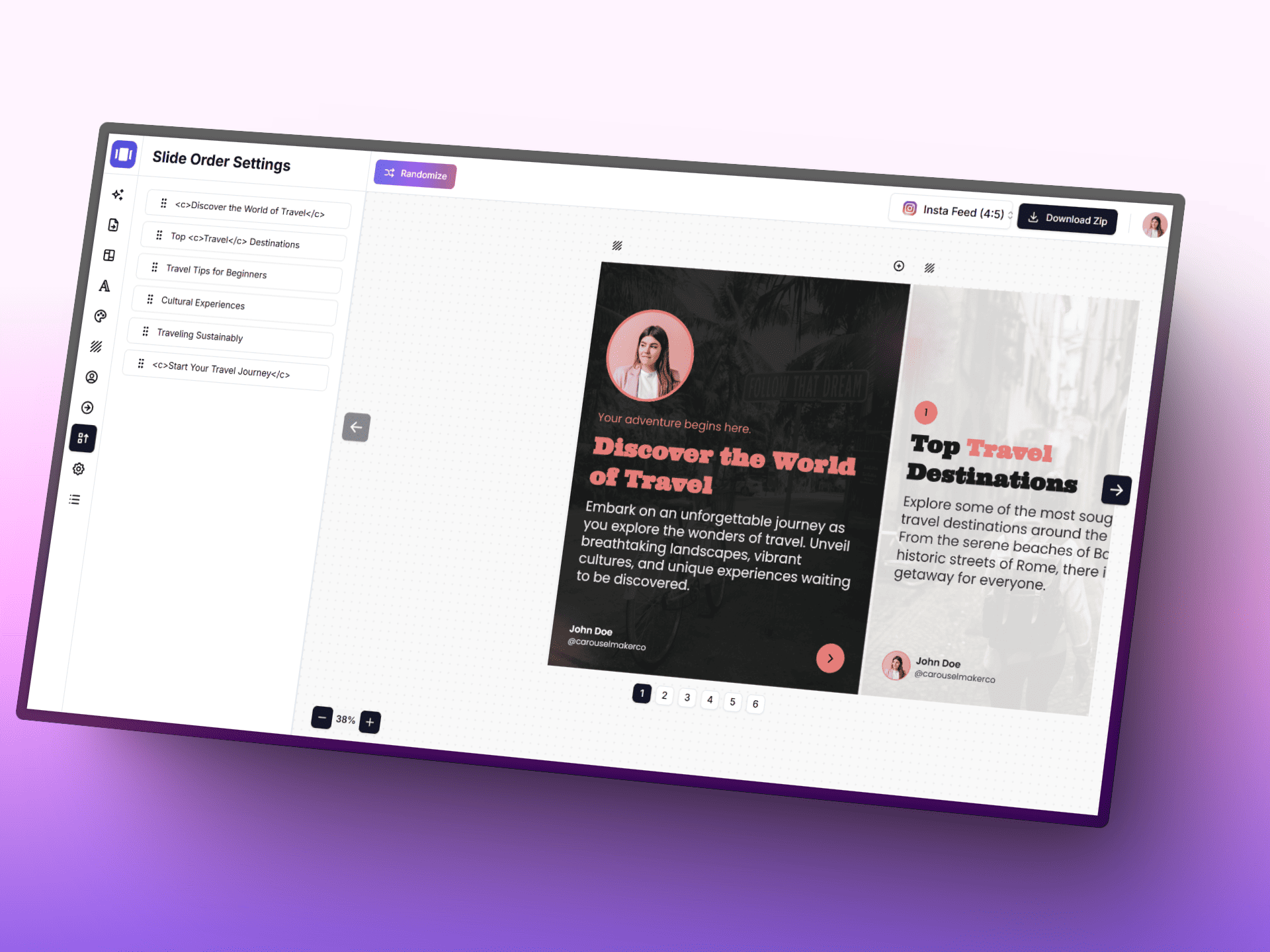
สร้างคารูเซลด้วย AI
เปลี่ยนไอเดียให้เป็นโพสต์คารูเซลที่สวยงามได้เร็วขึ้นด้วย AI, เครื่องมือแก้ไขที่โฟกัสง่าย และเทมเพลตพร้อมใช้
Posting schedule
Posts with a planned date, in orderAdd a planned date to posts to build your schedule.
เข็มทิศการวางแผน
- • เริ่มแต่ละแถวด้วยภาพหลักที่ช่วยหยุดสายตาผู้ชม
- • คงธีมที่ซ้ำกันไว้หนึ่งอย่างเพื่อให้โปรไฟล์จดจำได้ทันที
- • สลับภาพโคลสอัปกับภาพมุมกว้างเพื่อลดความจำเจของจังหวะภาพ
เวิร์กโฟลว์อัจฉริยะ
- • 1. เริ่มจากเติมแกนกลาง 3x3 ก่อน แล้วค่อยขยายไปสู่แคมเปญตามฤดูกาล
- • 2. สลับเจตนาของคอนเทนต์: ให้ความรู้ สร้างแรงบันดาลใจ และกระตุ้นการตัดสินใจ
- • 3. ตรวจดูภาพย่อในขนาดหน้าจอมือถืออีกครั้งก่อนเผยแพร่
Grid tips
- • Instagram shows the profile grid at 3:4 — keep faces and text away from the top and bottom edges of 4:5 posts.
- • Use a guide (checkerboard, rows, columns) to decide where quote or text posts go, then fill the rest with photos.
- • Mark live posts so you can see exactly how the next row will land on top of what is already published.
khun ton tad pai
plian grid thi wang wai hai klai pen content thi publish laeo
to duay creator tools samrap workflow khong Instagram tangtae design carousel, caption, lae visual storytelling assets.
Instagram Carousel Generator
sang branded multi-slide carousel chak khwamkhit content khong khun.
poet tool ->
Post Generator
khian caption lae copy khong post baep high-performance hai reo khuen.
poet tool ->
Infographic Generator
plian key points hai pen post cheung visual thi khon tidtam scan dai ngai.
poet tool ->
คำถามที่พบบ่อย
ทุกสิ่งที่คุณควรรู้เกี่ยวกับเครื่องมือวางแผนฟีด Instagram และพรีวิวกริด