

Every Instagram tool, one workspace
Upload once and switch between fourteen tools without leaving the page. Split grids, design puzzle feeds, animate a grid reveal Reel, batch-edit with recipes, cut out backgrounds and plan your feed. All of it runs in your browser.
- Free during beta
- No signup
- Photos never leave your device
Why it feels different
One tray. Your brand. Every tool.
Upload once, use everywhere
Your photos sit in a tray that every tool can read. Exports come back into it, so a split tile can go straight into a frame, a watermark or a Reel.
Your brand, pre-filled
Handle, logo, colours, fonts and presets live in a brand kit per account. Tools open with your defaults already set, so most exports are two clicks.
Send to, not start over
Select any image in the tray and send it to another tool. No re-uploading, no downloads in between, no tabs.

The tray after one split: the original plus nine tiles, each ready to send to another tool.
What you can make
Every tool, and what it does
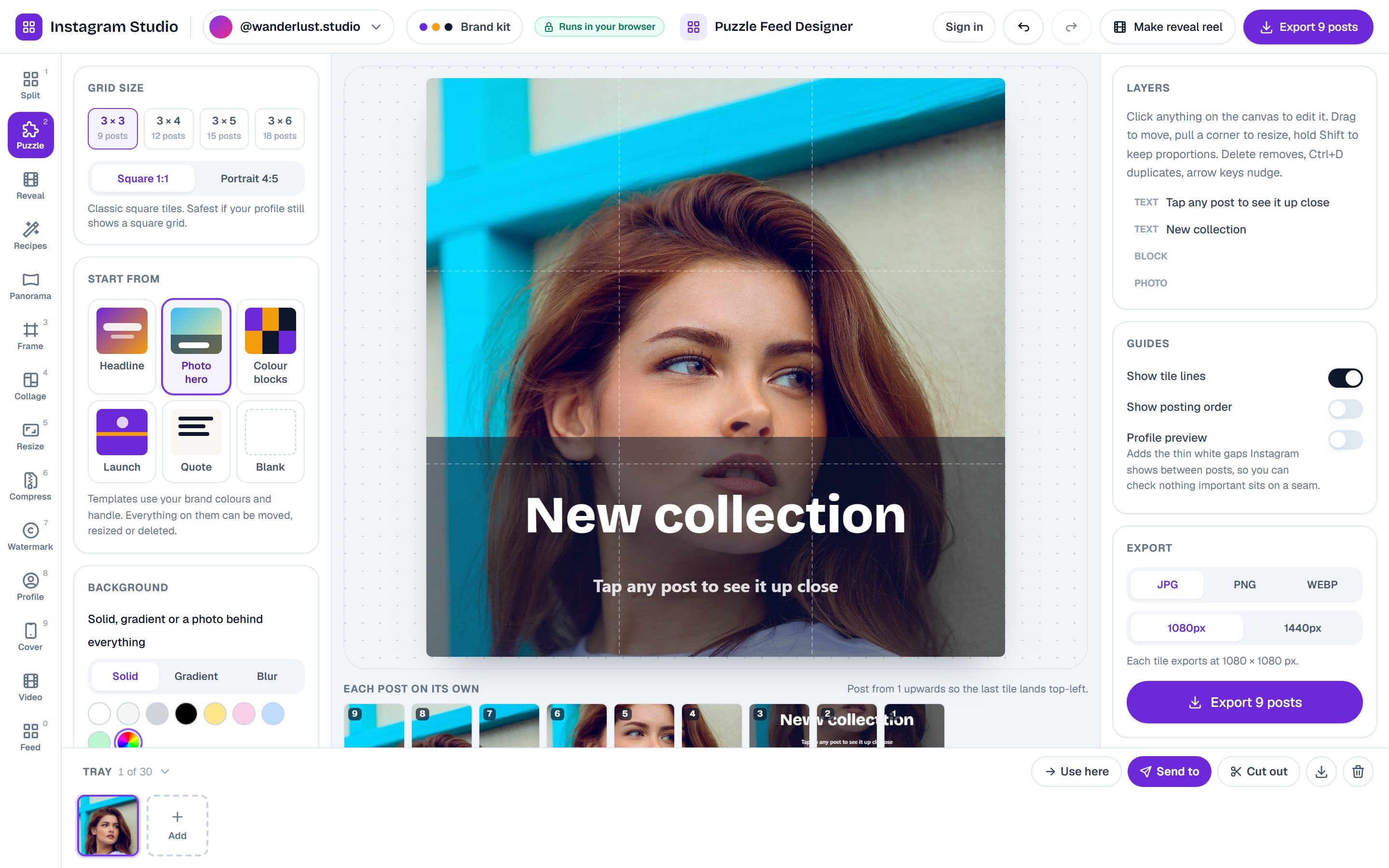
Design one artwork across your whole grid
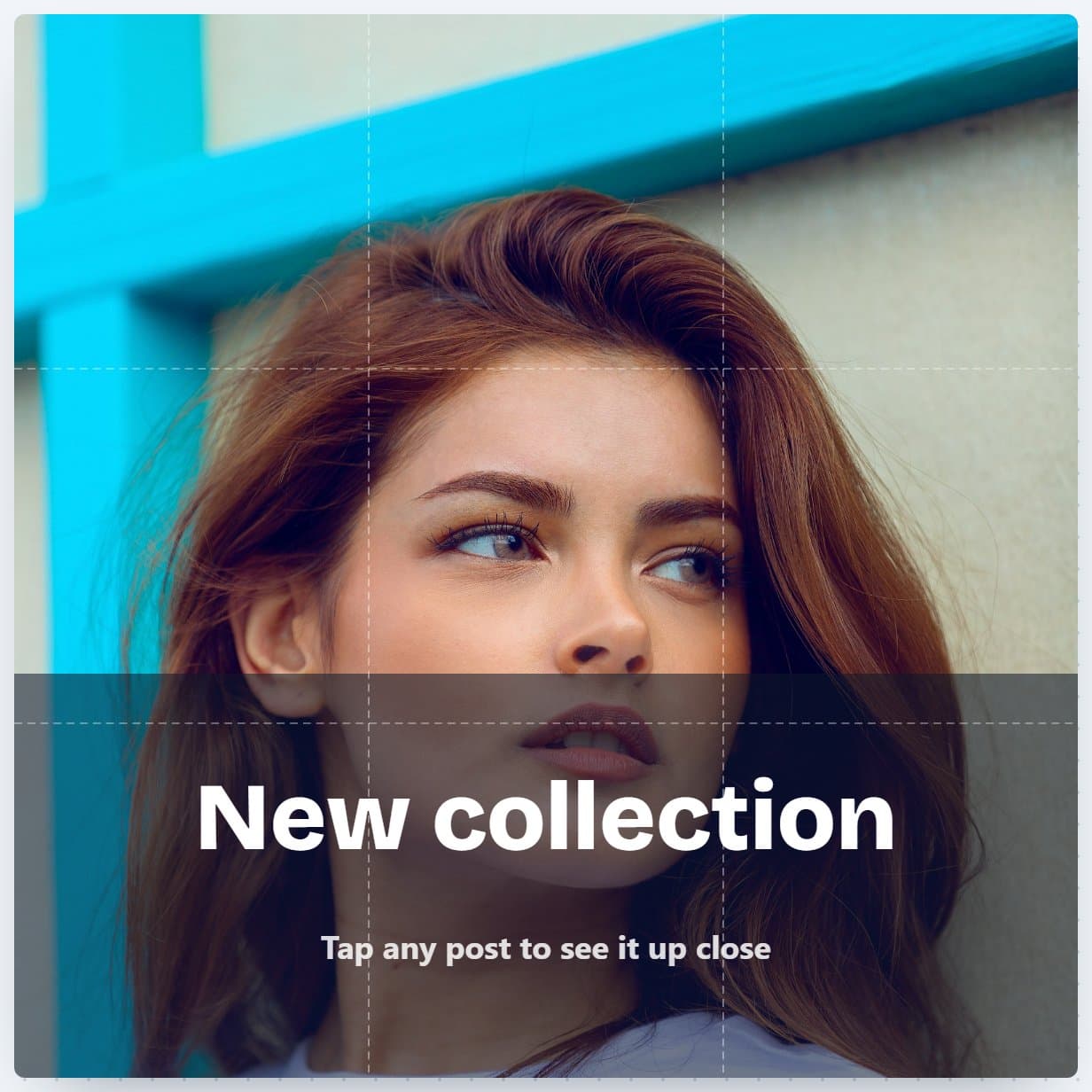
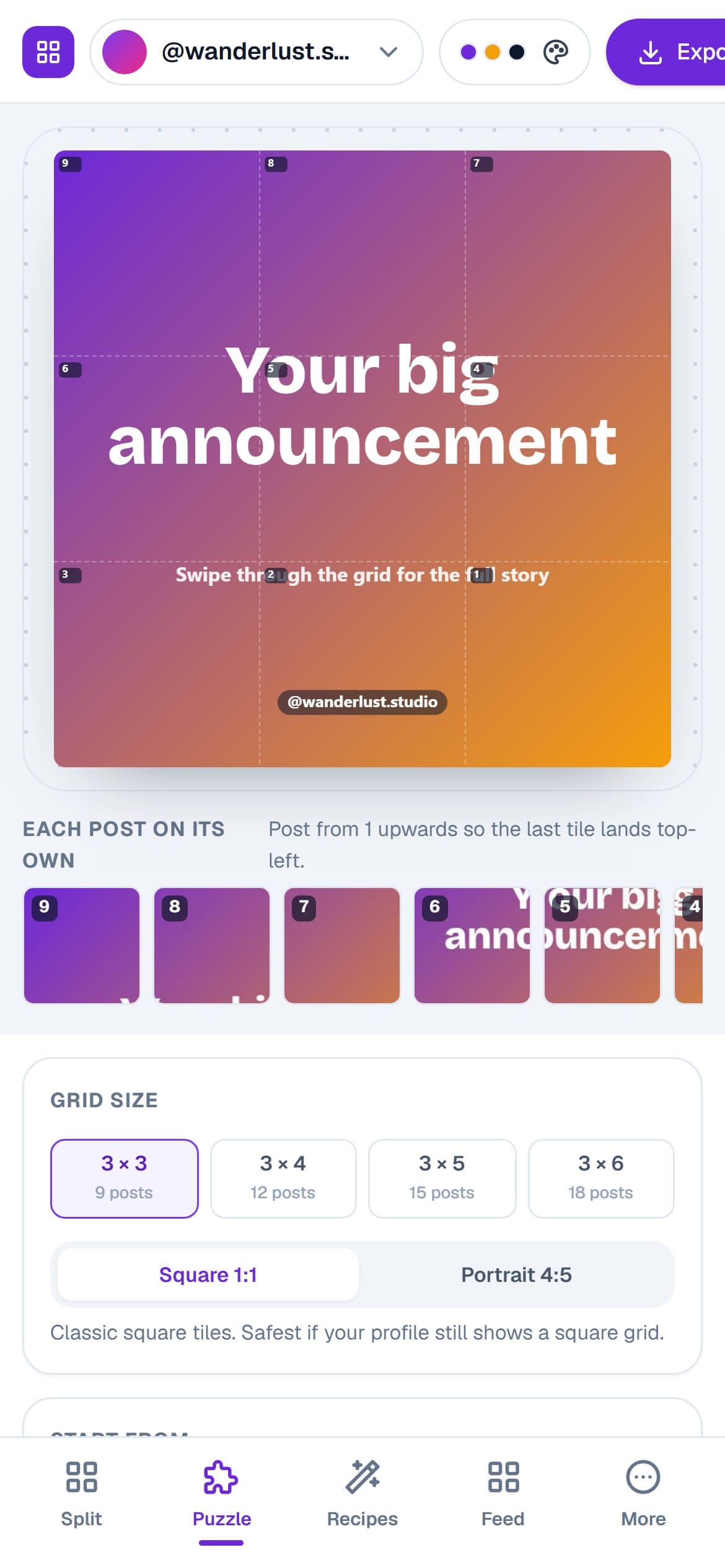
The puzzle feed designer gives you a canvas the exact size of your profile grid. Drop in a photo, add text, blocks and your logo, and see every post on its own before you export.
- 3×3 to 3×6 grids, square or 4:5 tiles
- Seam guides and a profile preview with real gutters
- Export numbered tiles in posting order
Turn the grid into a Reel that reveals itself
Your posts fly in one by one in the order you published them, click together into the full picture and end on a profile mockup. Add music, export the MP4, post it.
- Four animation styles, adjustable speed
- Licensed music library
- 9:16 Reel, 4:5 or square output
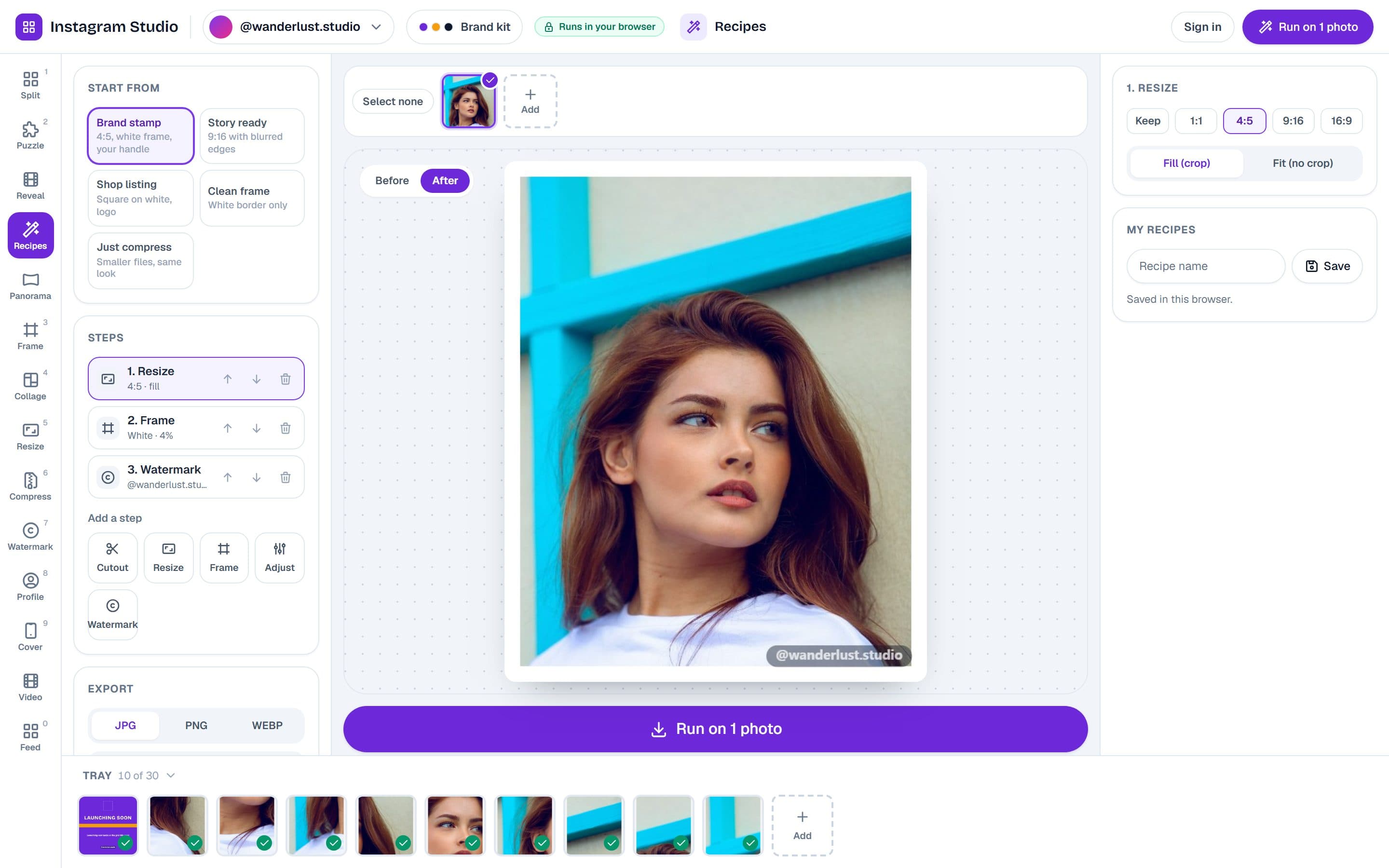
Edit a hundred photos the way you edit one
A recipe is a chain of steps: resize to 4:5, add a white frame, brighten a touch, stamp your handle. Set it once, run it on every photo, get a ZIP back.
- Presets built from your brand kit
- Before and after preview on any photo
- Save your own recipes
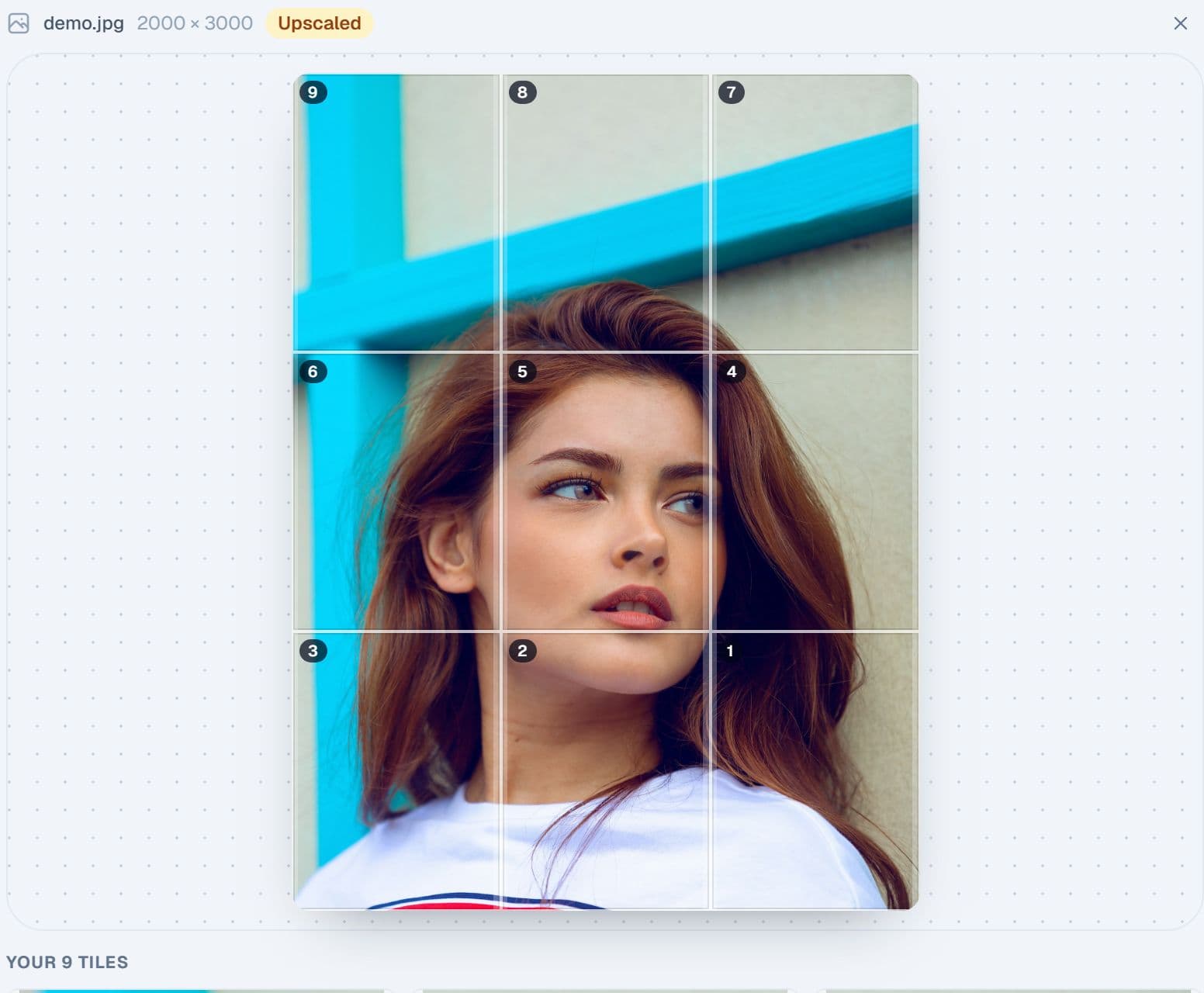
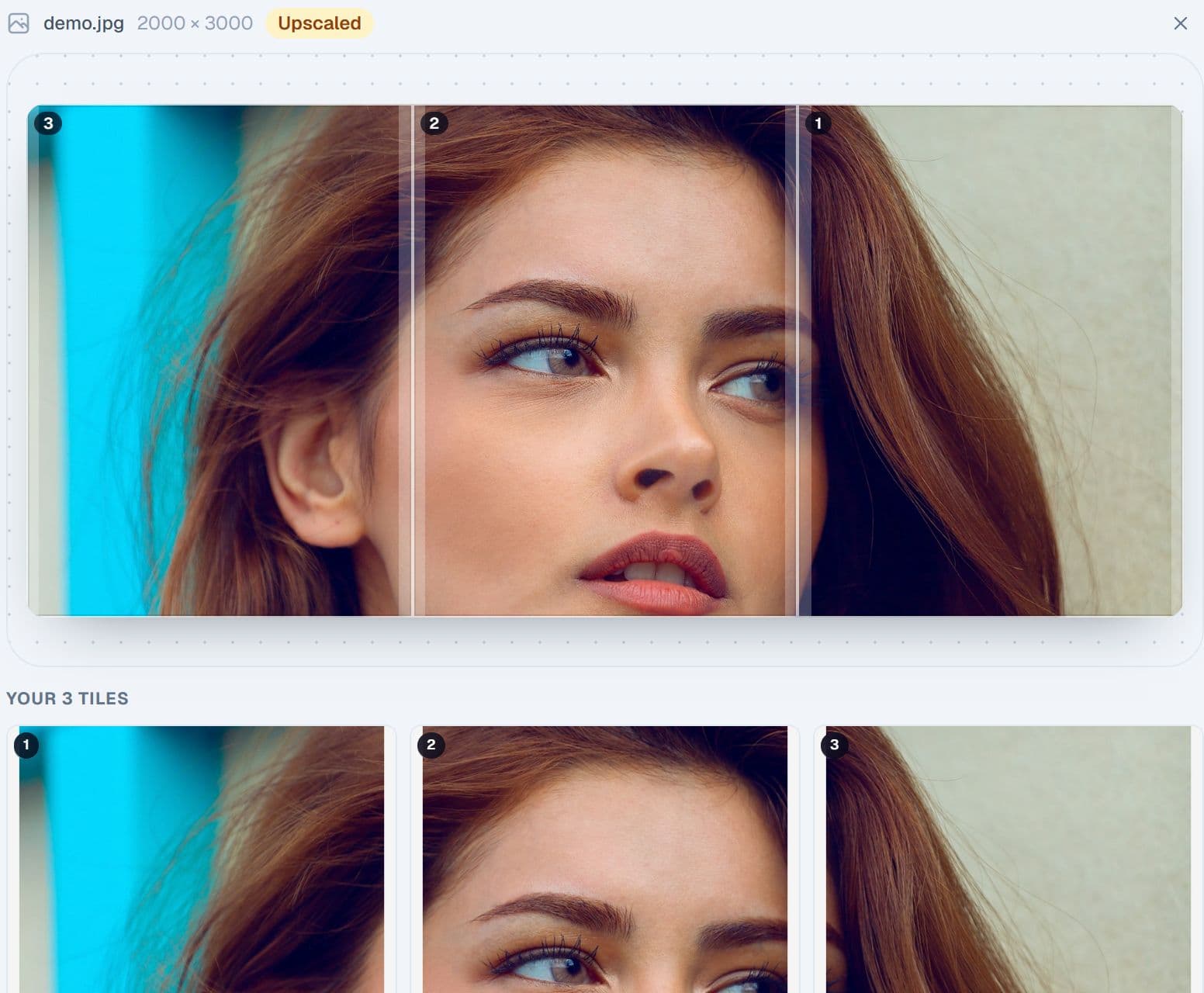
Split one photo into a grid, or a swipeable panorama
The splitter cuts a photo into a 3×3, 3×4 or bigger grid with the exact margins Instagram uses, and shows the result on a live profile mockup. Switch to Panorama and the same photo becomes a seamless carousel of two to eight slides.
- Grid, panorama and square presets with safe margins for the new profile crop
- Live profile preview and numbered tiles in posting order
- Zoom, pan, rotate and background fill before you cut
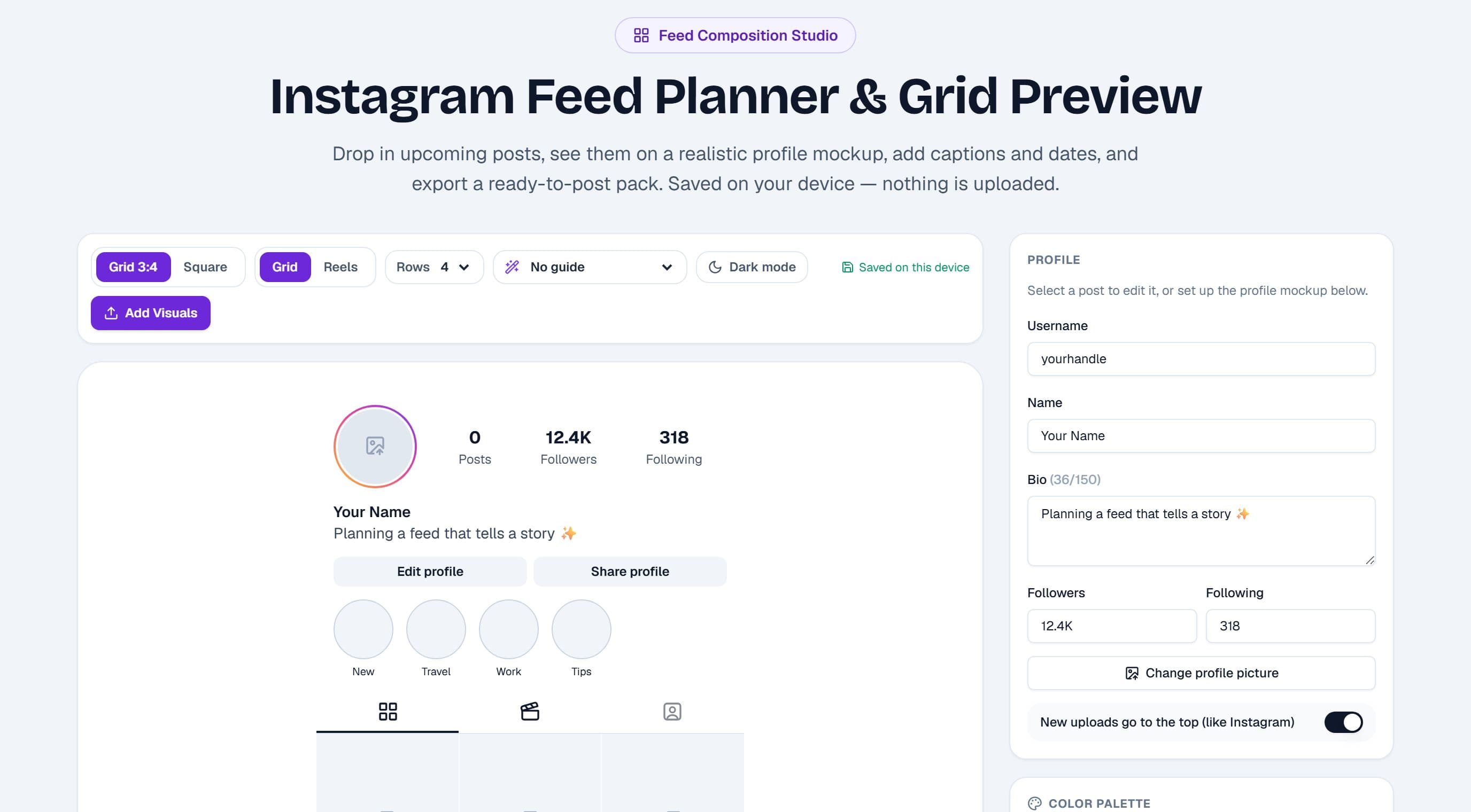
Plan the grid before you post it
Drop upcoming posts into a realistic profile mockup, drag them into order, add captions and dates, and check the pattern. Export the plan, the mockup or ready-to-post images.
- Realistic profile mockup with your avatar, bio and stats
- Drag-to-reorder, per-post crop, captions with hashtag counters
- Pattern guides, colour analysis and a schedule list
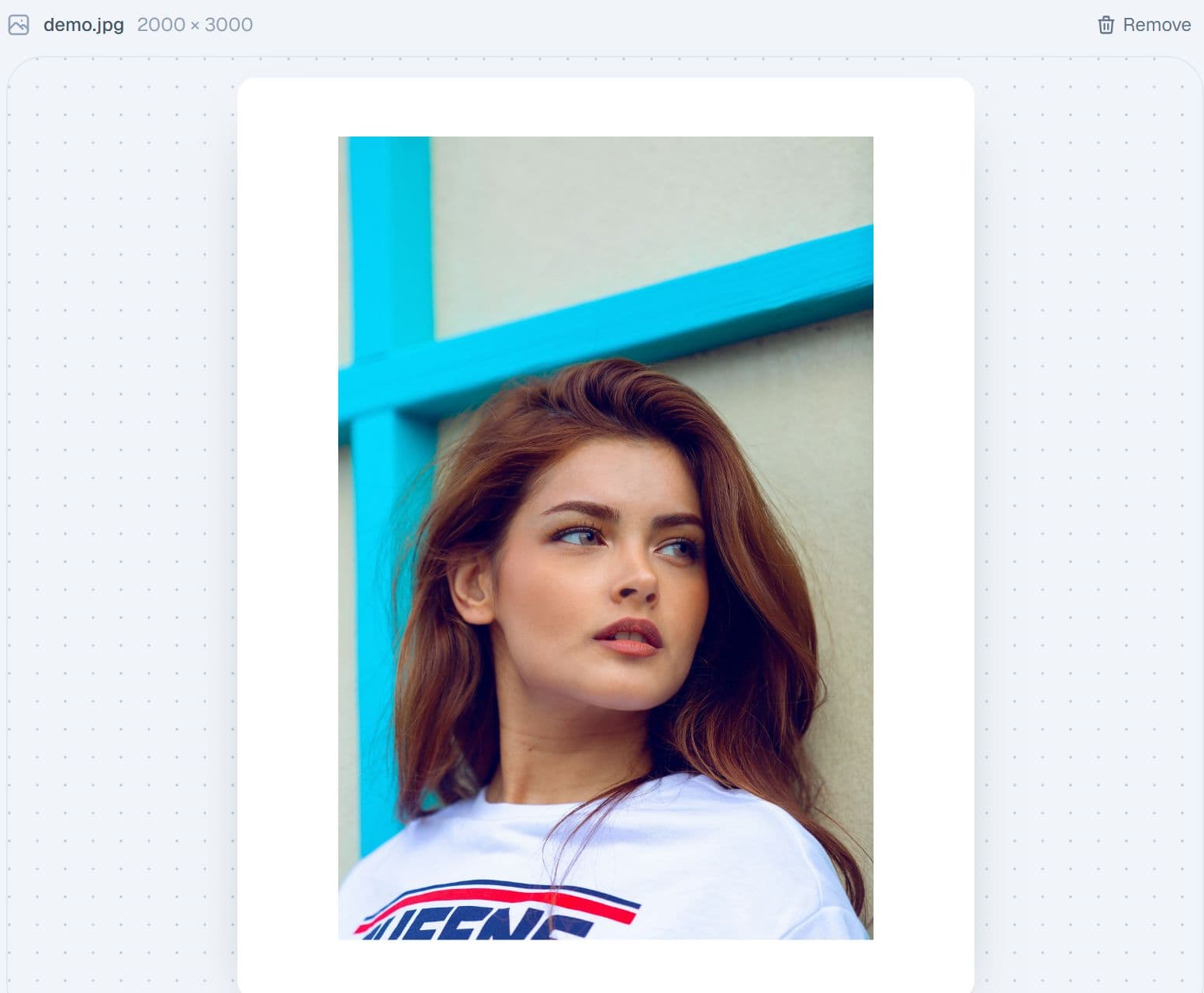
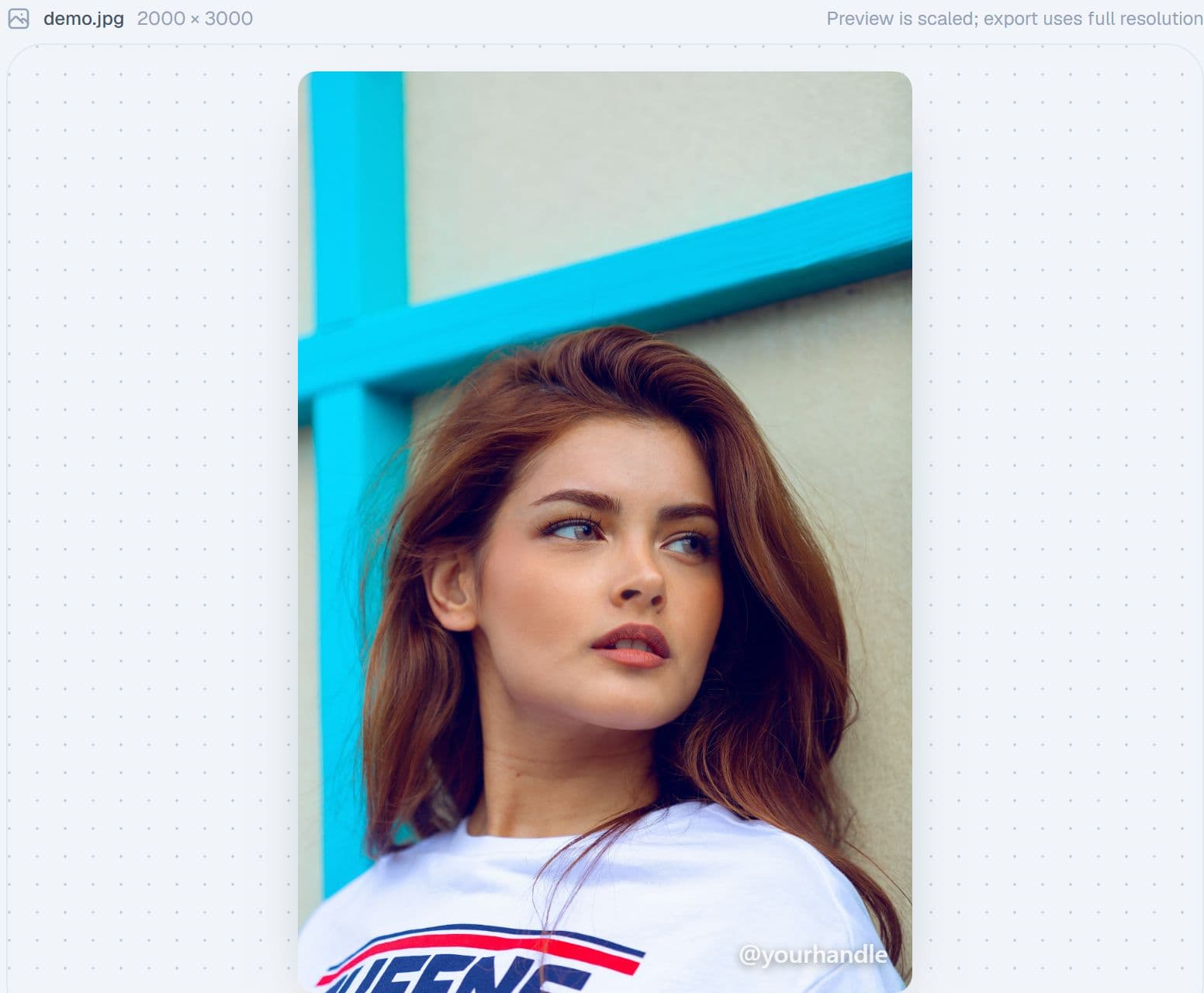
Frame it, then sign it
Add a white, black, colour, gradient or Polaroid border at 1:1, 4:5 or 9:16, with rounded corners if you like. Then stamp your handle or logo where you want it, on one photo or a whole batch.
- Frames with live post preview and batch ZIP export
- Watermark in nine positions, with opacity, pill background or a tiled pattern
- Your handle and logo come from the brand kit
Many photos, one post
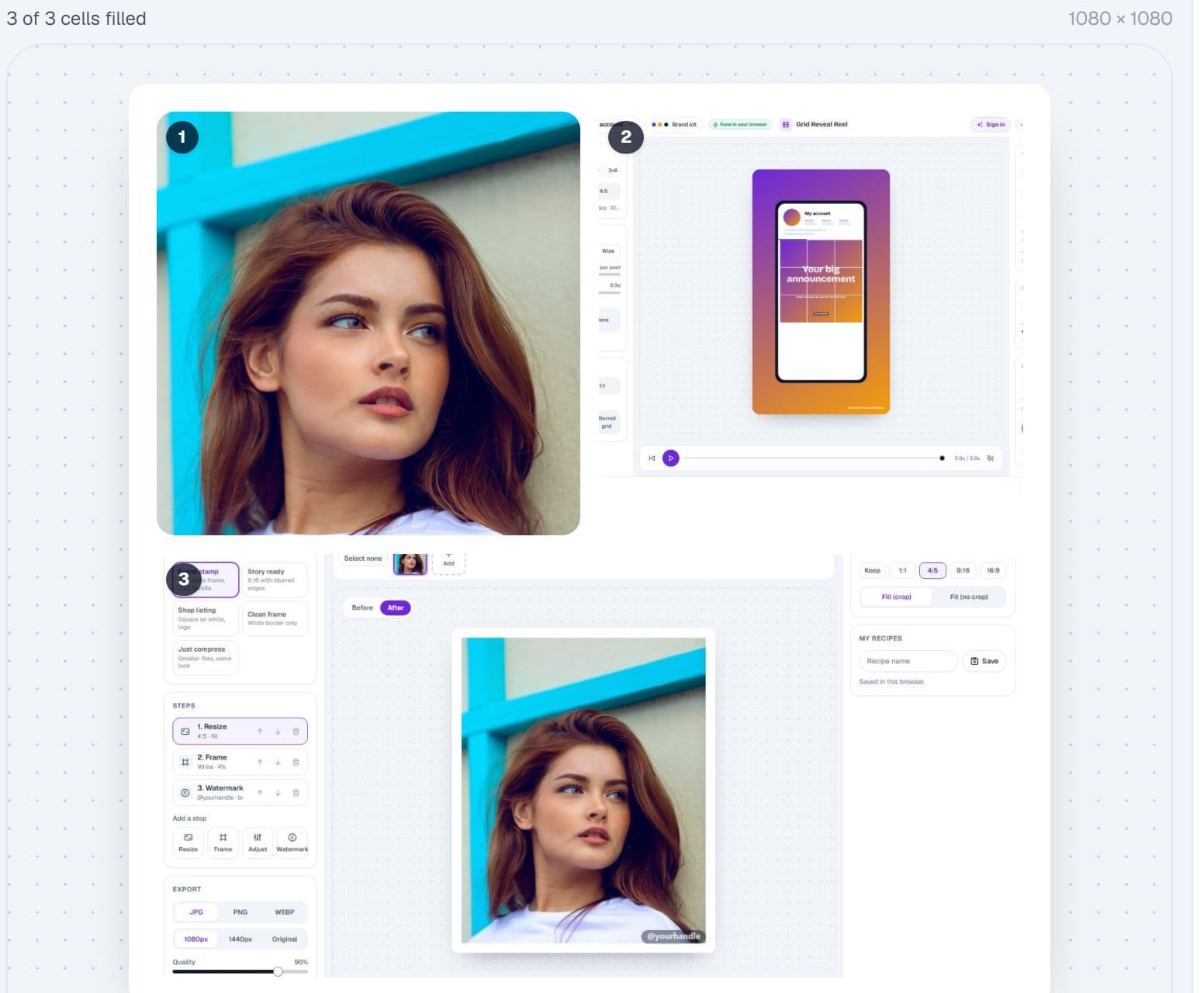
Combine up to twelve photos in grid or freeform layouts, tune the gaps, corners and background, apply a filter, and export as a single post or as a wide canvas that becomes a carousel.
- Grid and freeform layouts with drag-to-arrange
- Gaps, corners, backgrounds and filters
- Export as one image or a swipeable carousel
Right size, right weight
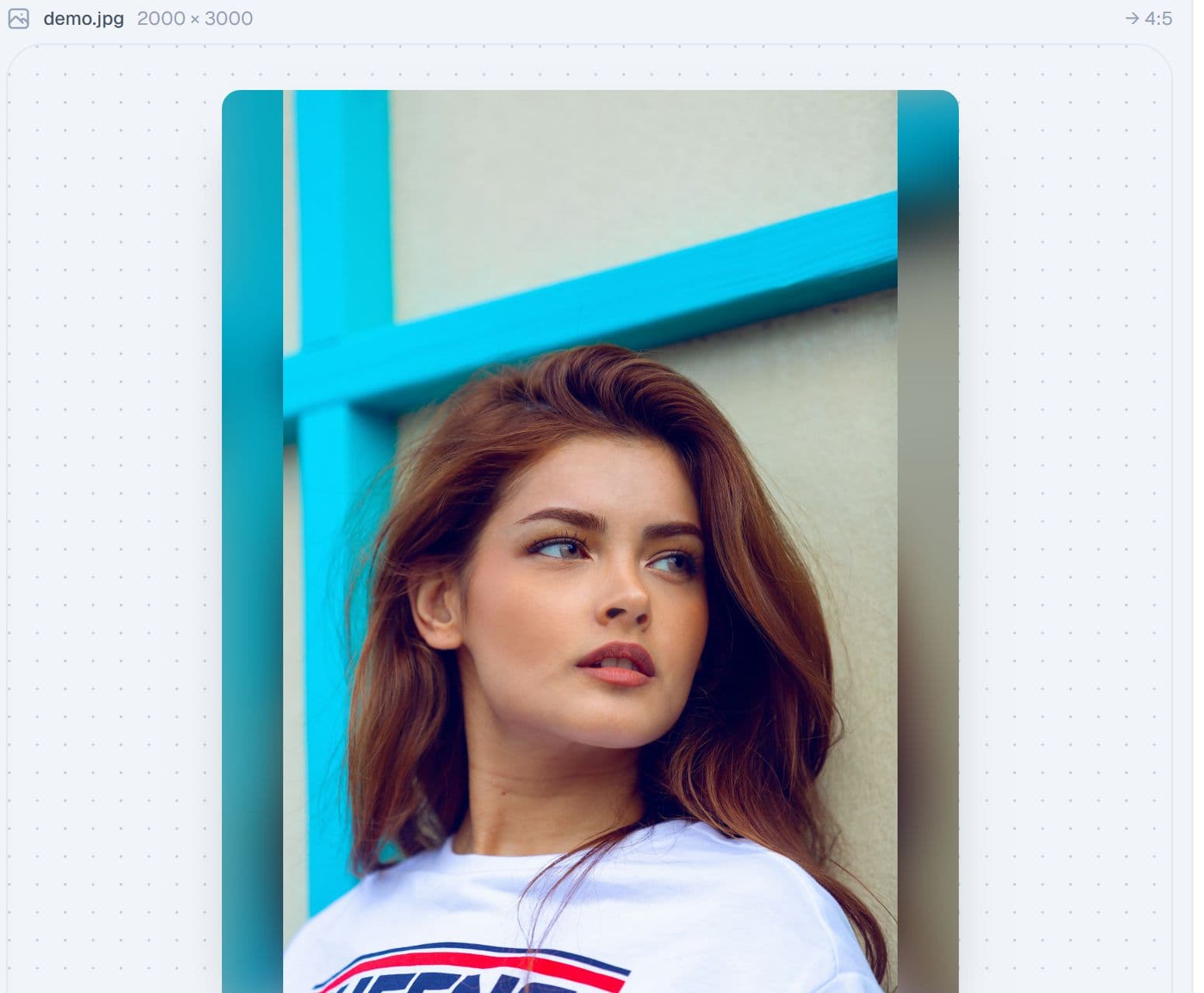
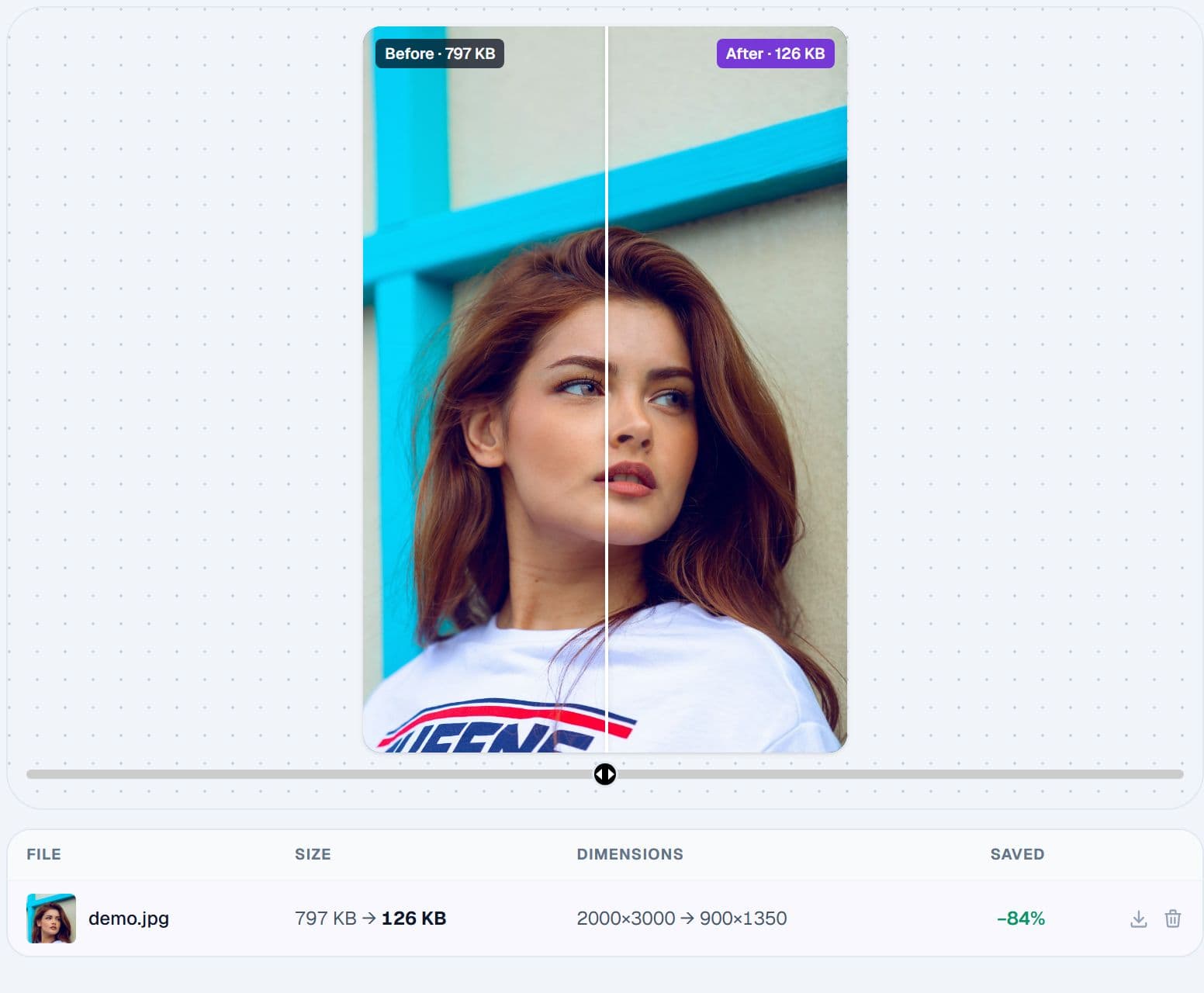
Convert any photo to 1:1, 4:5, 3:4, 9:16 or 16:9 with smart crop or a no-crop fill. Then compress to Instagram’s exact sizes and a quality or file-size target without visible loss, one photo or a batch.
- Every Instagram ratio, with blurred, gradient or solid fills
- Compress to a target size and see the before and after
- Batch and multi-size ZIP export
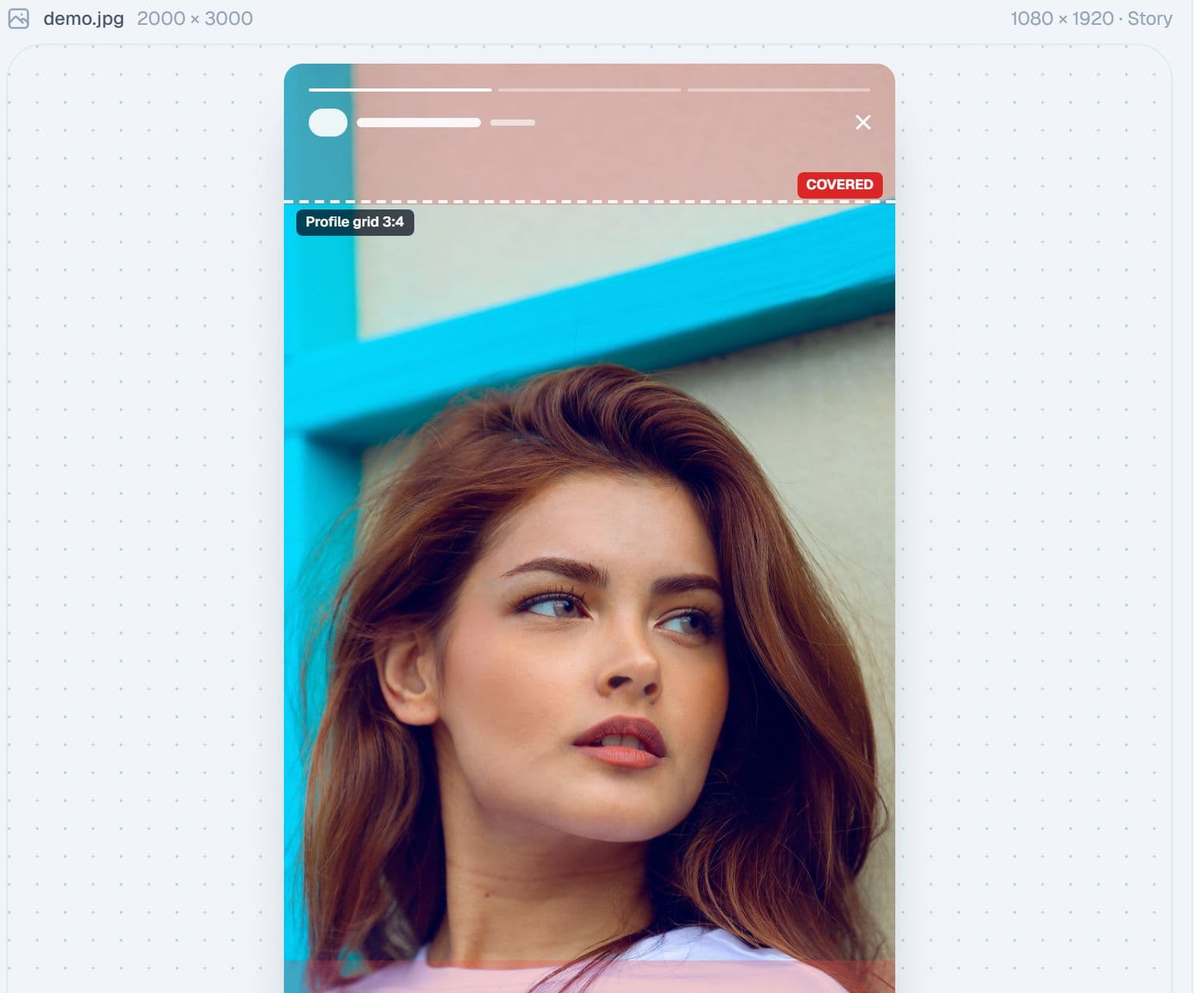
Make the profile match the feed
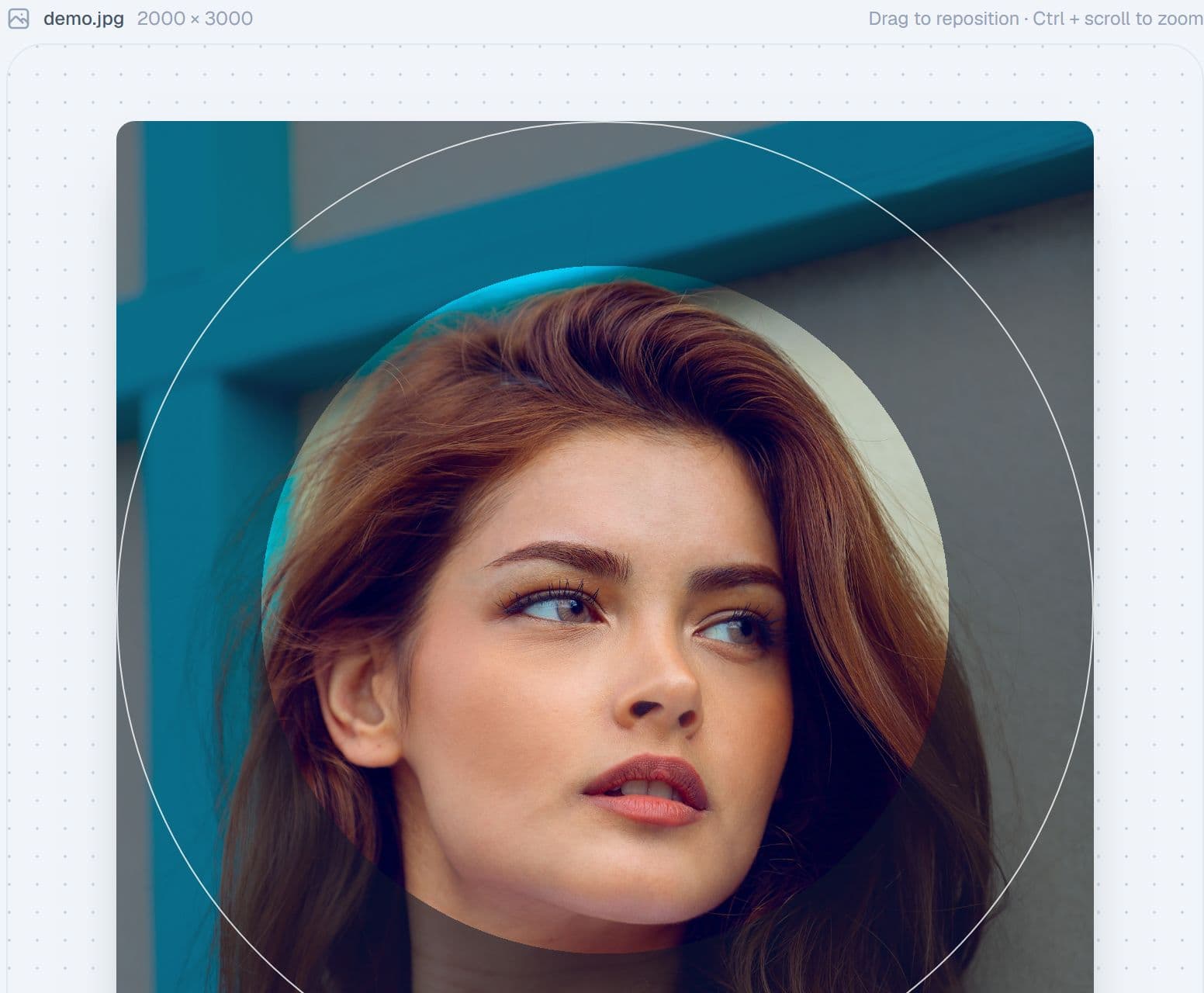
Circle-crop a profile picture and preview it exactly where it appears: the profile, stories, comments and DMs. Design story and Reel covers at 1080×1920 with the safe zones and the profile-grid crop shown while you edit.
- Profile picture at 320×320 or any platform size
- Story and Reels safe zones and templates
- Covers in series, so highlights match
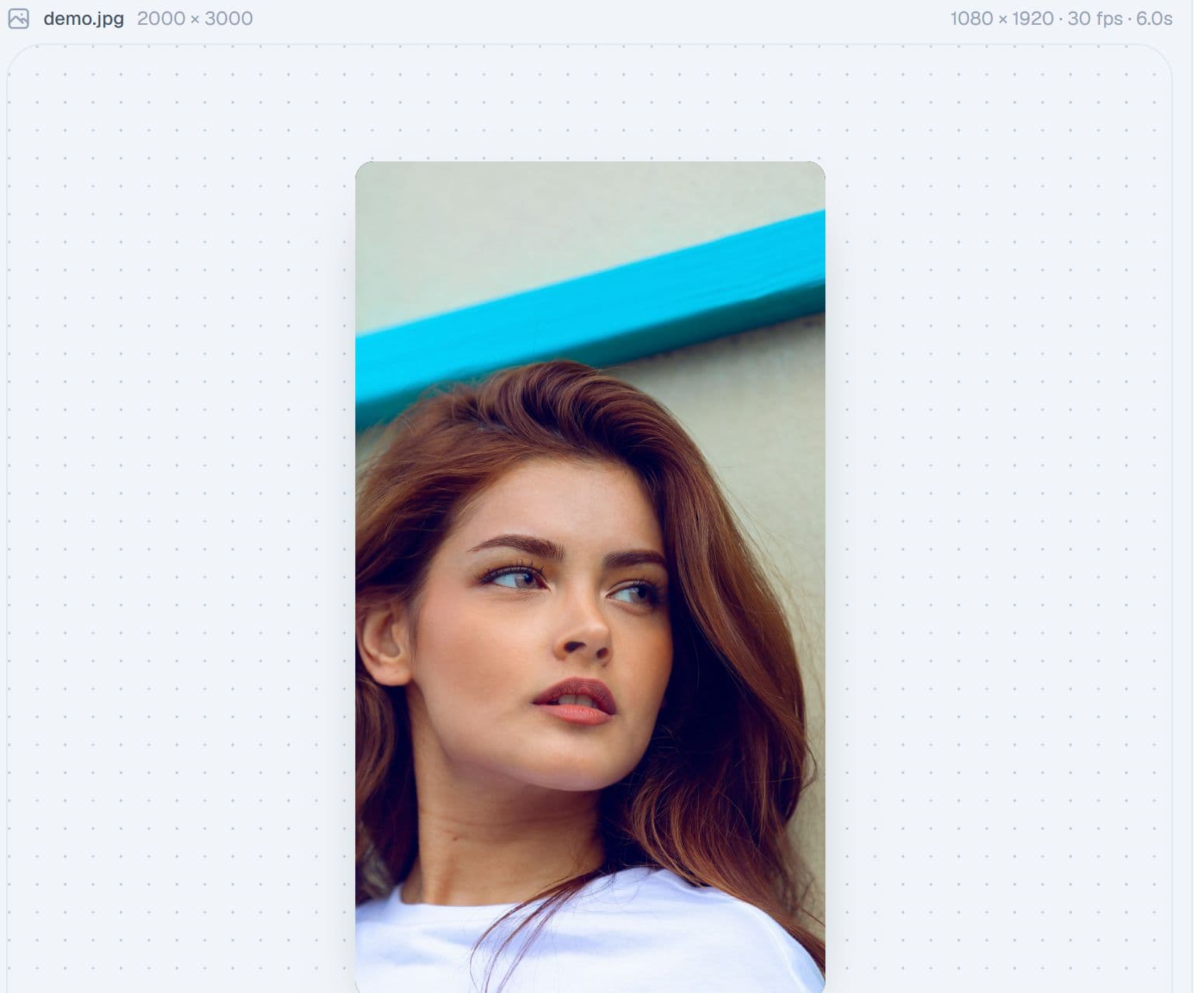
Photos that move
Turn photos into a smooth camera-move video: pan, zoom, keyframes, transitions, text overlays, colour looks and music, exported as an MP4 for Reels or a GIF.
- Nine motion presets with editable start and end frames
- Text, logo, watermark, looks and letterbox
- Music from the licensed library or your own file
All tools
Fourteen tools, one tray
Every tool also works on its own free page. Inside the studio they share your photos, your brand kit and each other's results.
Grid Splitter
Cut one photo into a 3×3, 3×4 or bigger grid with safe margins, live profile preview and posting-order numbers.
Open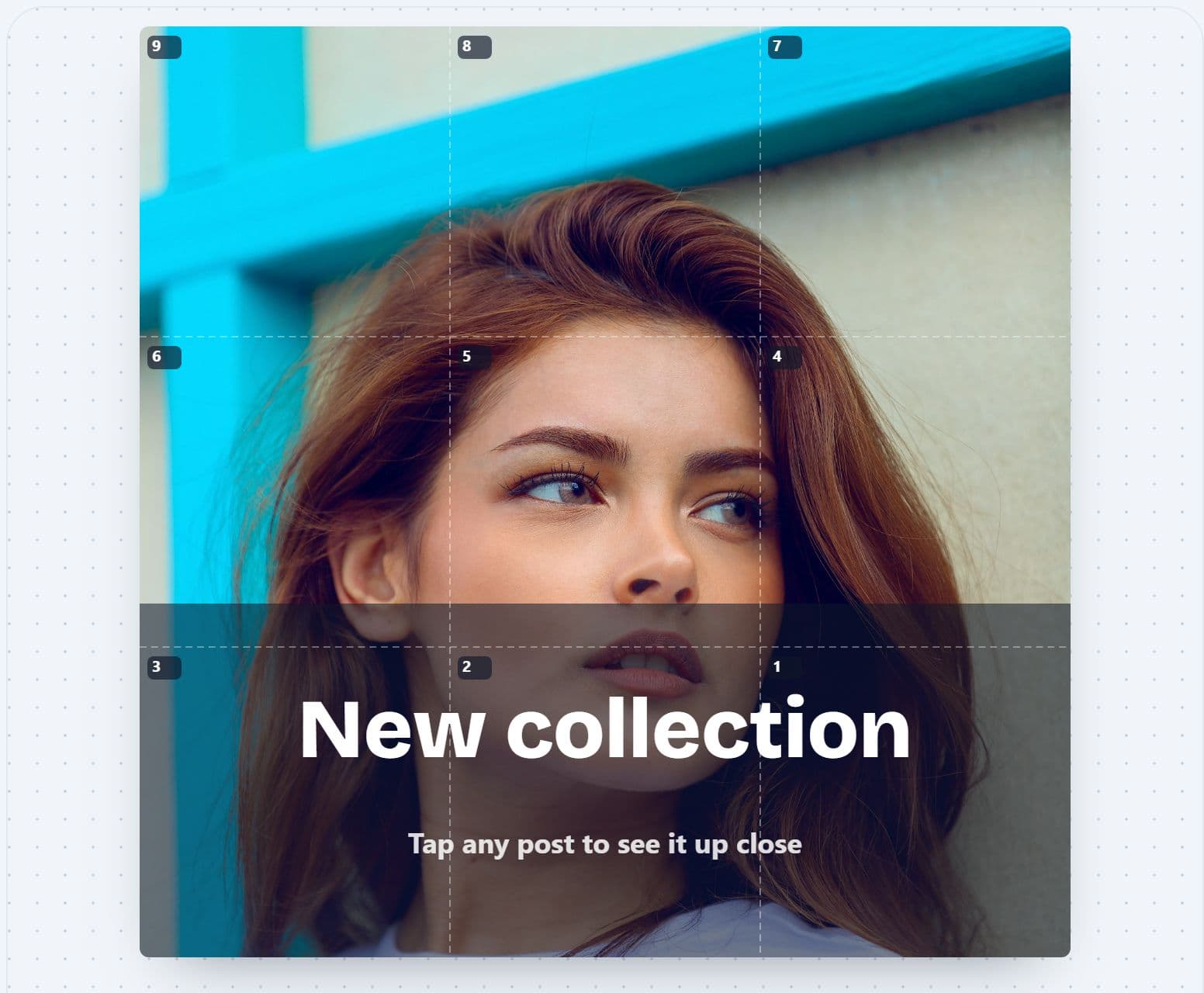
Puzzle Feed Designer
Design one artwork across your whole grid with photos, text, blocks and your logo. See every post on its own.
Open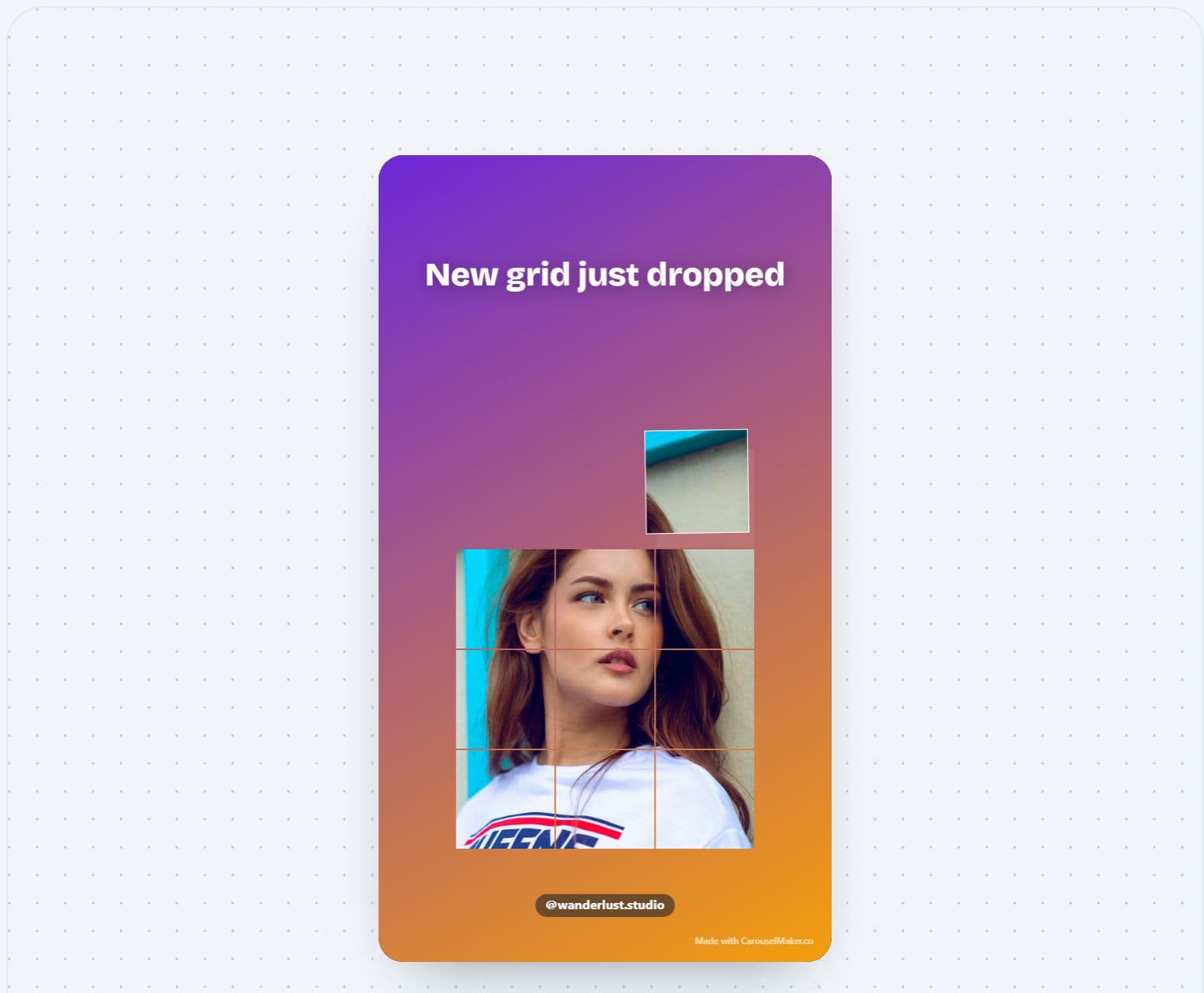
Grid Reveal Reel
Animate your tiles flying into place, ending on a profile mockup, with music. Export a 9:16 MP4.
Open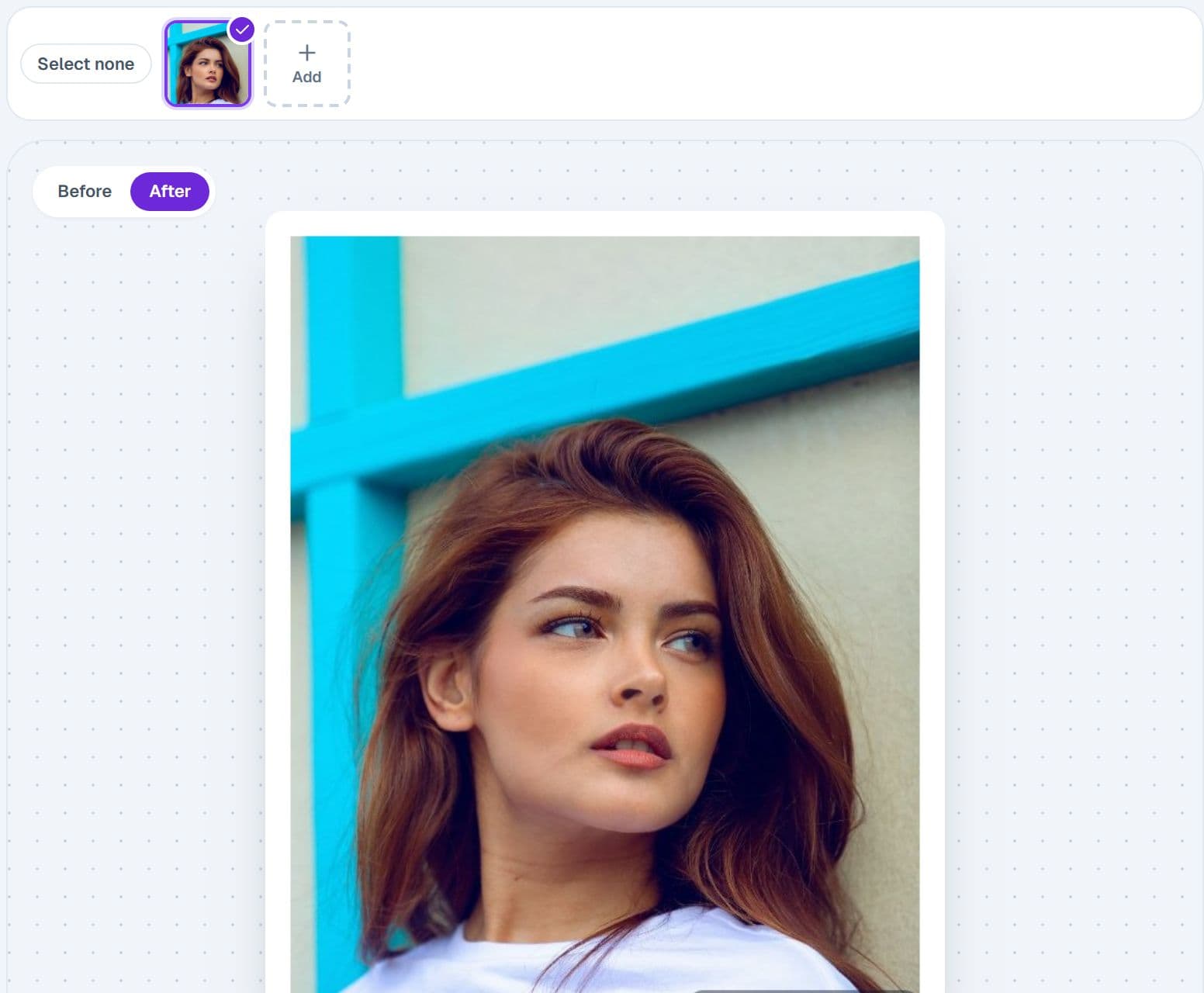
Recipes
Chain resize, frame, adjust and watermark once, then run it on every photo and get a ZIP.
OpenPanorama Split
Turn one wide photo into a seamless swipeable carousel of two to eight slides.
OpenPhoto Frame
White, black, colour, gradient or Polaroid borders at 1:1, 4:5 or 9:16, with rounded corners and batch export.
OpenPhoto Collage
Combine up to twelve photos in grid or freeform layouts, then export as a post or a carousel.
OpenResize & Crop
Convert to 1:1, 4:5, 3:4, 9:16 or 16:9 with smart crop or no-crop fills, one photo or a batch.
OpenCompressor
Resize to Instagram's exact sizes and compress to a quality or file-size target without visible loss.
OpenWatermark
Stamp your @handle or logo in any position, with opacity, pill backgrounds and tiled patterns, in batch.
OpenProfile Picture
Circle-crop a profile picture and preview it on the profile, in stories, comments and DMs before you export.
OpenStory & Reel Cover
1080×1920 covers with Story and Reels safe zones, templates and the profile-grid crop shown while you edit.
OpenPanorama Video
Turn photos into a smooth camera-move MP4 or GIF with keyframes, transitions, text, music and looks.
OpenFeed Planner
Drag posts into a realistic profile mockup, add captions and dates, check the pattern and export ready-to-post images.
OpenThe same studio in your pocket
Tools sit in a bottom bar, the tray in a strip, and every export saves to your camera roll. Most of our visitors are on a phone, so the studio was built there first.
Up to five accounts
Each with its own brand kit, tray and feed. Switch with one tap.
Private by design
Photos stay in your browser's storage. Nothing is uploaded to us.
Three steps, no learning curve
- 01
Open the studio and drop in your photos. They land in the tray, saved in your browser.
- 02
Pick a tool from the rail. Your brand kit pre-fills margins, watermark, frame and export quality.
- 03
Export. Results return to the tray with a tick, ready to send to the next tool or to download.
Frequently asked questions
Is Instagram Studio free?
Yes, free during beta. Every tool, the tray, accounts and the brand kit are open to everyone while we polish the studio. There is no signup and nothing is uploaded.
Where are my photos stored?
In your browser. The tray uses your device's storage, so it survives a refresh but never leaves your computer or phone.
Does it work on a phone?
Yes. The tools sit in a bottom bar and the tray in a strip. Heavier features such as the background remover and video export take longer on a phone.
Can I still use the single tool pages?
Yes. Every tool keeps its own page. The studio adds the shared tray, the brand kit and the ability to move an image between tools.
What about LinkedIn?
The carousel maker and LinkedIn tools are separate today. A LinkedIn Studio is planned on the same foundation.
Your next grid starts here
Split it, design it, animate it, batch it, and keep everything in one tray.
Open the studioMore free Instagram tools
The same tools, each on its own page.
Divisor de Imagens Instagram
Divida imagens em blocos de grade para posts de carrossel e grade do Instagram perfeitos.
Instagram Toolkit
Every Instagram layout tool in one place: grid splitter studio, panoramas, squares, frames, covers, collage and more
Planejador de Feed Instagram
Planeje e visualize o layout do seu feed do Instagram antes de publicar.
Gerador de Legendas Instagram com IA
Gere legendas atraentes para Instagram com IA para qualquer tipo de post.