

인스타그램 피드 플래너 및 그리드 미리보기
Drop in upcoming posts, see them on a realistic profile mockup, add captions and dates, and export a ready-to-post pack. Saved on your device — nothing is uploaded.
Profile
Select a post to edit it, or set up the profile mockup below.
Color palette
Add photos to see the palette of your grid.
그리드 준비도
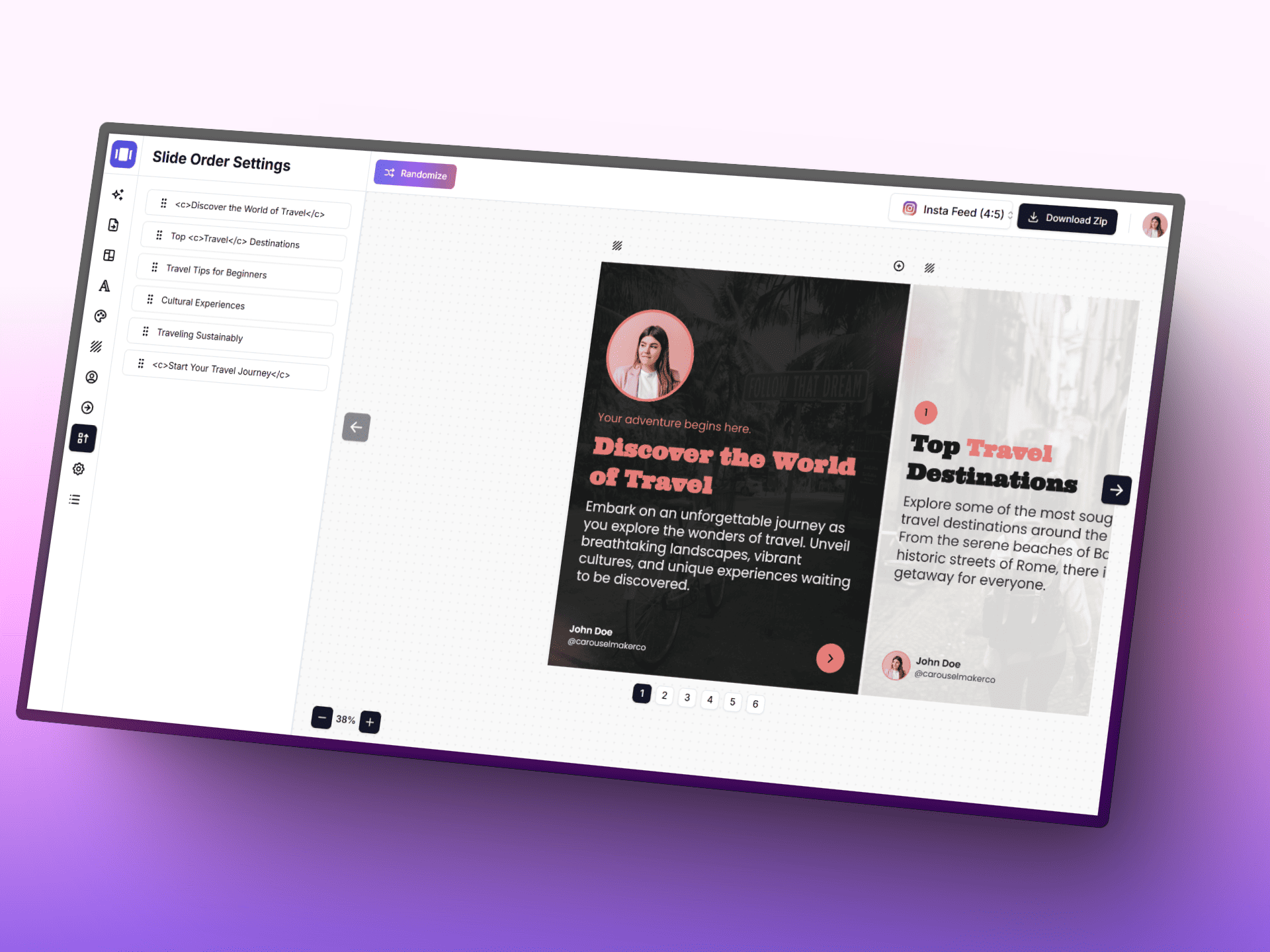
AI로 캐러셀 만들기
AI, 집중형 편집기, 바로 사용할 수 있는 템플릿으로 아이디어를 세련된 캐러셀 게시물로 더 빠르게 바꿔 보세요.
Posting schedule
Posts with a planned date, in orderAdd a planned date to posts to build your schedule.
기획 나침반
- • 각 행의 첫 칸에 스크롤을 멈추게 하는 시각적 앵커를 배치하세요.
- • 반복되는 모티프를 유지해 프로필의 인지도를 높이세요.
- • 클로즈업과 와이드 샷을 섞어 단조로운 리듬을 피하세요.
스마트 워크플로우
- • 1. 먼저 3x3 핵심 구성을 완성한 뒤 시즌 캠페인으로 확장하세요.
- • 2. 콘텐츠 의도를 번갈아 구성하세요: 정보 제공, 영감, 전환.
- • 3. 게시 전에 모바일 폭에서 썸네일을 다시 확인하세요.
Grid tips
- • Instagram shows the profile grid at 3:4 — keep faces and text away from the top and bottom edges of 4:5 posts.
- • Use a guide (checkerboard, rows, columns) to decide where quote or text posts go, then fill the rest with photos.
- • Mark live posts so you can see exactly how the next row will land on top of what is already published.
Daum dan-gye
Gyehoekhhan grid reul gonggae conteuentsu ro jeonhwan
Instagram workflow-e majchun creator tool lo gyesokhaseyo. Carousel dizain, caption, visual storytelling asset kkaji.
Instagram Carousel Generator
Aidia lo brand multi-slide carousel eul mandeuseyo.
Doogu yeolgi ->
Post Generator
Seongneung joeun captiongwa post mun-gureul deo ppalli jakseong.
Doogu yeolgi ->
Infographic Generator
Haeksim pointeur audience-ga ppalli ilgeul su itneun myeonghwakhan visual postlo byeonhwan.
Doogu yeolgi ->
자주 묻는 질문
인스타그램 피드 플래너 및 그리드 미리보기에 대해 알아야 할 모든 내용