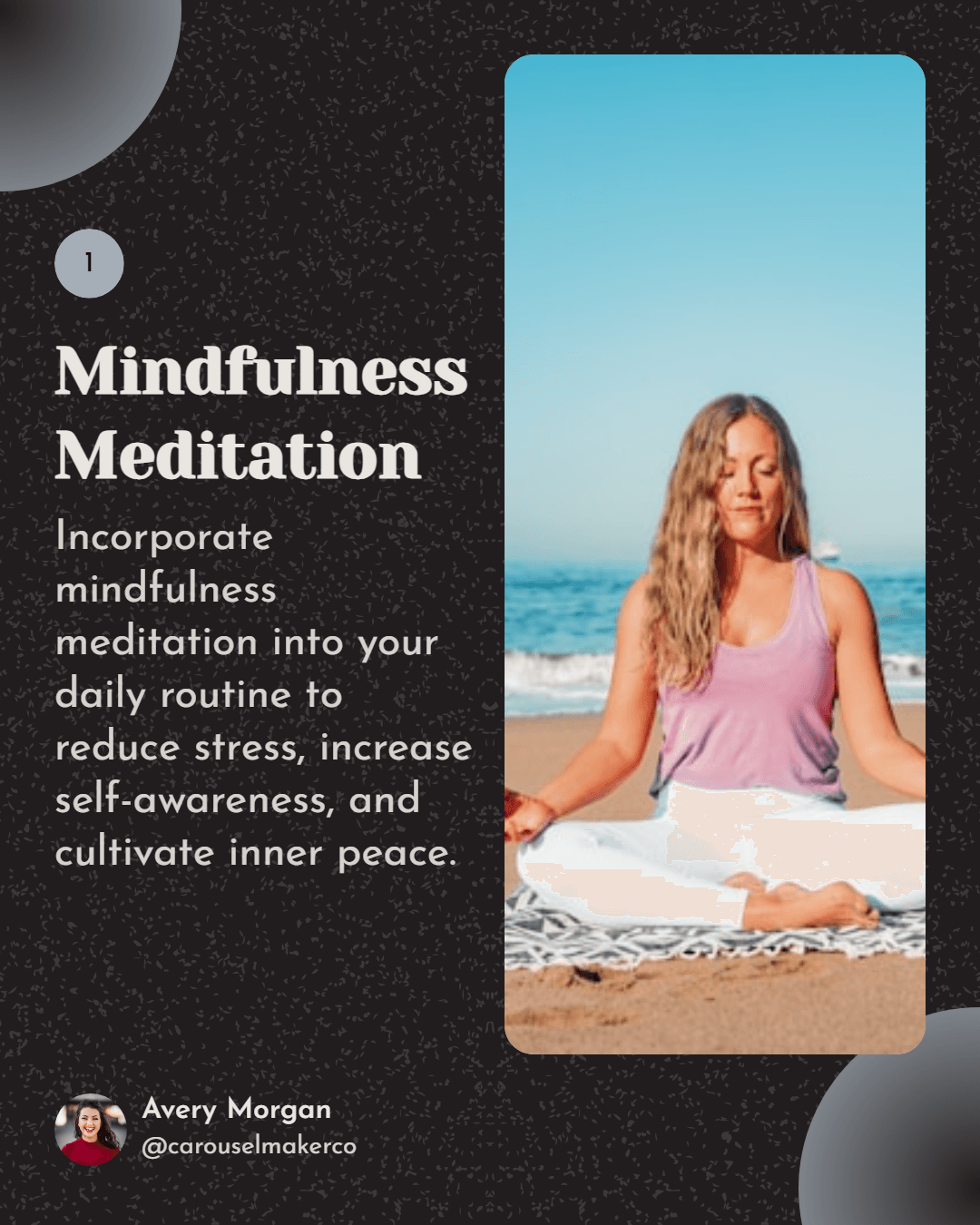
Vertical loop opener
Place a high-contrast hook tile in the top-left so the first row reads as a quick teaser for the rest of your grid.
TikTok 피드 레이아웃을 쉽게 계획하세요. 이미지를 끌어다 놓아 시각적으로 매력적인 피드를 만들어보세요. 피드가 TikTok에서 어떻게 보일지 미리보기하세요.
Filled slots
0/9
Completed rows
0
Grid readiness
0%
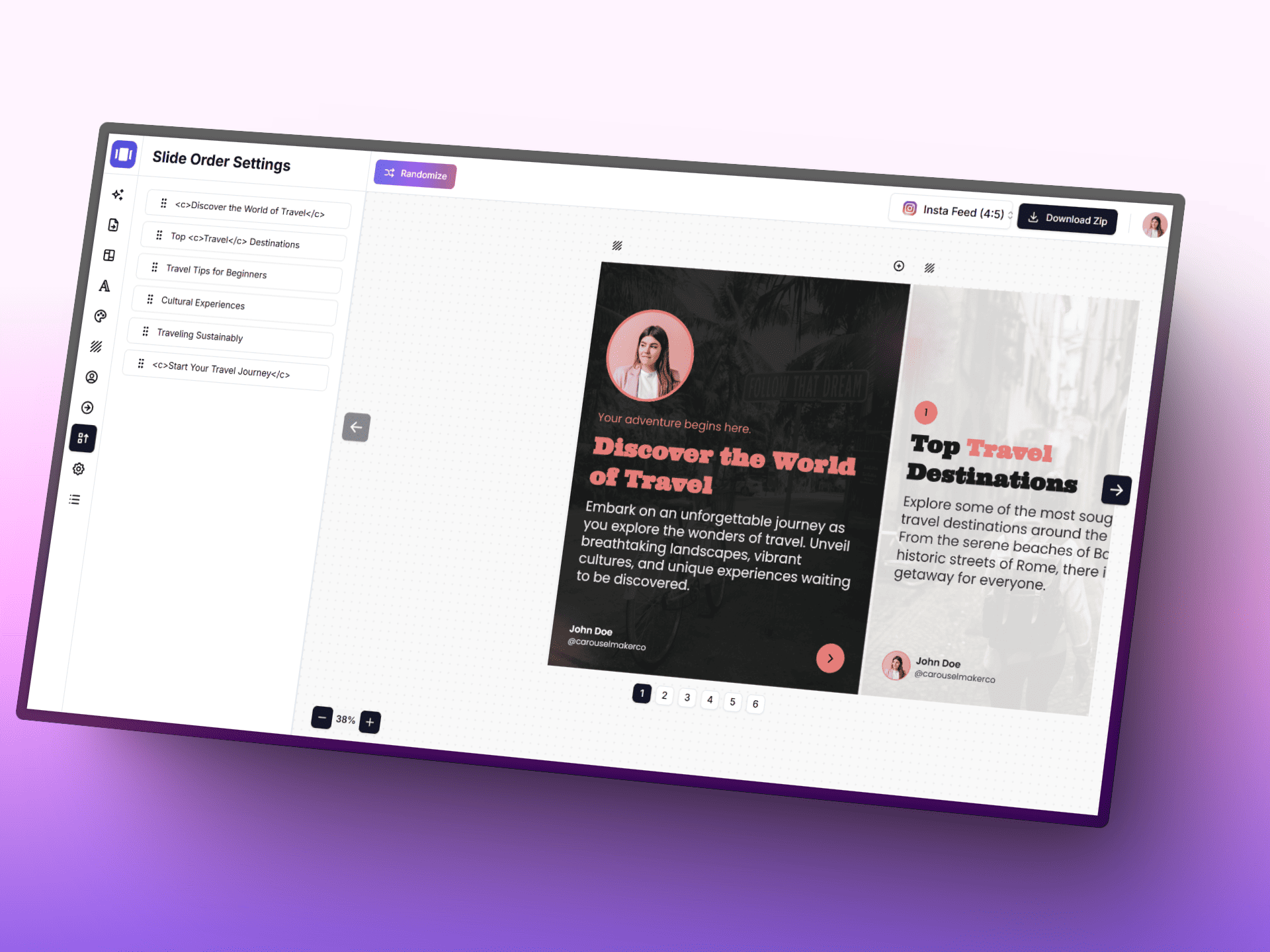
AI, 집중형 편집기, 바로 사용할 수 있는 템플릿으로 아이디어를 세련된 캐러셀 게시물로 더 빠르게 바꿔 보세요.
Upload lots of thumbnails at once and let the planner sort the order.
Switch between 9:16 and square to preview both portrait and pinned formats.
Export the grid as a PNG reference before scheduling your posts.
업로드 후 이미지 재정렬
Place a high-contrast hook tile in the top-left so the first row reads as a quick teaser for the rest of your grid.
Group tall tiles into vertical columns so the grid alternates between motion-friendly and pause-friendly rows.
Alternate bright and muted palettes every other row to create a scroll-stopping rhythm across the profile.
Dedicate the first row to context-setting thumbnails so visitors instantly understand your niche.
Stack three step-by-step tiles vertically to make a single how-to impulse visible from the profile view.
Reserve a 3x2 block for POV-style clips so related takes feel like one curated experience.
Use the last row for trend-reactive tiles, leaving the top of the grid serene and on-brand.
Leave negative space on the lower third of each tile so titles remain readable when posted natively.
Repeat two anchor tiles every nine slots so recurring series stay findable from the grid.
어떤 주제, URL 또는 텍스트든 몇 초 만에 전문 멀티 슬라이드 캐러셀 게시물로 변환하세요. 아름다운 템플릿에서 선택하고, 색상과 글꼴을 커스터마이즈하고, 바로 게시할 수 있는 슬라이드를 다운로드하세요.