Vertical loop opener
Place a high-contrast hook tile in the top-left so the first row reads as a quick teaser for the rest of your grid.
Plan je TikTok feed layout eenvoudig. Sleep en plaats afbeeldingen om een visueel aantrekkelijke feed te maken. Bekijk een voorbeeld van hoe je feed eruit zal zien op TikTok.
Filled slots
0/9
Completed rows
0
Grid readiness
0%
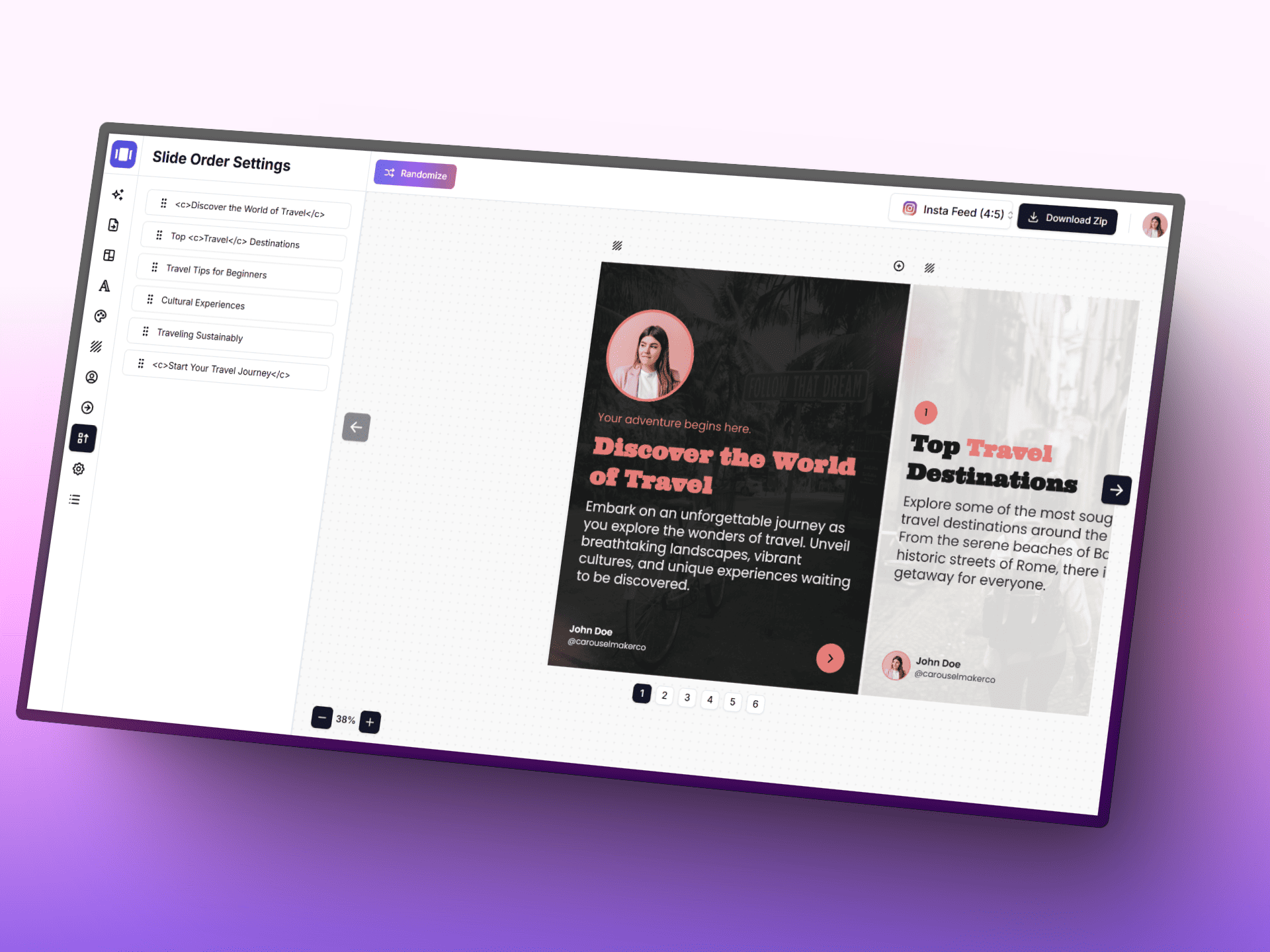
Zet ideeën sneller om in verzorgde carrouselposts met AI, een gerichte editor en kant-en-klare templates.
Upload lots of thumbnails at once and let the planner sort the order.
Switch between 9:16 and square to preview both portrait and pinned formats.
Export the grid as a PNG reference before scheduling your posts.
Herschik afbeeldingen na het uploaden
Place a high-contrast hook tile in the top-left so the first row reads as a quick teaser for the rest of your grid.
Group tall tiles into vertical columns so the grid alternates between motion-friendly and pause-friendly rows.
Alternate bright and muted palettes every other row to create a scroll-stopping rhythm across the profile.
Dedicate the first row to context-setting thumbnails so visitors instantly understand your niche.
Stack three step-by-step tiles vertically to make a single how-to impulse visible from the profile view.
Reserve a 3x2 block for POV-style clips so related takes feel like one curated experience.
Use the last row for trend-reactive tiles, leaving the top of the grid serene and on-brand.
Leave negative space on the lower third of each tile so titles remain readable when posted natively.
Repeat two anchor tiles every nine slots so recurring series stay findable from the grid.
Verander elk onderwerp, URL of tekst in een professioneel carrouselbericht met meerdere slides in seconden. Kies uit prachtige sjablonen, pas kleuren en lettertypen aan, en download publicatieklare slides.