更新履歴

Carousel Makerに追加されたすべての最新機能、改善、アップデートをご確認ください。

3.1.0

Instagram Studio (Beta)

Every Instagram tool in one free workspace: upload once, switch tools instantly, and keep everything in a shared tray.

One workspace, fourteen tools
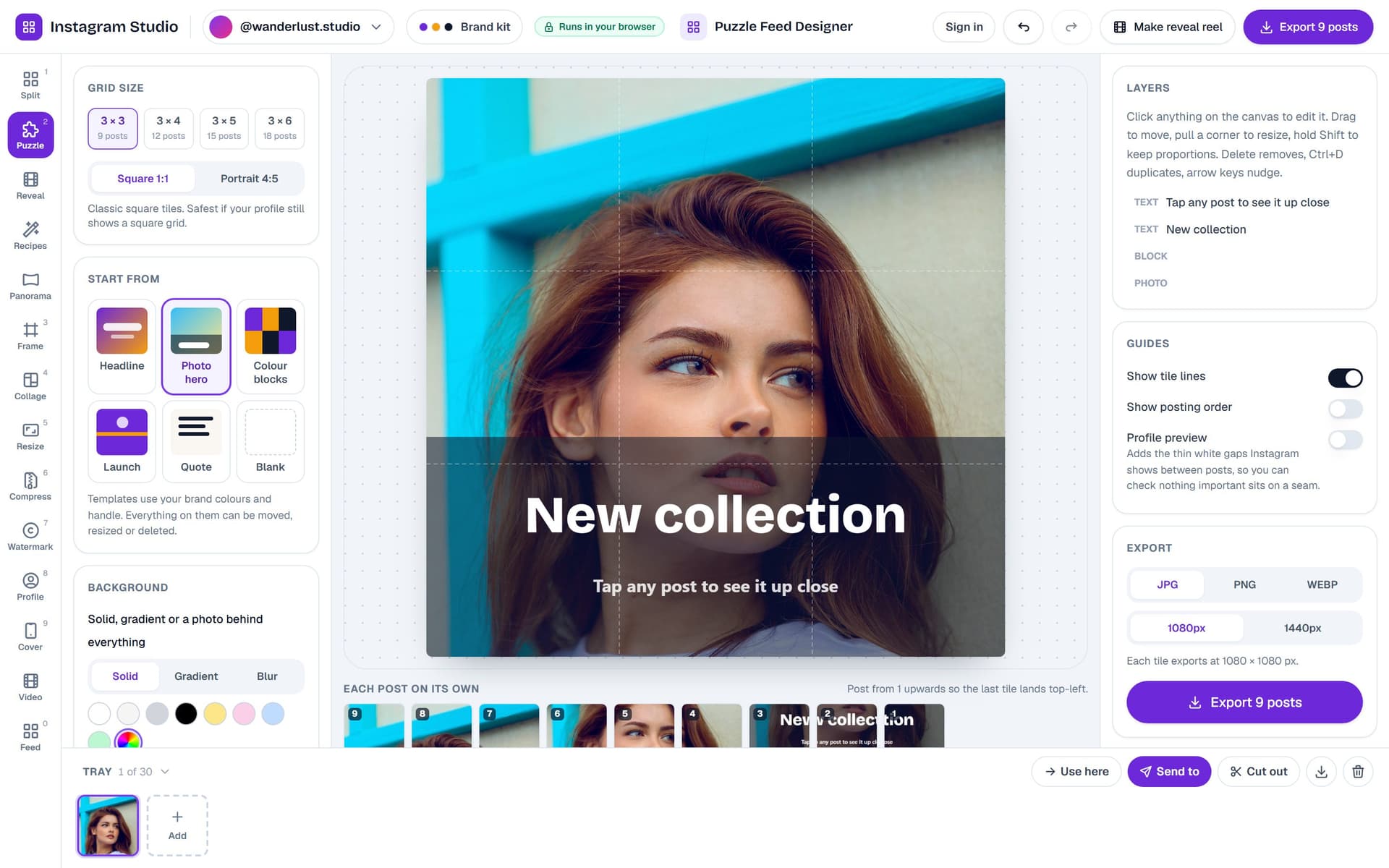
Instagram Studio with the puzzle feed designer open

The splitter, frame, collage, resize, compress, watermark, profile picture, story cover, panorama video and feed planner now live in one studio with a shared tray, a brand kit per account and a Send to menu that moves any image between tools.

Puzzle Feed Designer

Design one artwork across a 3×3 to 3×6 grid with photos, text, blocks and your logo. Seam guides, a profile preview with real gutters, and tiles exported in posting order.

Grid Reveal Reel

Turn a grid into a Reel: the posts fly in one by one in posting order, assemble into the full picture and end on a profile mockup, with licensed music and MP4 export.

Recipes and Save to Photos

Chain resize, frame, adjust and watermark once and run it on every photo. On phones, every export now saves straight to Photos instead of a ZIP.
3.0.0

June 2026 Update

New Video (MP4) exports and PowerPoint (PPTX) support are now live in the editor.

Video Export (MP4) with Motion + Music

Switch carousel type to Video (9:16, 4:5, or 1:1), choose transitions and camera motion, add background music, and export as MP4 directly from the editor.

PowerPoint Carousel Type (16:9)

Create slide decks in PowerPoint format from the same editor workflow. Select PowerPoint (16:9) as your carousel type and download a ready-to-share PPTX.

Better Discovery in Editor

Video and PowerPoint types are now first-class options in the carousel type switcher, plus a release highlight banner and changelog updates so new capabilities are easier to find.

2.9.0

2026年5月アップデート

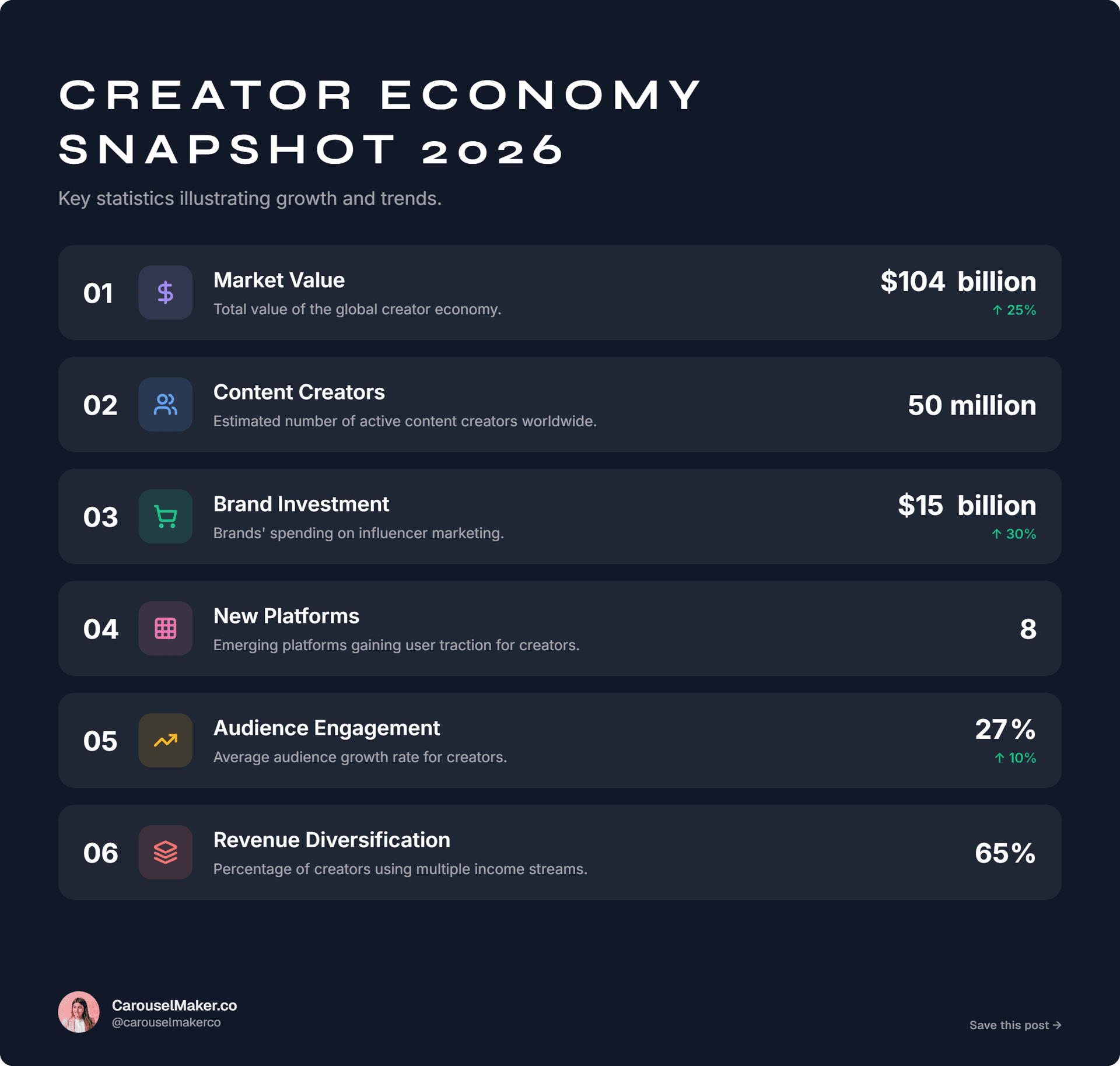
AIインフォグラフィックジェネレーターを公開しました。トピック、テキスト、またはURLから編集可能なインフォグラフィックを作成できます。

AIインフォグラフィックジェネレーター

Infographic generator template preview

トピック、貼り付けたテキスト、またはURLからインフォグラフィックを生成できます。インフォグラフィックエディターでレイアウト、タイポグラフィ、色を編集し、PNGまたはPDFでエクスポートできます。

2.8.0

2026年4月アップデート

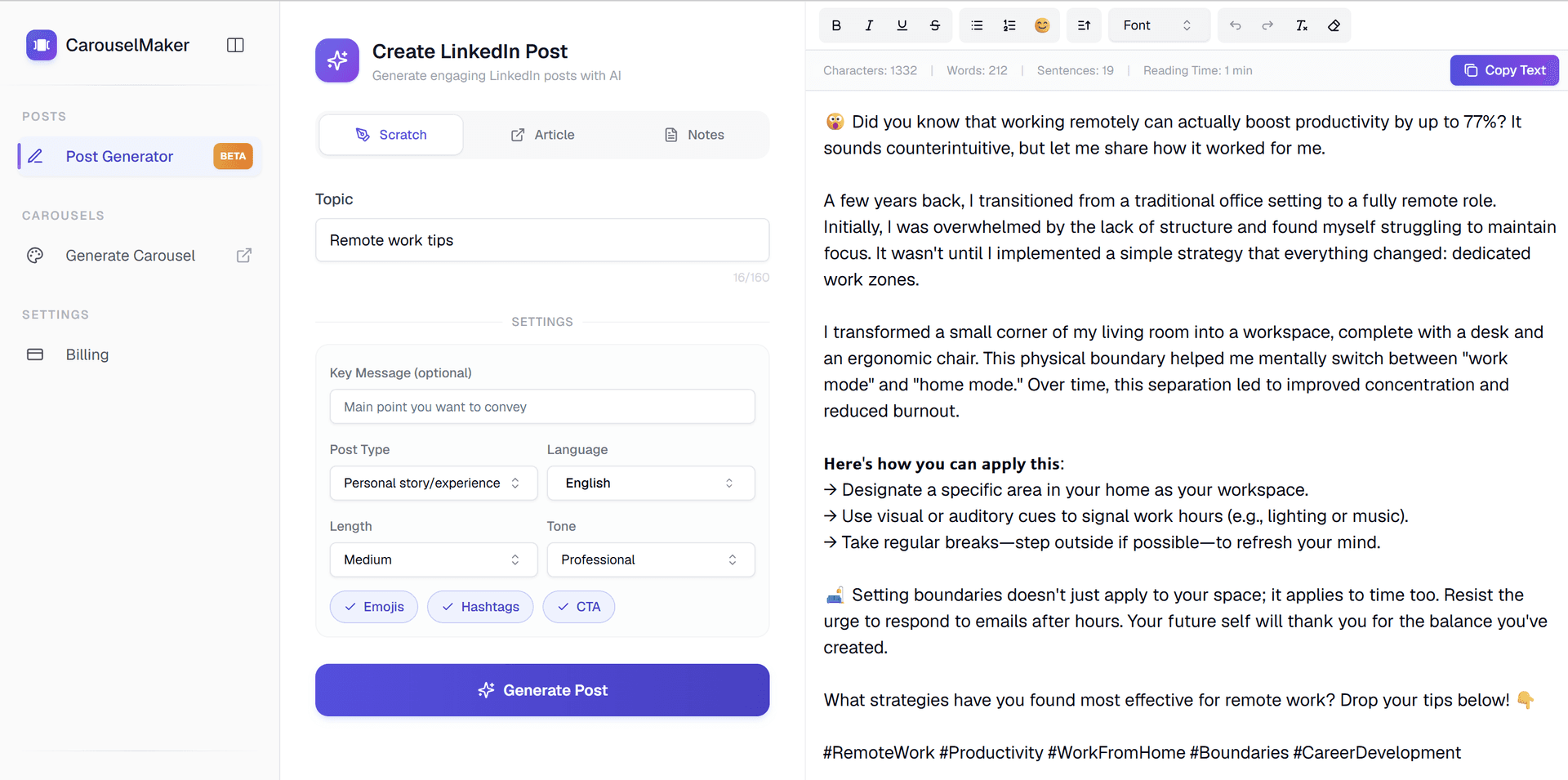
AI LinkedInポストジェネレーターをご紹介 — 数秒でプロフェッショナルなポストを作成。

AI LinkedInポストジェネレーター

AI LinkedIn Post Generator

トピック、URL、または既存のテキストから魅力的なLinkedInポストを生成します。当社のAIはエンゲージメント向けに最適化されたプロフェッショナルなコンテンツを作成します。投稿前に編集、フォーマット、カスタマイズしてください。

2.7.0

2026年3月アップデート

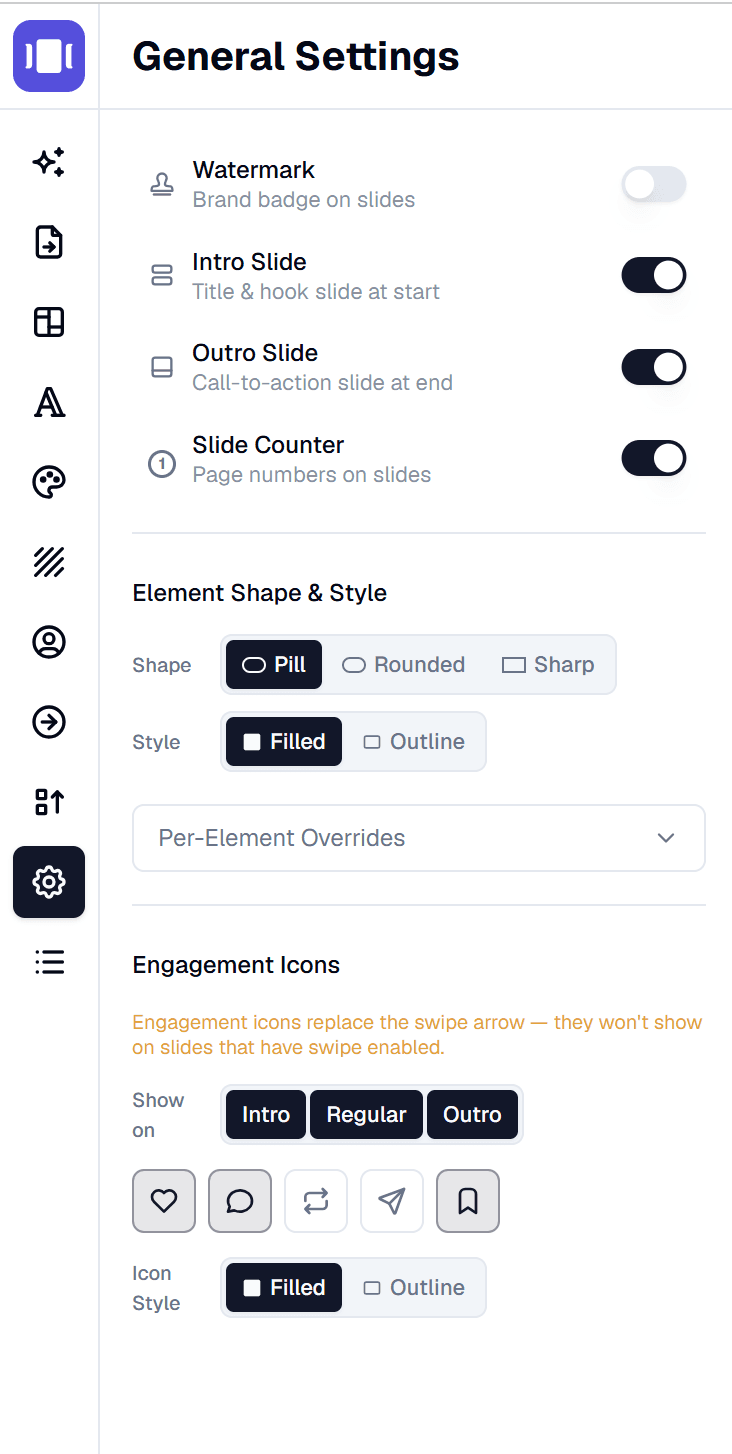
新しい形状コントロール、エンゲージメントアイコン、リデザインされた設定パネル。

要素の形状とスタイルコントロール

Element shapes, engagement icons and redesigned general settings

すべてのUI要素にグローバルな形状(ピル、丸み、シャープ)とスタイル(塗りつぶし、アウトライン)を設定。ワンクリックでカルーセルの外観を統一。

要素ごとの形状オーバーライド

グローバルデフォルトを保ちながら、各要素の形状とスタイルを個別にオーバーライド。

エンゲージメントアイコン

LinkedInスタイルのエンゲージメントアイコン(いいね、コメント、リポスト、送信、ブックマーク)をスライドに追加。

リデザインされた一般設定

設定パネルが完全にリデザイン—アイコン付きの明確なトグル行、セグメントコントロール、よりクリーンなレイアウト。

2.6.0

2026年2月アップデート

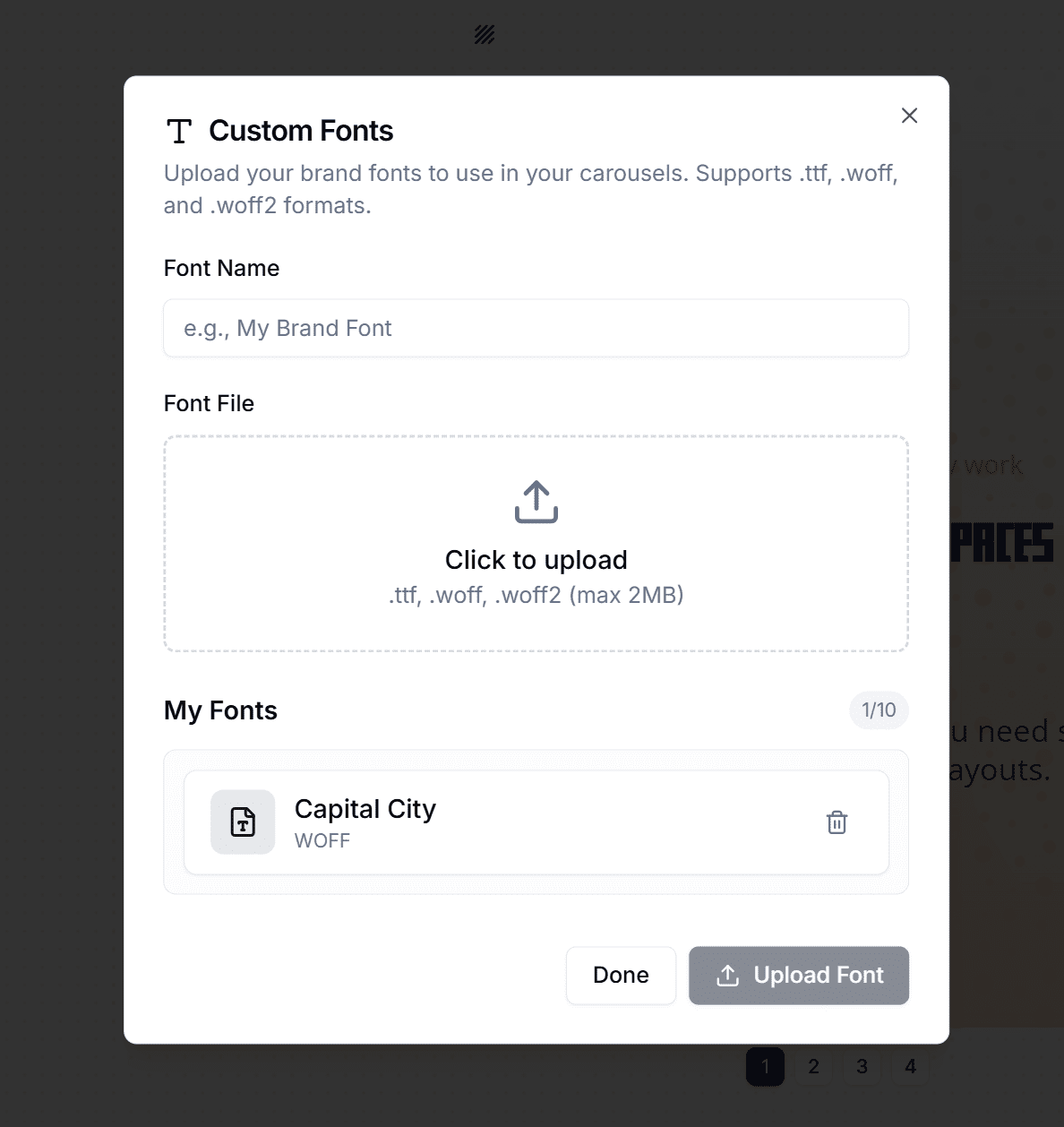
カスタムフォントをアップロード。

カスタムフォントアップロード

Custom font upload for carousel editor

独自の.ttf、.woff、.woff2フォントファイルをアップロードしてカルーセルで使用。Proで最大3つのカスタムフォントを保存。

2.5.0

2026年1月アップデート

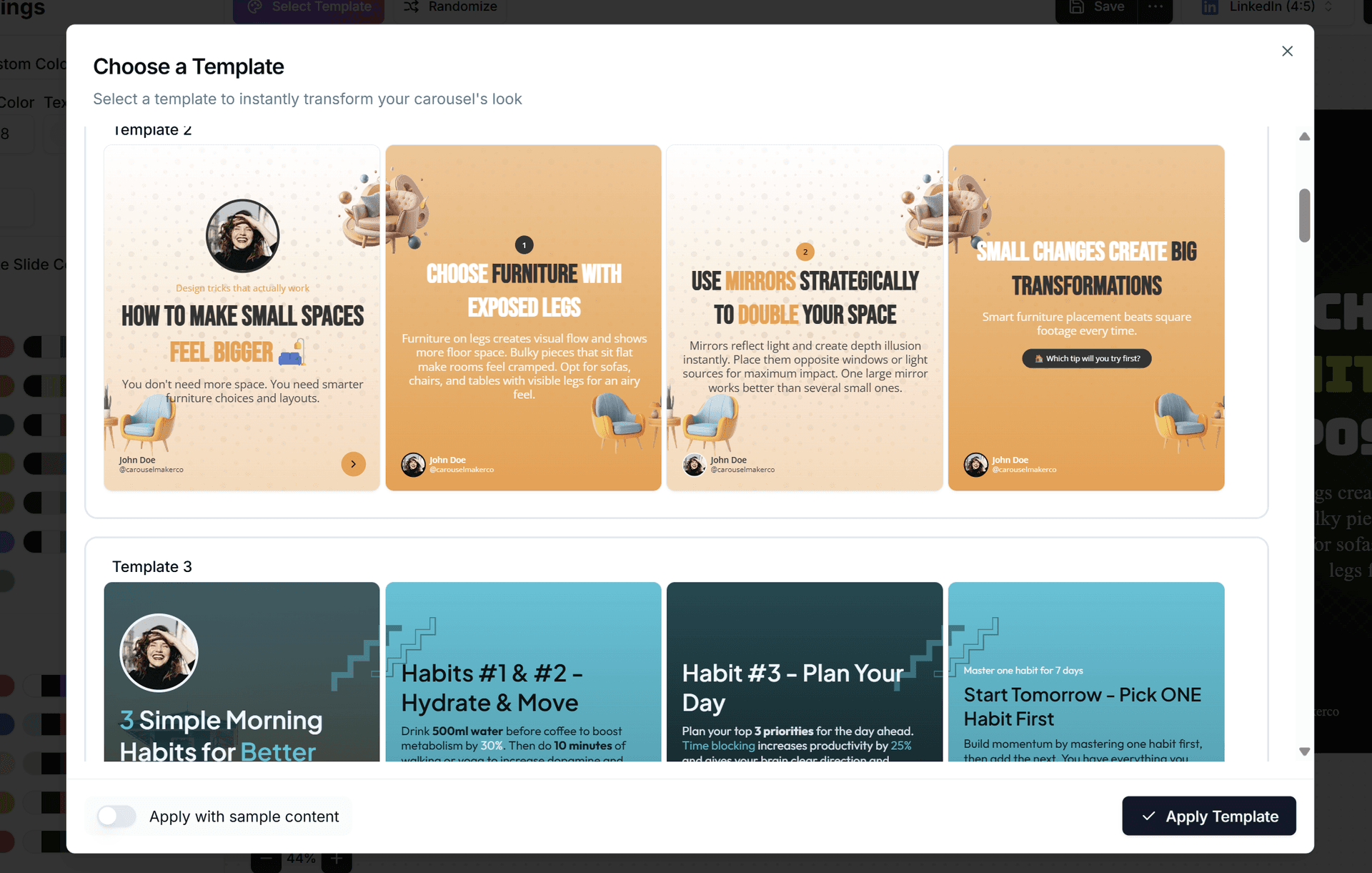
より多くの色、フォント、背景、テンプレート。

テンプレートを選択

Template selection in editor header

エディターヘッダーから任意のテンプレートを選択し、コンテンツに即座に適用。

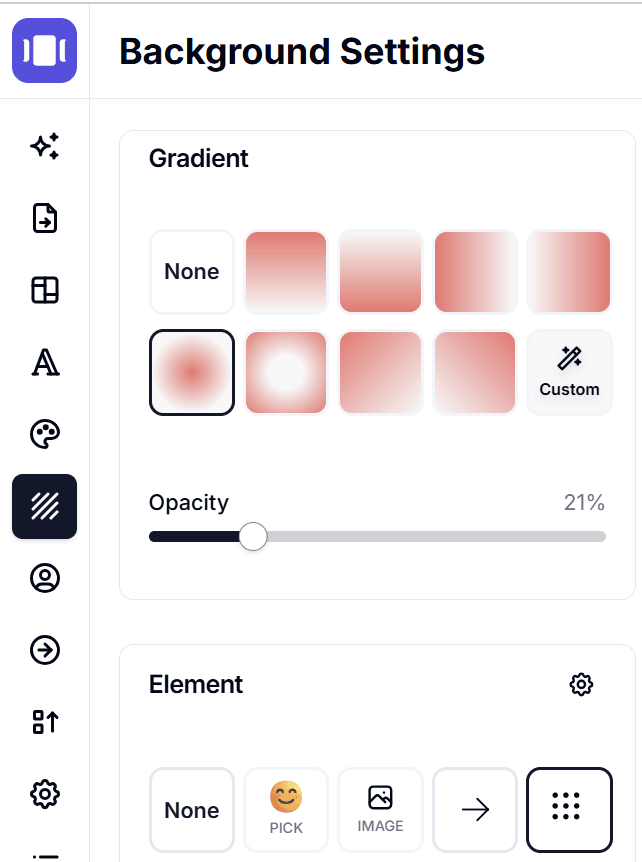
グラデーション背景

Gradient background options

各スライドにグラデーション背景を追加。プリセットから選択するか、カスタムの線形/放射状グラデーションを作成。

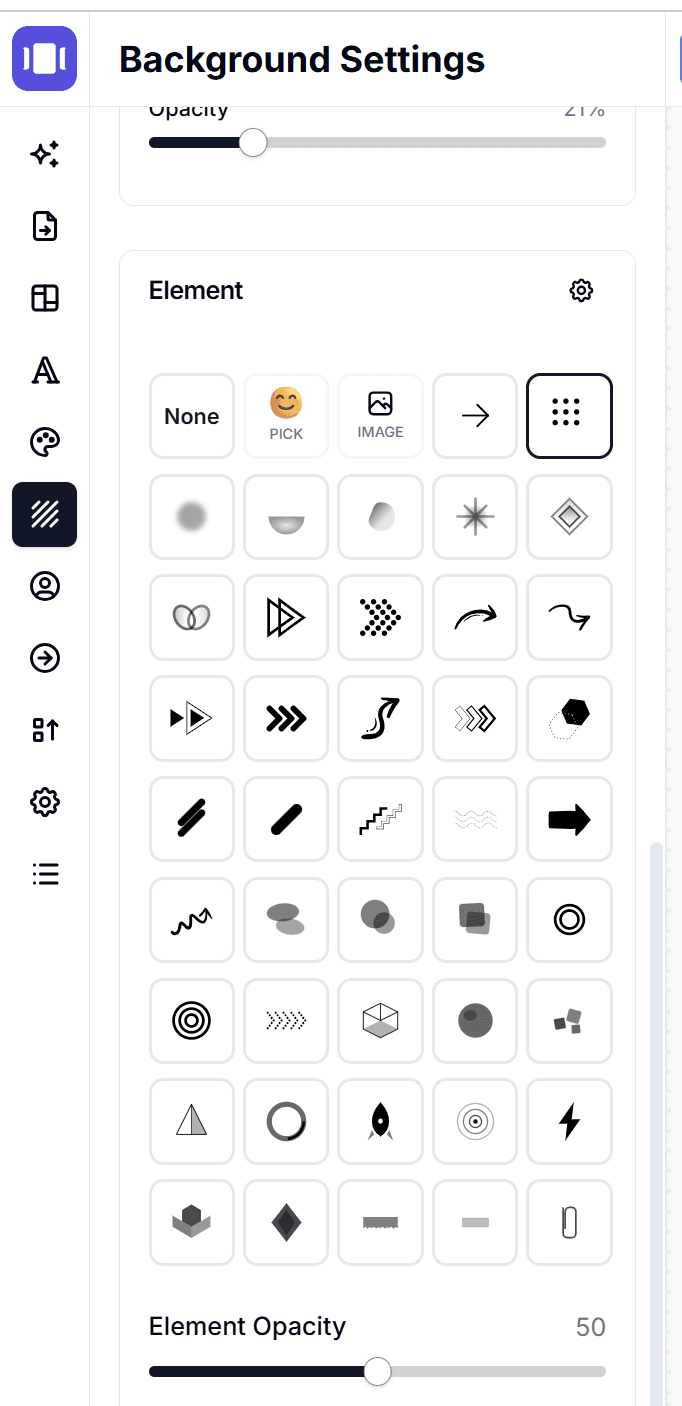
背景オーバーレイ&デザイン要素

Background overlay and design elements

既存のライブラリにパターン、形状、装飾要素を追加。

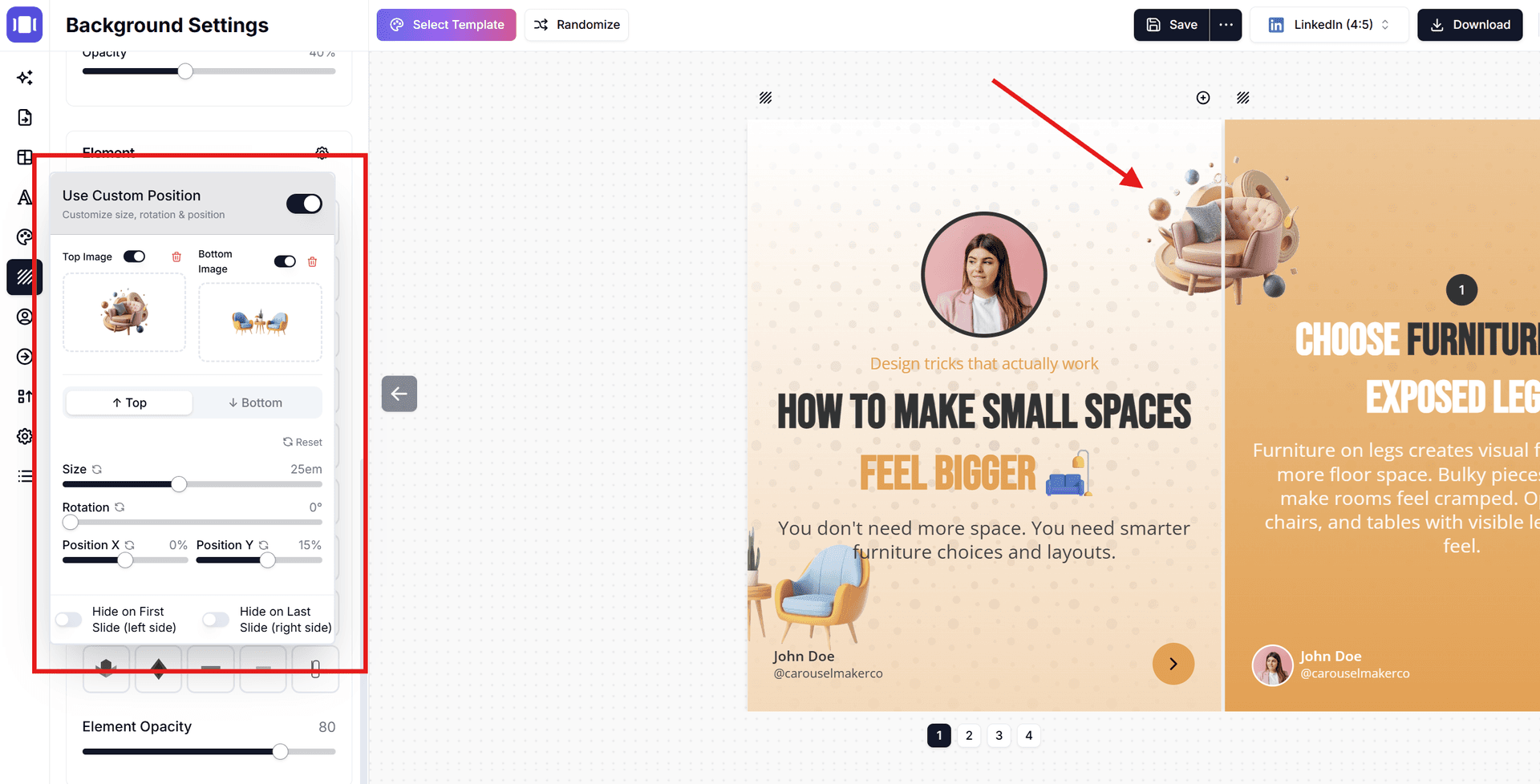
カスタムデザイン要素&位置

Custom design elements with positioning

絵文字やカスタム画像をデザイン要素として使用。スライド上の任意の位置に配置可能。

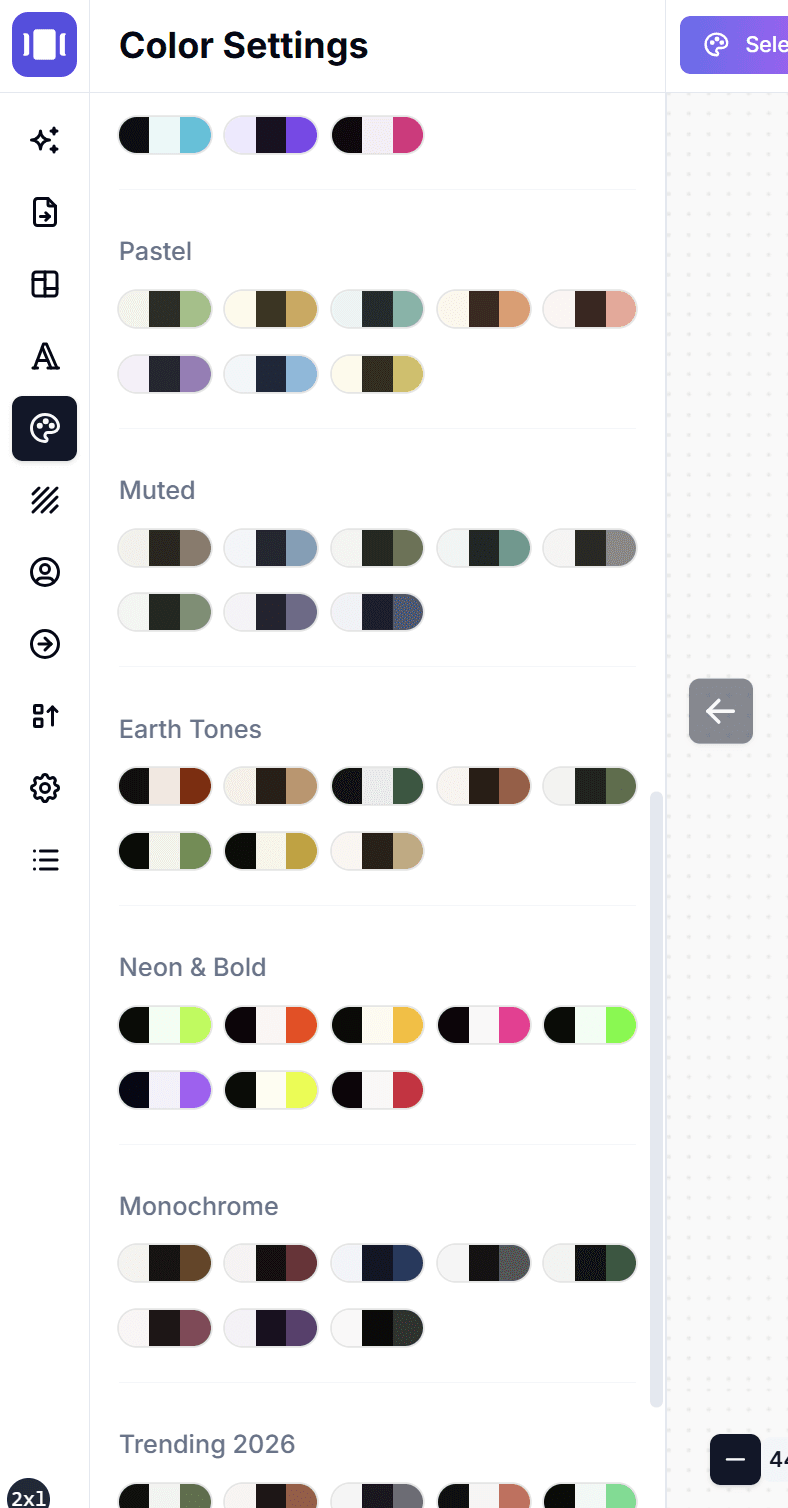
新しいテーマカラー

New theme color palettes

ブランドに合わせた50以上の新しいカラーパレット。

フォント追加

モダン、エレガント、ボールドなど20以上の新しいフォント。

テキスト色を代替背景として使用

代替スライドカラーがオンの時、テキスト色を代替スライドの背景として使用。オフの場合はアクセントカラーが使用されます。

カルーセルを複製

マイカルーセルから保存済みカルーセルを簡単に複製してバリエーションを作成。

これらの機能を試す準備はできましたか?

無料ツールで素敵なSNSカルーセルを数分で作成。

作成を開始 — 無料