

Instagramフィードプランナー&グリッドプレビュー
Drop in upcoming posts, see them on a realistic profile mockup, add captions and dates, and export a ready-to-post pack. Saved on your device — nothing is uploaded.
Profile
Select a post to edit it, or set up the profile mockup below.
Color palette
Add photos to see the palette of your grid.
グリッド準備度
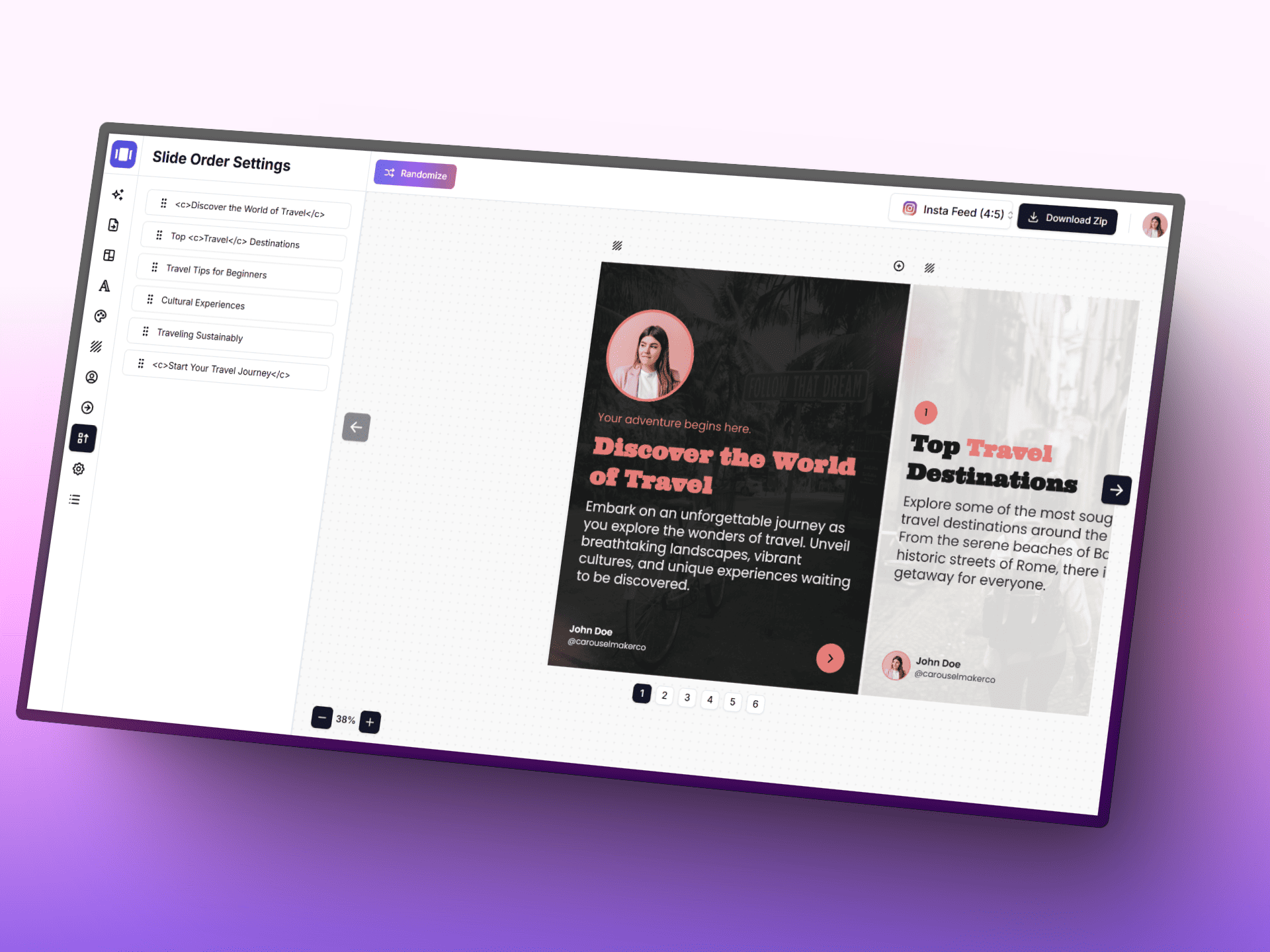
AIでカルーセルを作成
AI、集中しやすいエディタ、すぐ使えるテンプレートで、アイデアを洗練されたカルーセル投稿にすばやく変えましょう。
Posting schedule
Posts with a planned date, in orderAdd a planned date to posts to build your schedule.
プランニングコンパス
- • 各行の先頭に、スクロールを止める視覚的アンカーを置きましょう。
- • 繰り返し使うモチーフを1つ決めると、プロフィールの認知性が高まります。
- • 寄りと引きのカットを混ぜて、単調な視覚リズムを避けましょう。
スマートワークフロー
- • 1. まず3x3のコアを埋めてから、季節キャンペーンへ拡張しましょう。
- • 2. コンテンツ意図を交互に配置: 教育、共感、転換。
- • 3. 公開前に、スマホ幅でサムネイルを再確認しましょう。
Grid tips
- • Instagram shows the profile grid at 3:4 — keep faces and text away from the top and bottom edges of 4:5 posts.
- • Use a guide (checkerboard, rows, columns) to decide where quote or text posts go, then fill the rest with photos.
- • Mark live posts so you can see exactly how the next row will land on top of what is already published.
Tsugi no suteppu
Keikaku shita grid o kokai kontentsu ni kaeru
Instagram workflow ni awaseta creator tool de tsuzukemasho. Carousel design kara caption, visual storytelling asset made taio.
Instagram Carousel Generator
Content idea kara branded na multi-slide carousel o sakusei.
Tool o hiraku ->
Post Generator
Koka no takai caption to post copy o motto hayaku sakusei.
Tool o hiraku ->
Infographic Generator
Kihon point o audience ga sugu ni yomeru clear na visual post ni henkan.
Tool o hiraku ->
よくある質問
Instagramフィードプランナー&グリッドプレビューについて知っておきたいこと