

Studio bố cục feed
Công cụ lên kế hoạch feed Instagram và xem trước lưới
Drop in upcoming posts, see them on a realistic profile mockup, add captions and dates, and export a ready-to-post pack. Saved on your device — nothing is uploaded.
Saved on this device
0
Posts
12.4K
Followers
318
Following
Your Name
Planning a feed that tells a story ✨
Edit profile
Share profile
New
Travel
Work
Tips
Export
Profile
Select a post to edit it, or set up the profile mockup below.
Color palette
Add photos to see the palette of your grid.
Mức sẵn sàng của lưới
0/12
Ô đã điền
0
Planned
0
Scheduled
0
Reels
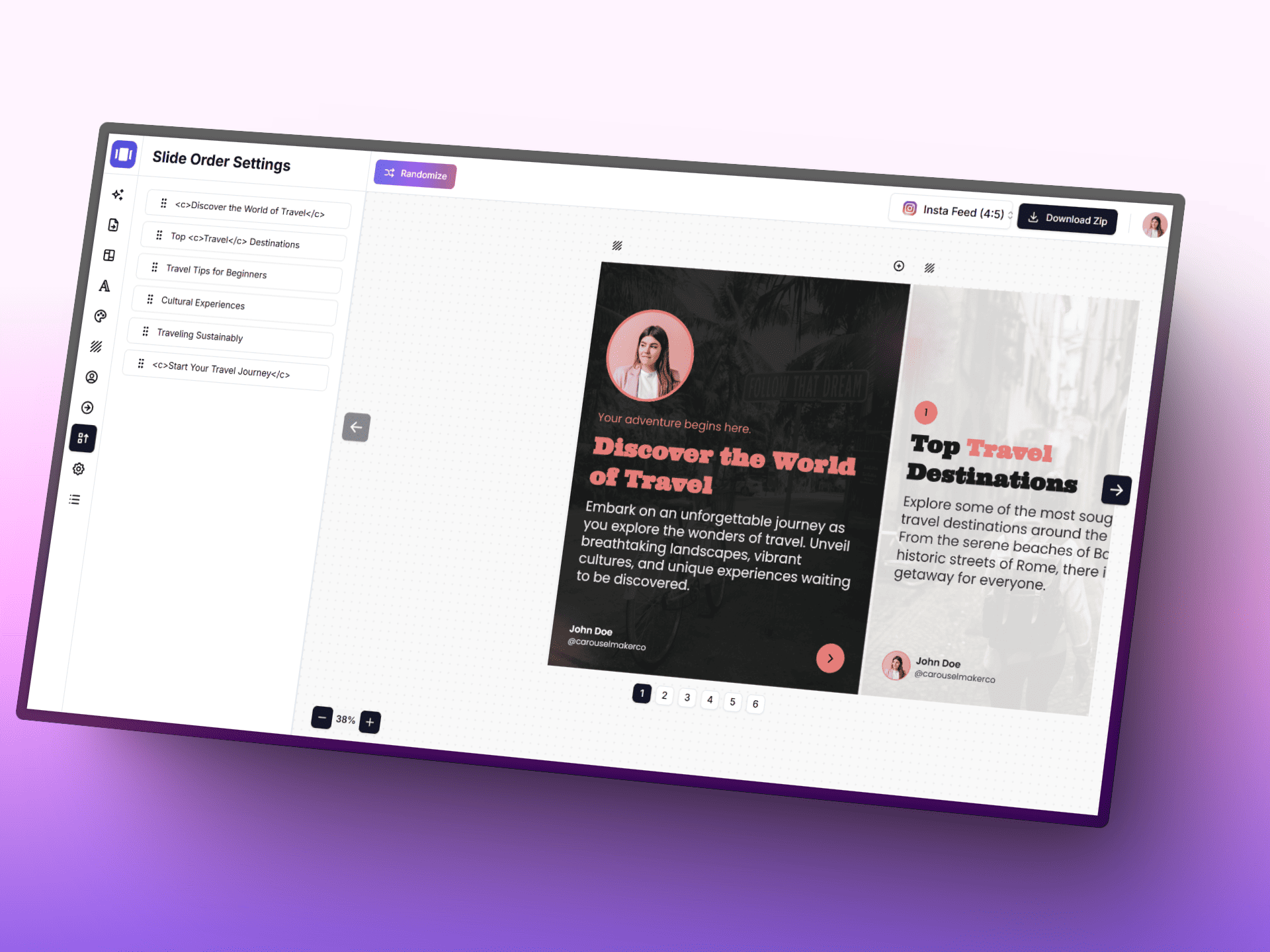
Tạo carousel với AI
Biến ý tưởng thành bài đăng carousel chỉnh chu nhanh hơn với AI, trình chỉnh sửa tập trung và các mẫu có sẵn.
Posting schedule
Posts with a planned date, in orderAdd a planned date to posts to build your schedule.
La bàn lập kế hoạch
- • Bắt đầu mỗi hàng bằng một điểm nhấn thị giác để giữ người xem dừng lại.
- • Giữ một mô-típ lặp lại để hồ sơ được nhận diện ngay lập tức.
- • Kết hợp ảnh cận và ảnh góc rộng để tránh nhịp điệu thị giác đơn điệu.
Quy trình thông minh
- • 1. Hoàn thiện lõi 3x3 trước, sau đó mở rộng theo các chiến dịch theo mùa.
- • 2. Luân phiên mục tiêu nội dung: giáo dục, truyền cảm hứng, chuyển đổi.
- • 3. Kiểm tra thumbnail ở kích thước điện thoại trước khi đăng.
Grid tips
- • Instagram shows the profile grid at 3:4 — keep faces and text away from the top and bottom edges of 4:5 posts.
- • Use a guide (checkerboard, rows, columns) to decide where quote or text posts go, then fill the rest with photos.
- • Mark live posts so you can see exactly how the next row will land on top of what is already published.
Buoc tiep theo
Bien luoi da len ke hoach thanh noi dung da dang
Tiep tuc voi bo cong cu cho quy trinh Instagram, tu thiet ke carousel den caption va tai san ke chuyen bang hinh anh.
Chon cong cu de tiep tuc
Câu hỏi thường gặp
Mọi điều bạn cần biết về công cụ lên kế hoạch feed Instagram và xem trước lưới