Vertical loop opener
Place a high-contrast hook tile in the top-left so the first row reads as a quick teaser for the rest of your grid.
Lập kế hoạch bố cục lưới TikTok của bạn một cách dễ dàng. Kéo và thả hình ảnh để tạo ra một lưới hấp dẫn mắt. Xem trước cách lưới của bạn sẽ trông như thế nào trên TikTok.
Filled slots
0/9
Completed rows
0
Grid readiness
0%
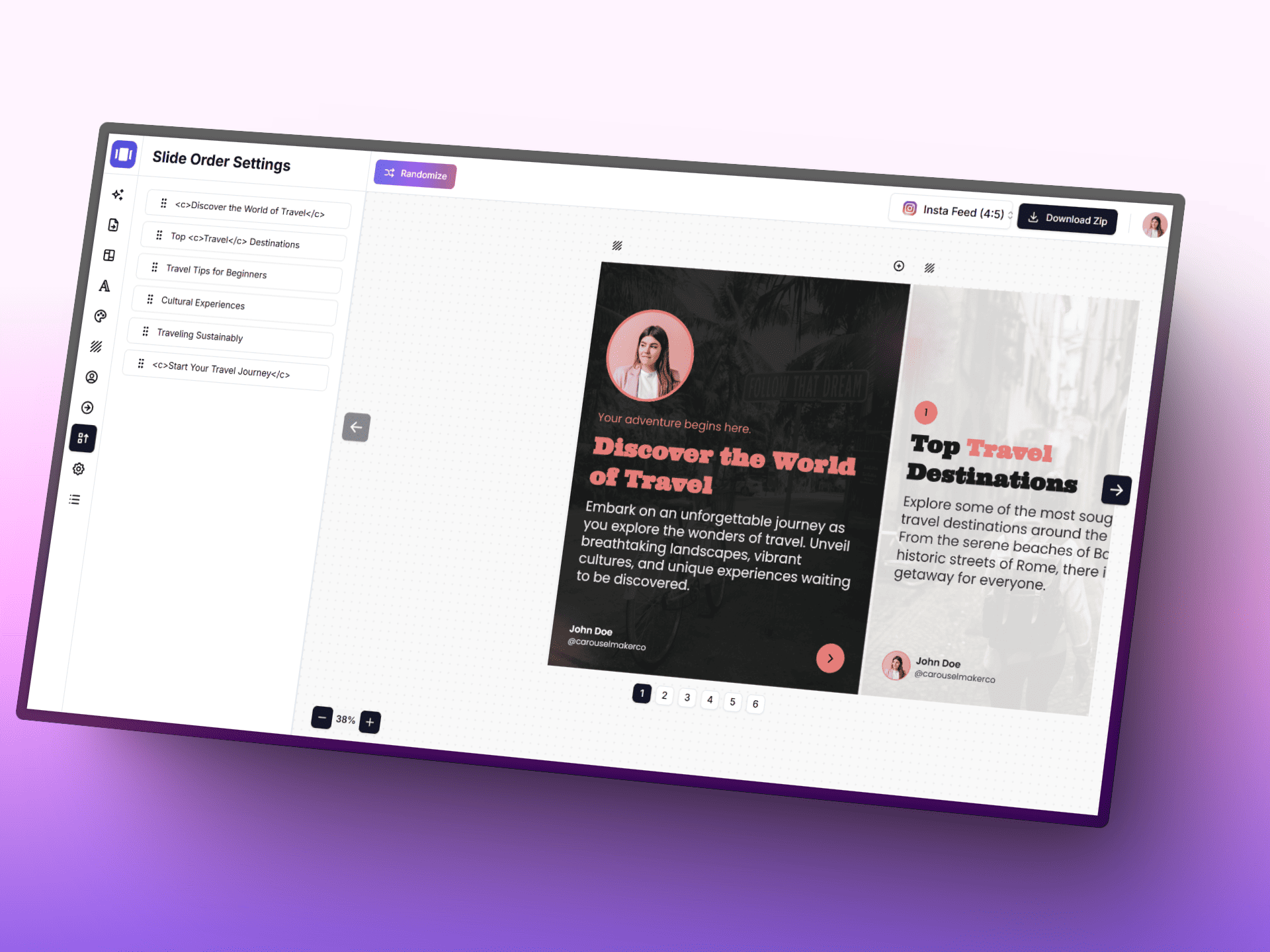
Biến ý tưởng thành bài đăng carousel chỉnh chu nhanh hơn với AI, trình chỉnh sửa tập trung và các mẫu có sẵn.
Upload lots of thumbnails at once and let the planner sort the order.
Switch between 9:16 and square to preview both portrait and pinned formats.
Export the grid as a PNG reference before scheduling your posts.
Sắp xếp lại hình ảnh sau khi tải lên
Place a high-contrast hook tile in the top-left so the first row reads as a quick teaser for the rest of your grid.
Group tall tiles into vertical columns so the grid alternates between motion-friendly and pause-friendly rows.
Alternate bright and muted palettes every other row to create a scroll-stopping rhythm across the profile.
Dedicate the first row to context-setting thumbnails so visitors instantly understand your niche.
Stack three step-by-step tiles vertically to make a single how-to impulse visible from the profile view.
Reserve a 3x2 block for POV-style clips so related takes feel like one curated experience.
Use the last row for trend-reactive tiles, leaving the top of the grid serene and on-brand.
Leave negative space on the lower third of each tile so titles remain readable when posted natively.
Repeat two anchor tiles every nine slots so recurring series stay findable from the grid.
Chuyển đổi bất kỳ chủ đề, URL hoặc văn bản nào thành bài đăng carousel chuyên nghiệp nhiều slide trong vài giây. Chọn từ các mẫu đẹp, tùy chỉnh màu sắc và phông chữ, và tải xuống slide sẵn sàng xuất bản.