

Instagram 动态规划器与网格预览
Drop in upcoming posts, see them on a realistic profile mockup, add captions and dates, and export a ready-to-post pack. Saved on your device — nothing is uploaded.
Profile
Select a post to edit it, or set up the profile mockup below.
Color palette
Add photos to see the palette of your grid.
网格完成度
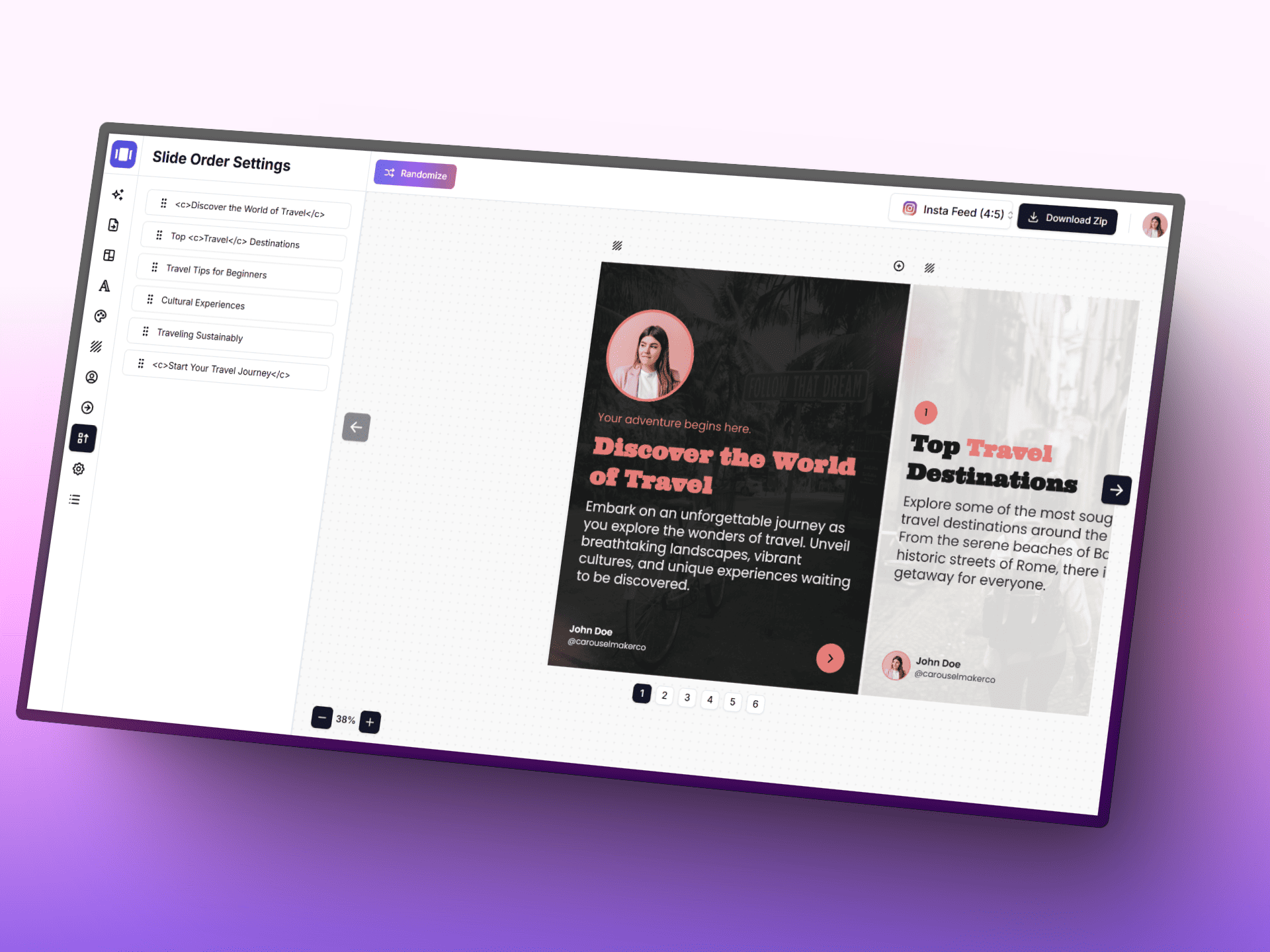
使用 AI 创建轮播图
借助 AI、专注的编辑器和现成模板,更快地将想法变成精致的轮播帖子。
Posting schedule
Posts with a planned date, in orderAdd a planned date to posts to build your schedule.
规划指南针
- • 每一行先放一个视觉锚点,让用户停下滚动。
- • 保持一个重复出现的视觉母题,提升主页辨识度。
- • 混合近景与广角画面,避免节奏单调。
智能流程
- • 1. 先完成 3x3 核心区,再扩展到季节性内容活动。
- • 2. 交替安排内容目标:教育、激励、转化。
- • 3. 发布前请在手机宽度下再次检查缩略图效果。
Grid tips
- • Instagram shows the profile grid at 3:4 — keep faces and text away from the top and bottom edges of 4:5 posts.
- • Use a guide (checkerboard, rows, columns) to decide where quote or text posts go, then fill the rest with photos.
- • Mark live posts so you can see exactly how the next row will land on top of what is already published.
xia yi bu
jiang ni guihua de grid bian cheng yifabu neirong
jixu shiyong wei Instagram workflow sheji de creator tools, cong carousel sheji dao caption he visual storytelling assets.
Instagram Carousel Generator
genju ni de neirong chuangyi zhizuo pinpaihua de duoye carousel.
dakai gongju ->
Post Generator
geng kuaisu di xie chu gaobiaoxian caption he post wenan.
dakai gongju ->
Infographic Generator
ba guanjianyaodian zhuanhuan wei qingxi de visual post, rang guanzhong keyi kuaisu saomiao.
dakai gongju ->
常见问题
关于 Instagram 动态规划器与网格预览,你需要了解的一切