

免费PDF转图片在线工具 - PDF转PNG、JPG、WebP
使用我们的免费在线工具将您的图片转换为PDF格式。支持JPG、PNG和JPEG格式。
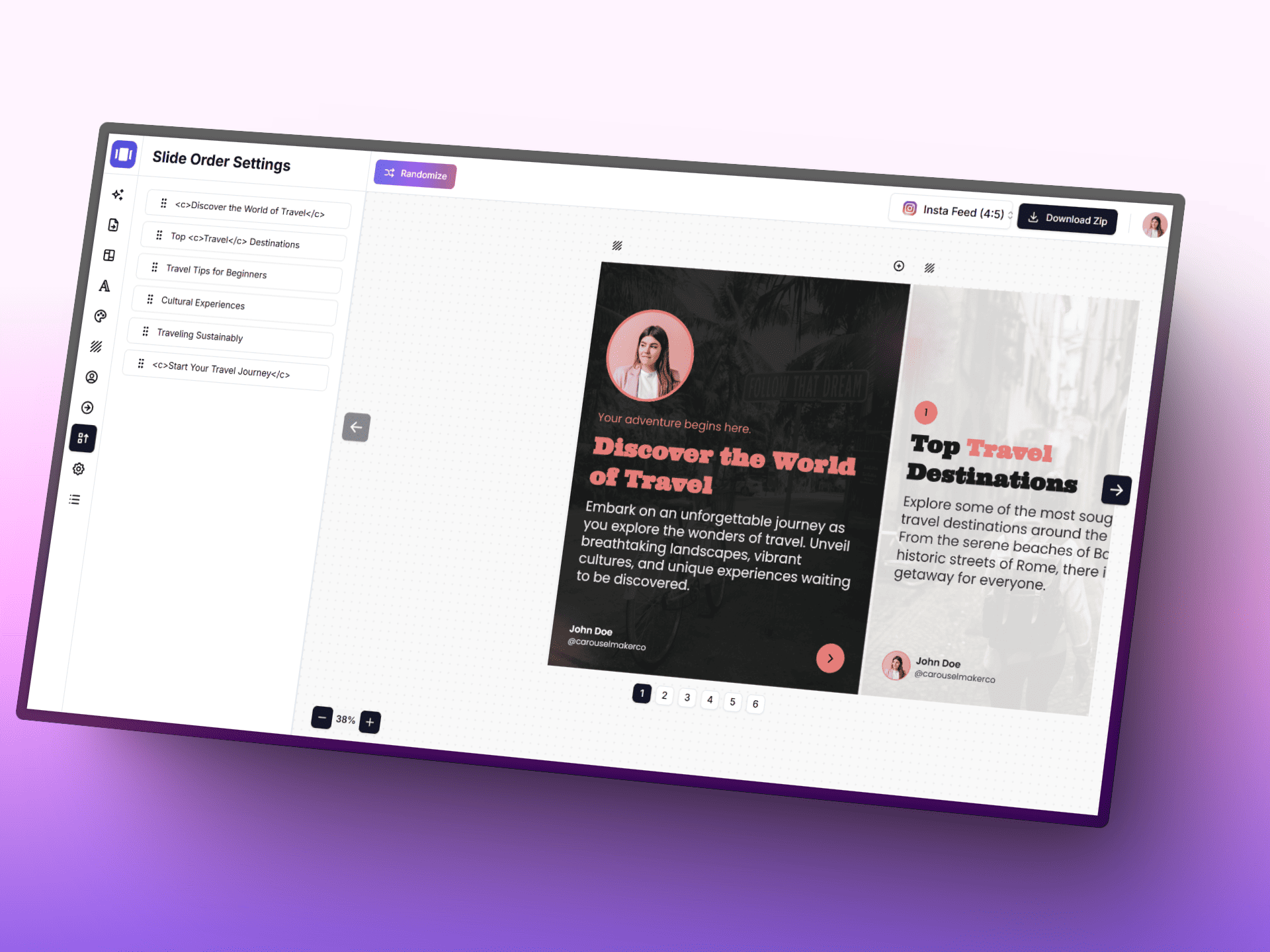
使用 AI 创建轮播图
借助 AI、专注的编辑器和现成模板,更快地将想法变成精致的轮播帖子。
How to Convert PDF to Images Online in 3 Simple Steps
1. Upload Your PDF Document
Click the upload area or drag and drop your PDF file into the converter. Our tool instantly processes all pages and generates preview thumbnails of each page for easy review before conversion.
2. Choose Your Image Format and Quality Settings
Select your preferred output format: PNG for best quality and transparency, JPG for smaller file sizes, or WebP for optimal compression. Adjust resolution scale (1x-4x) and quality settings to meet your specific needs.
3. Download Your Converted Images
Download individual pages as separate image files or get all converted images in a convenient ZIP archive. Each PDF page is transformed into a high-quality image file ready for immediate use in your projects.
Powerful PDF to Image Conversion Features
Multiple Professional Image Formats
Export to PNG (lossless quality), JPG (web-optimized), or WebP (advanced compression) formats
Ultra-High Resolution Output
Adjustable resolution scaling up to 4x (4K quality) for crystal-clear images perfect for print and digital use
Batch Processing & Download
Convert multiple PDF pages simultaneously and download all images individually or packaged in a ZIP file
Real-Time Page Preview
View instant thumbnails of all PDF pages before conversion to ensure perfect results
Advanced Quality Control
Fine-tune image quality and compression settings for optimal file size and visual clarity balance
100% Secure Browser Processing
All PDF conversion happens locally in your browser - your files never leave your device for maximum security
Why Choose Our Professional PDF to Images Converter?
Lightning-Fast Conversion Speed
Convert PDF pages to images in seconds, not minutes. Our optimized processing engine ensures rapid results with professional-quality output for documents of any size, from single pages to complex multi-page reports.
100% Private and Secure Processing
Your sensitive PDF documents never leave your device. All conversion processing happens locally in your browser, ensuring complete privacy and security for confidential business documents, personal files, and sensitive information.
Flexible Output Options for Every Need
Choose from multiple professional image formats and quality settings. Download individual pages for specific use cases or get all images in a convenient ZIP file for batch processing and workflow integration.
When to Convert PDF to Images
Business & Professional Use
- Converting PowerPoint presentation slides to web-ready images
- Extracting charts, graphs, and infographics from business reports
- Creating document thumbnails for content management systems
- Converting invoices and receipts to image format for accounting software
Personal & Everyday Use
- Sharing PDF pages as images on social media and messaging apps
- Saving important PDF pages as pictures for offline access
- Extracting images and visuals from PDF documents and eBooks
- Creating image backups of important PDF records and receipts
Educational & Academic
- Converting textbook pages to images for digital learning platforms
- Extracting diagrams and illustrations for educational presentations
- Creating study materials and flashcards from PDF documents
- Preparing visual aids for classroom presentations and lectures
Creative & Design Projects
- Extracting high-resolution pages for graphic design mockups
- Converting PDF portfolios to image galleries for websites
- Creating social media content from PDF presentations
- Preparing images for web development and responsive design
PDF to Image Converter Technical Details
Supported File Formats
Browser Compatibility
用AI创建令人驻足的LinkedIn轮播
在几秒钟内将任何话题、URL或文本转化为专业的多页轮播帖子。从精美模板中选择,自定义颜色和字体,下载可直接发布的幻灯片。


Frequently Asked Questions
All you need to know about the Image to PDF Converter